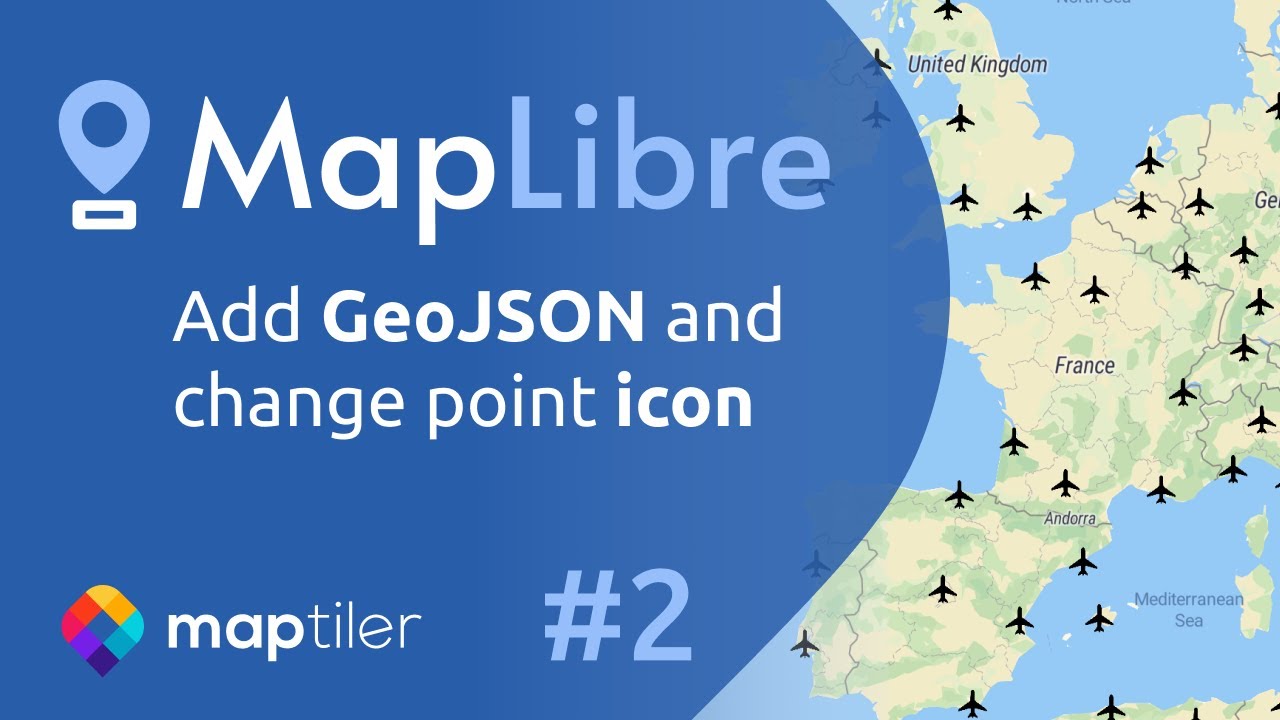
MapLibre | Add GeoJSON to your map and change a point icon using JavaScript #2
Автор: MapTiler
Загружено: 2021-09-28
Просмотров: 12040
Display GeoJSON on a map created by using MapLibre GL JS. A GeoJSON format can be used for showing multiple markers or points as airports on the map using JavaScript. You can easily switch to MapLibre and start to use vector maps instead of raster ones in your project.
Copy&paste the code from the video: https://maptiler.link/3JlwyiA
Have you missed the first video of this series? Click at • Видео
Useful links
Read MapLibre documentation: https://maptiler.link/366ezy0
Discover MapTiler Cloud: https://maptiler.link/3urqa39
Use vector data editor: https://maptiler.link/3LbUaXx
Sublime text editor: https://maptiler.link/36h7VVt
0:00 intro
0:30 What is GeoJSON
1:01 Add and display GeoJSON
2:10 Define icon
Thank you for watching this video.
If you find this video helpful, don't forget to like it and subscribe to our channel for the latest videos: https://maptiler.link/YT_Subscribe.
Follow us on
Twitter: / maptiler
Facebook: / maptiler
LinkedIn: / maptiler
Доступные форматы для скачивания:
Скачать видео mp4
-
Информация по загрузке:












![[2026] Feeling Good Mix - English Deep House, Vocal House, Nu Disco | Emotional / Intimate Mood](https://imager.clipsaver.ru/cxLdtvzf2sI/max.jpg)
