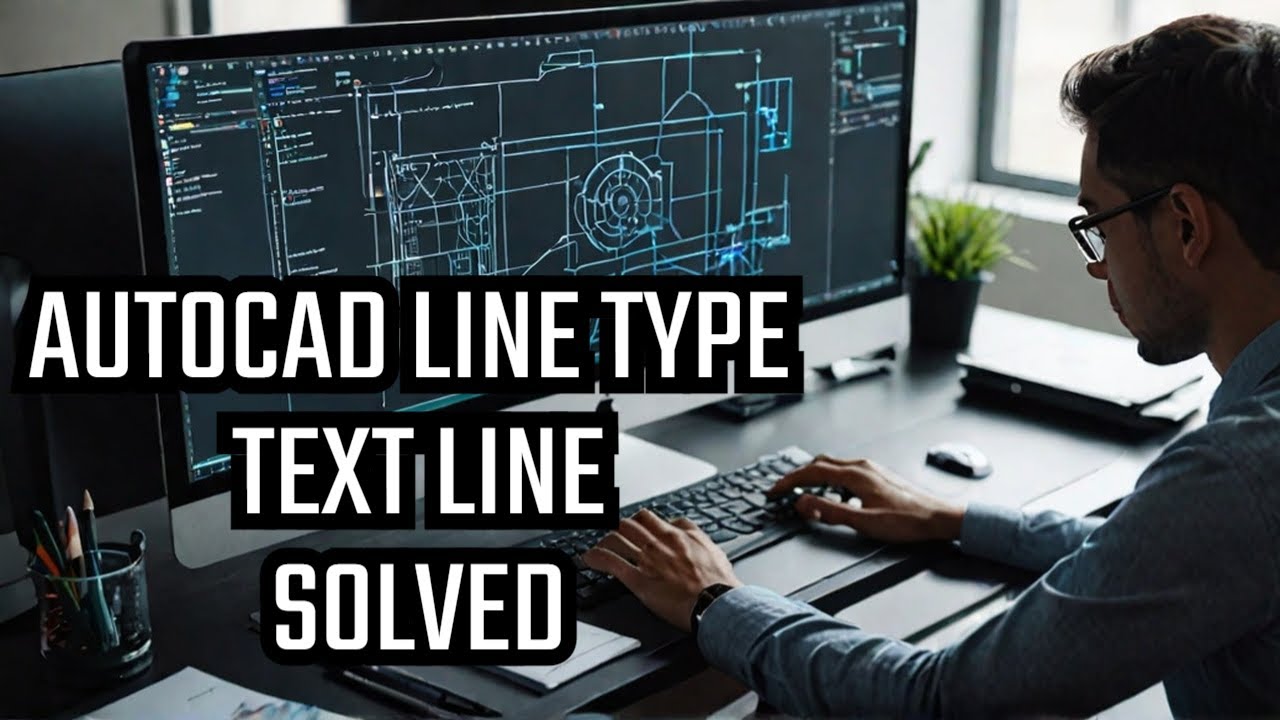
Overcome Text Line Challenges in AutoCAD
Автор: AutoCAD & Revit Tools
Загружено: 2022-01-14
Просмотров: 615
Simple line type is a combination of lines and text, whereas complex line type contains complex shapes.
Steps to create simple line type
1. Go to Express Tools - Make Line type
2. Give line type a file name; Gas line.lin. If you need to load a line in the line type list, this file .lin is used.
3. Give Line type name; GAS Line type. You will see this name in the line type list.
4. Next, Line type description
5. Specify starting point and end point
6. Select object
Select the line and text and hit enter.
7. Line type is created and it should be displayed in the line type drop down list.
https://www.bimlane.com/
MEP CAD & BIM SERVICES
Please contact +9189217521895
Доступные форматы для скачивания:
Скачать видео mp4
-
Информация по загрузке:





![[2026] Feeling Good Mix - English Deep House, Vocal House, Nu Disco | Emotional / Intimate Mood](https://imager.clipsaver.ru/cxLdtvzf2sI/max.jpg)