FGTENT-010 Branch FW CLI
Автор: JDLAB
Загружено: 2026-01-14
Просмотров: 125
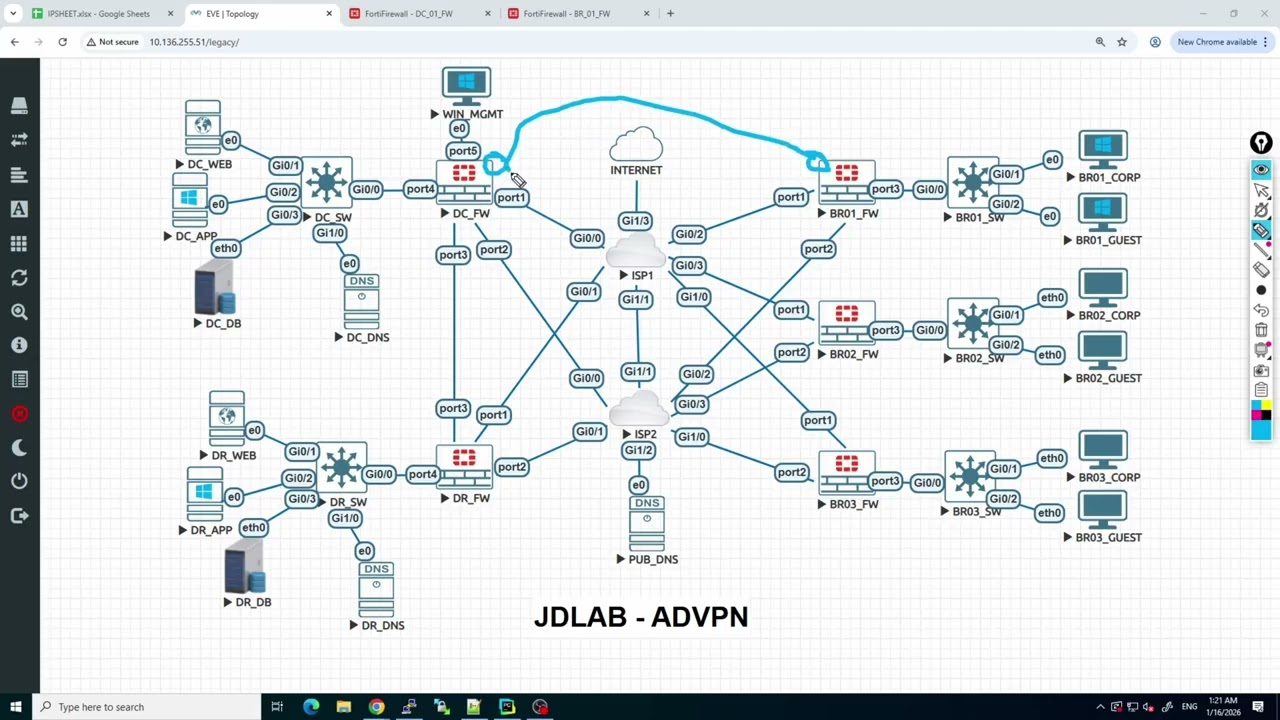
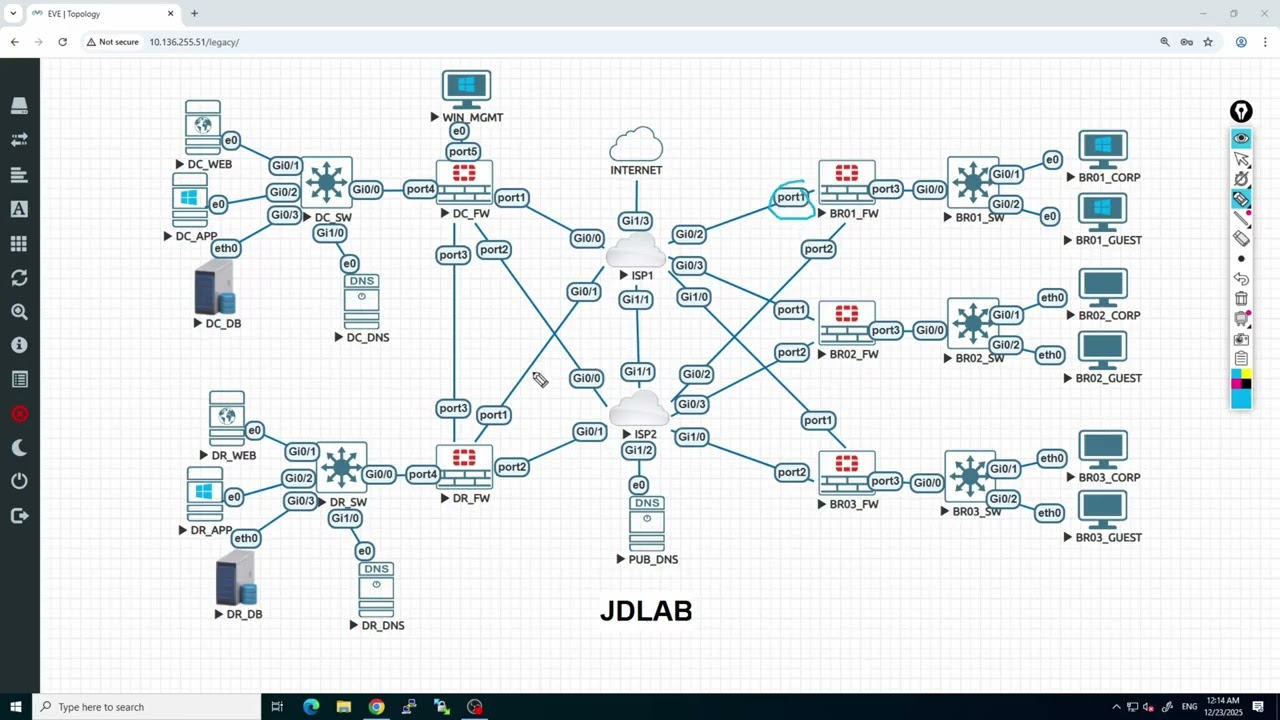
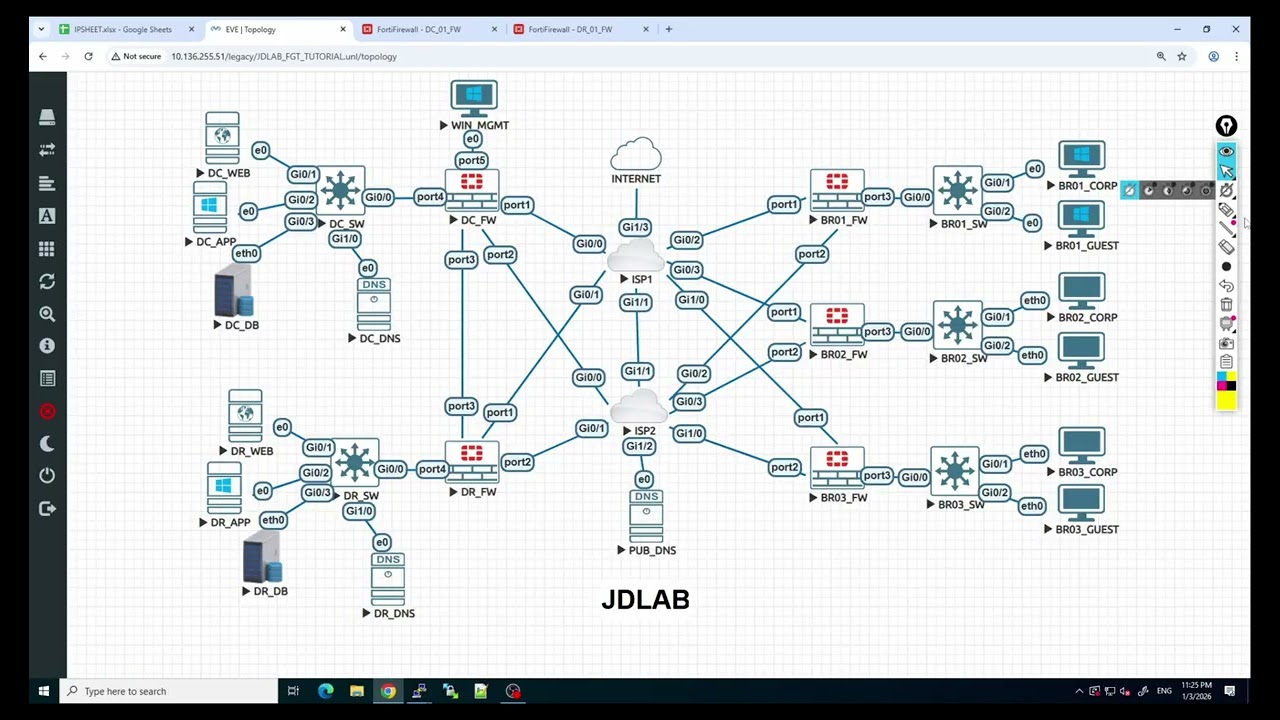
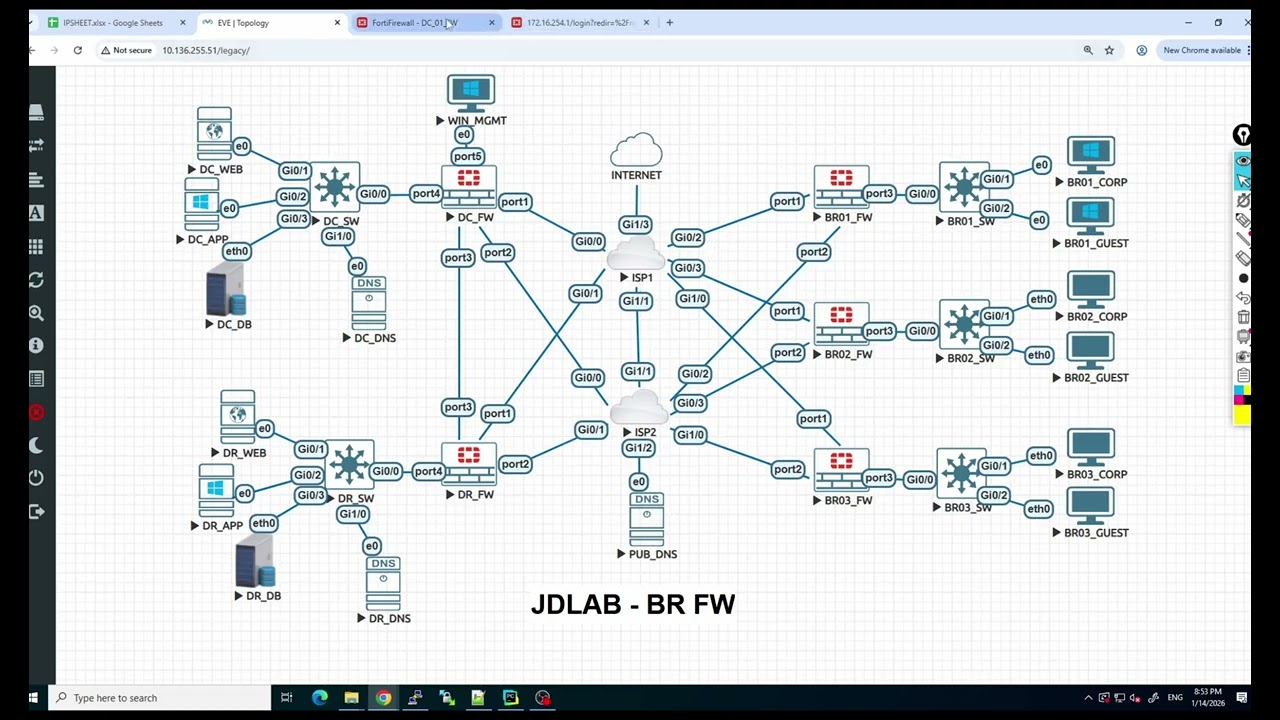
In this video, we move from Data Center (DC) to the Branch and focus on building a branch router/firewall configuration efficiently and consistently.
Instead of configuring everything from scratch, I:
Extract the CLI configuration from the DC firewall
Modify and adapt it for a Branch firewall
Create a reusable CLI template for Branch-1
Design the template in a way that can be scaled for multiple branches
Prepare it for automation using Python and an IP sheet
This approach reflects real-world enterprise deployments, where consistency, speed, and automation are critical—especially when rolling out multiple branch sites.
🔹 What you’ll learn in this video:
How to reuse DC CLI configuration for branch deployments
Key changes required when converting DC config to Branch config
How to design a branch CLI template
How this template can be dynamically modified using Python + IP Sheet
Best practices for scalable branch rollout
🔹 Why this matters:
Manual branch configuration is slow and error-prone.
This method allows you to:
Reduce configuration time
Maintain consistency across branches
Prepare your network for automation and mass deployment
This is the foundation for branch rollout automation, which we’ll continue expanding in upcoming videos.
#FortiGate
#NetworkAutomation
#BranchDeployment
#PythonForNetworking
#FirewallConfiguration
#EnterpriseNetworking
#SDWAN
#BGP
#NetworkEngineer
#RealWorldLabs
Доступные форматы для скачивания:
Скачать видео mp4
-
Информация по загрузке: