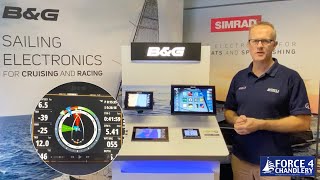
Creating a Route on a B&G Zeus Display
Автор: Everything Yacht
Загружено: 2019-01-14
Просмотров: 25283
In this video I demonstrate how to create a route and use the autopilot to navigate to and along the route.
I also make use of a temporary waypoint to navigate around a submerged wreck.
Autopilot modes:
A - Heading Hold, maintains a compass heading, course may change
Nd- No Drift, maintains a GPS course, heading may change
N - Navigation, is used when navigating to an active waypoint or routepoint
W - Wind, maintains a wind angle, heading and course may change
Wn - Wind Navigation, uses laylines to navigate to an active waypoint or routepoint
Follow Up - maintains a rudder angle
To create a temporary active waypoint to navigate to:
Place the cursor at the desired location then select
Menu, Go To, Go To Cursor

Доступные форматы для скачивания:
Скачать видео mp4
-
Информация по загрузке: