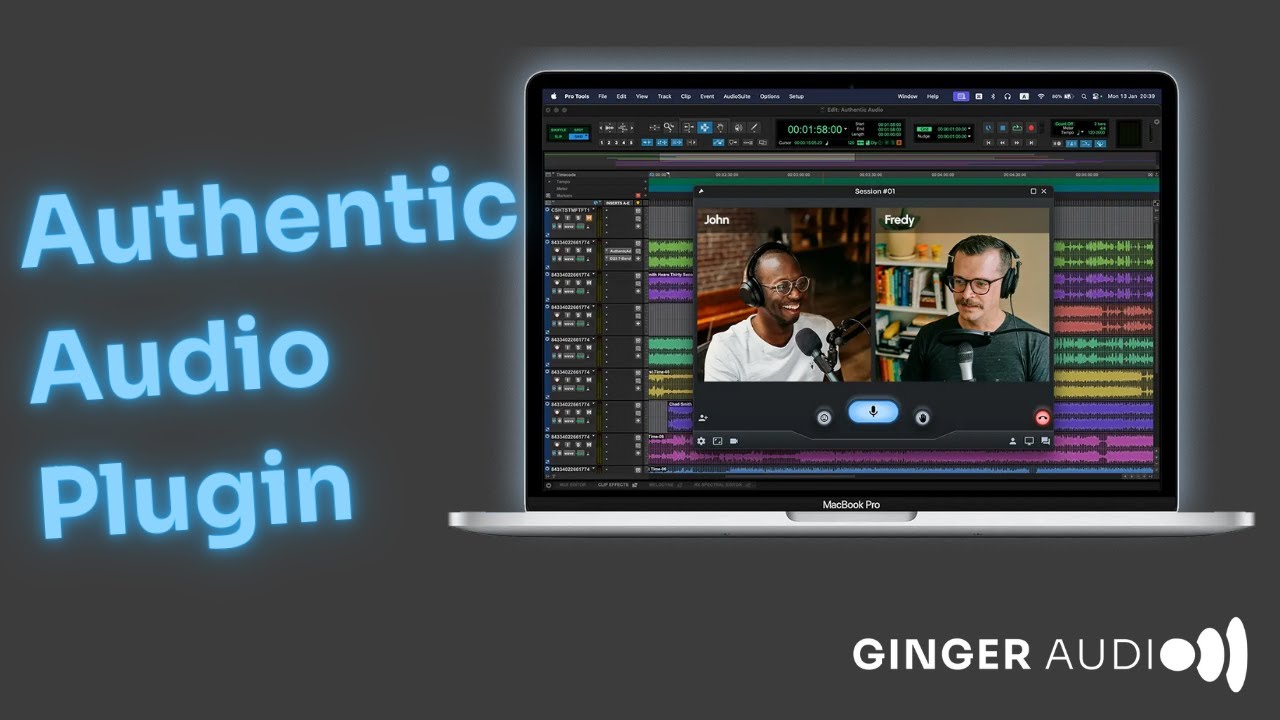
Authentic Audio Tutorial: Stream High-Quality Audio Remotely with Marcus Huyskens
Автор: Ginger Audio
Загружено: 2024-03-21
Просмотров: 1749
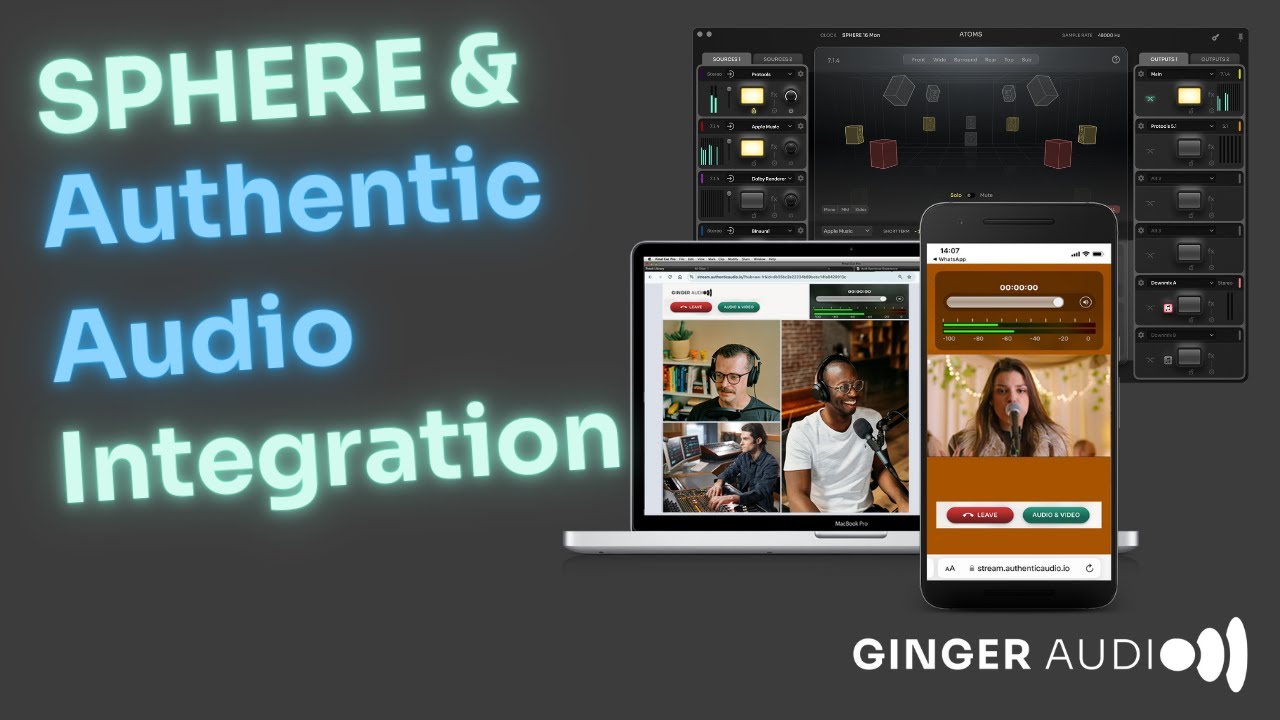
Marcus Huyskens dives deep into Authentic Audio by Ginger Audio, a real-time, high-quality audio streaming plugin that transforms collaboration in music production. Compatible with VST3, AAX, and Audio Units plugin formats, and accessible on supported web browsers across desktop and mobile devices, Authentic Audio opens up a world of possibilities. From setting up sessions to joining others' sessions with a simple URL link, Marcus covers every feature. Explore the ability to password protect sessions, adjust audio quality and latency, and even integrate video for a comprehensive collaborative experience. Learn how to manage TalkBack options, share screens for focused feedback, and adjust the high-quality audio stream for optimal listening. Whether you're joining from a mobile device or desktop, Authentic Audio ensures seamless integration and communication for producers and engineers alike.
Key Highlights:
-Introduction to Authentic Audio's seamless collaboration capabilities.
-Step-by-step guide on creating and joining sessions with URL links.
-Tips on managing audio quality, latency, and session security.
I-nsights into integrating video, managing aspect ratios, and screen sharing for effective communication.
Ideal For: Music producers, audio engineers, and anyone looking to enhance remote collaboration in their music production process.
#AuthenticAudio #MarcusHuyskens #MusicProduction #Collaboration #GingerAudio #AudioStreaming #RemoteCollaboration
00:00 - Intro
00:26 - Setting up a Session
01:05 - Quality and Latency Settings
01:51 - Setting up Video and Talkback
03:02 - Setting Aspect Ration for Video Call
03:12 - Disabling Video / Talkback Mic
03:32 - Reacting with Emoji's
03:48 - Raising a Virtual Hand
04:06 - Toggle Self View (Video)
04:21 - Screen Sharing Options
04:29 - Allowing OS Permissions (Mic, Camera, Screen)
05:13 - Authentic Audio on Mobile Devices
06:17 - Setting Talkback & HQ Levels
06:51 - Changing Aspect Ration on Mobile Devices
07:14 - Screen Sharing (Screen vs Window)
08:12 - Talkback Auto-Mute when HQ Audio Active
08:30 - Convenience of Mobile Devices with Authentic Audio
08:47 - Using Authentic Audio on Desktop Browsers
09:31 - Setting up Camera & Talkback Mic
09:50 - Balancing the HQ Audio with Talkback Mic
10:10 - Adjusting Video Aspect Ration on Desktop Browser
10:31 - Screen Sharing on a Desktop
12:00 - Sharing Multichannel Audio
13:21 - Online Collaboration in Immersive / Multichannel Formats
14:29 - Support For Any Application with AU, VST, AAX Plug-In's
15:01 - Outro
Доступные форматы для скачивания:
Скачать видео mp4
-
Информация по загрузке:




![Анонс обновления Logic Pro 12 [Logic Pro Help]](https://imager.clipsaver.ru/oMBNsWsvKfw/max.jpg)






![GroundControl CASTER: Incredible Audio, Incredibly Easy [Audio mixer for Mac]](https://imager.clipsaver.ru/4xxm4v-yPOQ/max.jpg)