What are Records in M-Code?
Автор: Ease My Finance Knowledge
Загружено: 2026-01-11
Просмотров: 14
Unlock the Power of Records in Power Query M-Code! 🚀
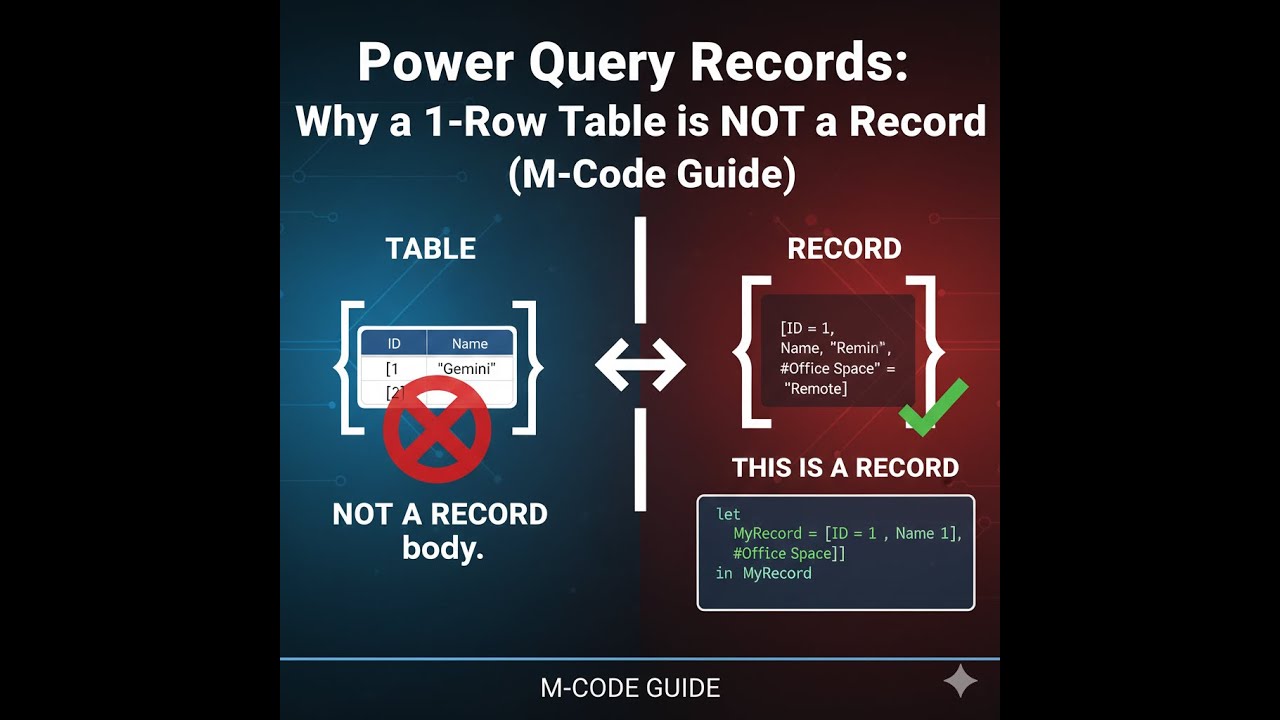
If you want to master Power BI or Excel Data Mashups, you must understand Records. Many users confuse a single-row table with a Record, but they are fundamentally different objects in the M language.
In this video, we break down exactly what a Record is, how to create them, and how to manipulate them using M-Code.
🔍 What is a Record?
A Record represents a single row of data, but it’s more than just a "row." It is a standalone object defined by Header-Value pairs. While a table can have one row, it is still a Table object—a Record is its own unique entity!
📝 Key Rules Covered in this Tutorial:
The Syntax: Records are always contained within Square Brackets [ ].
The Structure: Data appears vertically as Name/Value pairs, separated by commas (except the last item).
Nested Objects: A Record can hold other Records, Lists, or even entire Tables!
Naming Conventions: How to handle spaces, numbers, or special characters using the #"Column Name" syntax.
Extraction: Using TableName{RowIndexNumber} to turn any table row into a Record.
Merging Logic: Using the & operator to concatenate records and how Power Query handles "Latest Value" overrides when column names overlap.
Доступные форматы для скачивания:
Скачать видео mp4
-
Информация по загрузке:




![Камеди клаб [НОВЫЙ 2026] [full HD] Сборник избранных смешных и юмористических эпизодов | часть 5](https://image.4k-video.ru/id-video/hFezUJlKMmM)


