How to Convert Spot Colors to CMYK in Adobe Acrobat Pro (Prepress Tutorial)
Автор: Mike The Print Man
Загружено: 2025-12-14
Просмотров: 373
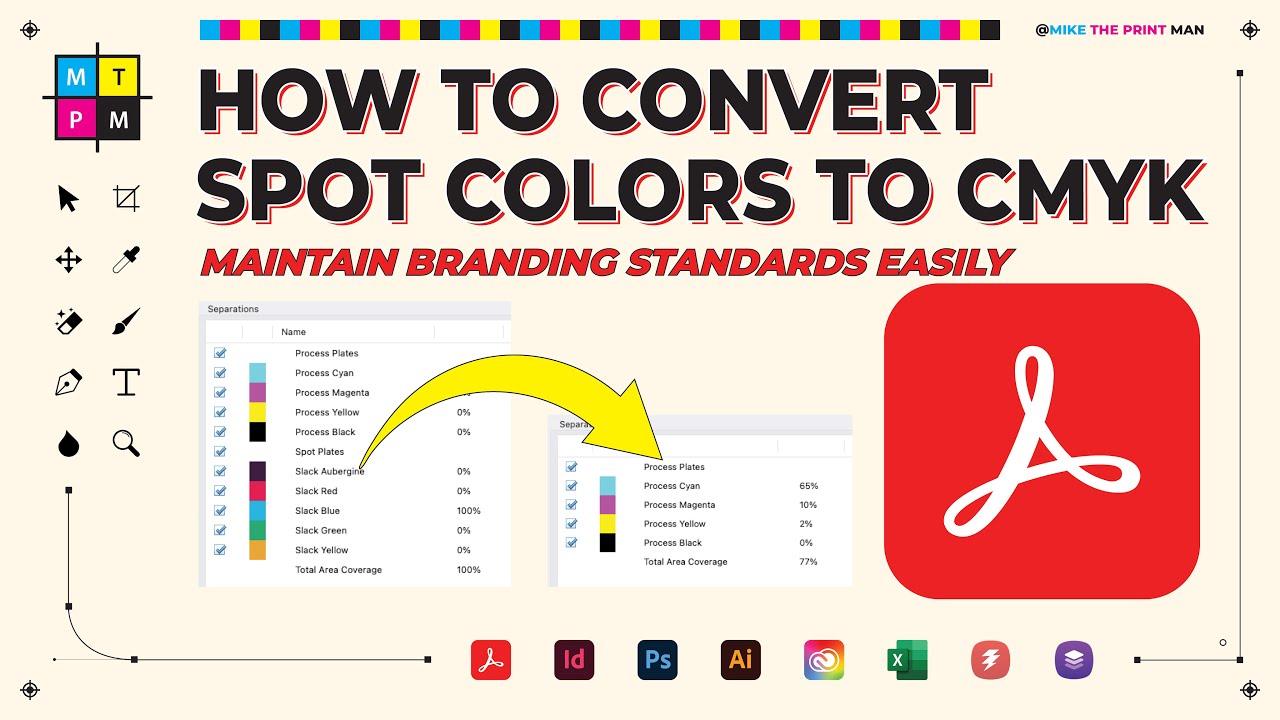
Struggling with color accuracy in print? In this Adobe Acrobat Pro tutorial, I show you exactly how to convert spot colors (like Pantone) to CMYK while maintaining perfect brand consistency.
We cover two essential methods: a quick automated conversion for general files, and a professional Preflight fixup for when you need to match specific CMYK values from a brand style guide.
In this video, you’ll learn:
How to use the Print Production toolset in Adobe Acrobat Pro.
The simple way to convert a PDF to Coated FOGRA39 or other CMYK profiles.
How to create a Custom Fixup to map spot colors to specific CMYK percentages.
Why your colors look different when converting from RGB-based spot colors.
Video Chapters:
0:00 Intro to Spot Color Conversion
1:04 Checking colors with Output Preview
1:45 Method 1: Simple Preflight CMYK Conversion
2:42 Why automated conversion sometimes fails
4:10 Method 2: Custom Mapping for Brand Guidelines
5:56 Manually entering CMYK values
7:18 Verifying the final results
8:43 Pro Tips for Prepress & Designers
Tools Mentioned:
Adobe Acrobat Pro DC
Print Production Tool
Preflight / Fixups
Connect with Mike The Print Man:
Please leave a super thanks if you find the videos helpful or entertaining and want to support the channel, or check me out on Patreon.
If you found this tutorial helpful, consider supporting the channel on Patreon:
/ miketheprintman
Subscribe for more Prepress, Printing, and Graphic Design tutorials!
#AdobeAcrobat #Prepress #GraphicDesign #CMYK #PrintingTips #Pantone #PrintProduction #PDFTutorial
Доступные форматы для скачивания:
Скачать видео mp4
-
Информация по загрузке: