What's The BIGGEST Mistake You're Making With Magic Mask Corrections?
Автор: Red Sparrow VFX
Загружено: 2026-01-03
Просмотров: 89
Welcome back to our "Advanced Color Grading in DaVinci Resolve" series!
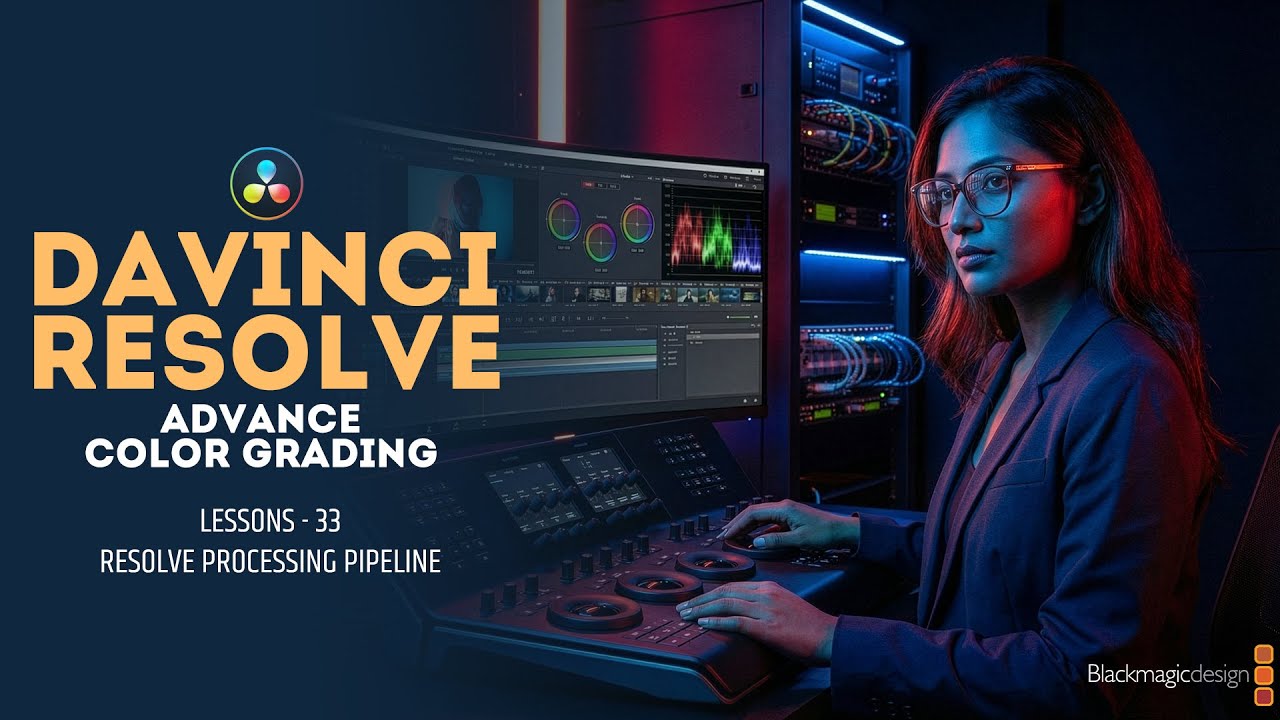
In today’s tutorial, we are diving deep into Magic Mask, one of the most powerful AI-driven tools in DaVinci Resolve. This feature allows you to make precise selections of people or objects in seconds, drastically speeding up your professional grading workflow.
What you will learn in this video:
How to use Person and Object Mask modes.
Step-by-step guide to tracking complex movements.
Refining your mask for perfect edges (Hair, Clothing, etc.).
Applying secondary color corrections to specific areas.
Pro tips for getting the best results with AI tracking.
If you want to take your cinematic color grading to the next level, this is a must-watch episode!
Watch the full series here:
• Color Grading Masterclass in Adobe Premier...
• Learn Adobe Premiere Pro in One Second | S...
Connect with me:
💙 𝐅𝐎𝐋𝐋𝐎𝐖 𝐌𝐄 :
Instagram- / krishan_ind. .
💙 𝐖𝐡𝐚𝐭𝐬𝐀𝐩𝐩 :
https://wa.me/919992122296
💙 𝐋𝐄𝐓'𝐒 𝐂𝐎𝐍𝐍𝐄𝐂𝐓 !
Facebook- / krishindora
Facebook Page - / redsparrowvfx
#DaVinciResolve #ColorGrading #MagicMask #VideoEditing #AdvancedGrading #ColorCorrection #Filmmaking #postproduction
DaVinci Resolve Magic Mask, Advanced Color Grading, Magic Mask Tutorial 2026, DaVinci Resolve 19 Magic Mask, How to use Magic Mask, Color Correction with Magic Mask, Secondary Color Grading, AI masking in DaVinci Resolve, Professional Color Grading Tutorial, Cinematic Look DaVinci Resolve, Object Tracking DaVinci Resolve,

Доступные форматы для скачивания:
Скачать видео mp4
-
Информация по загрузке: