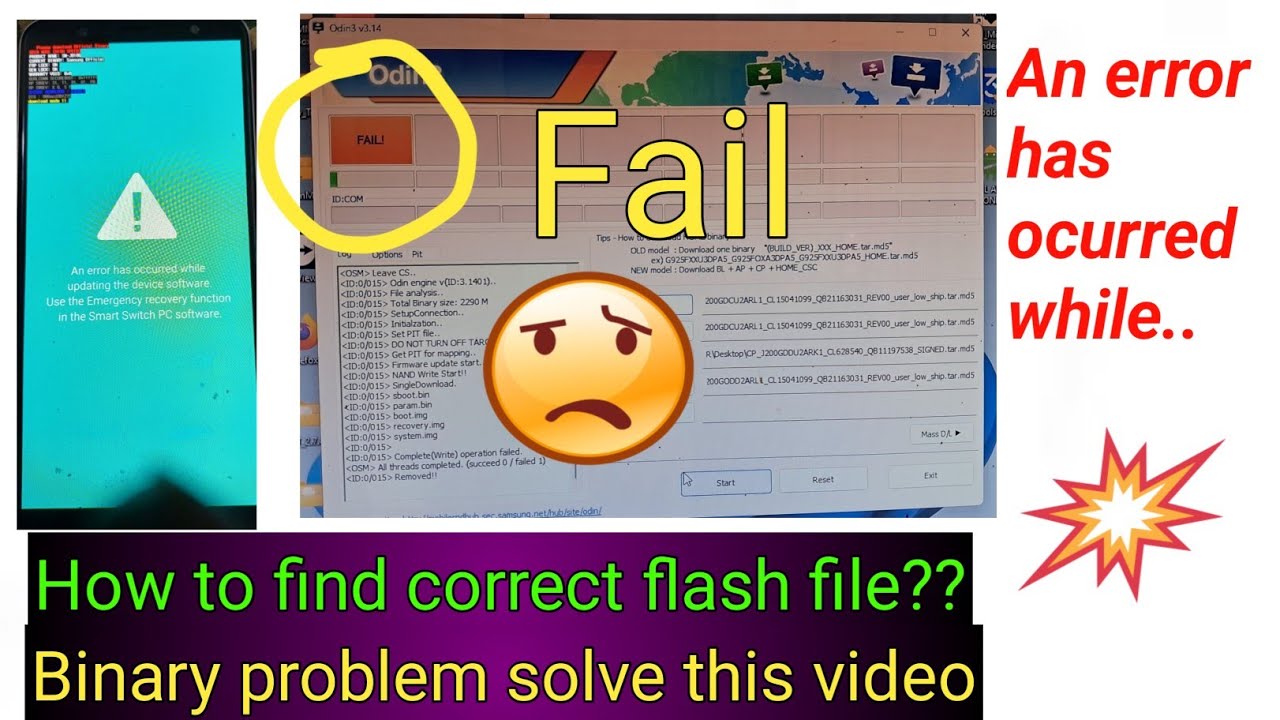
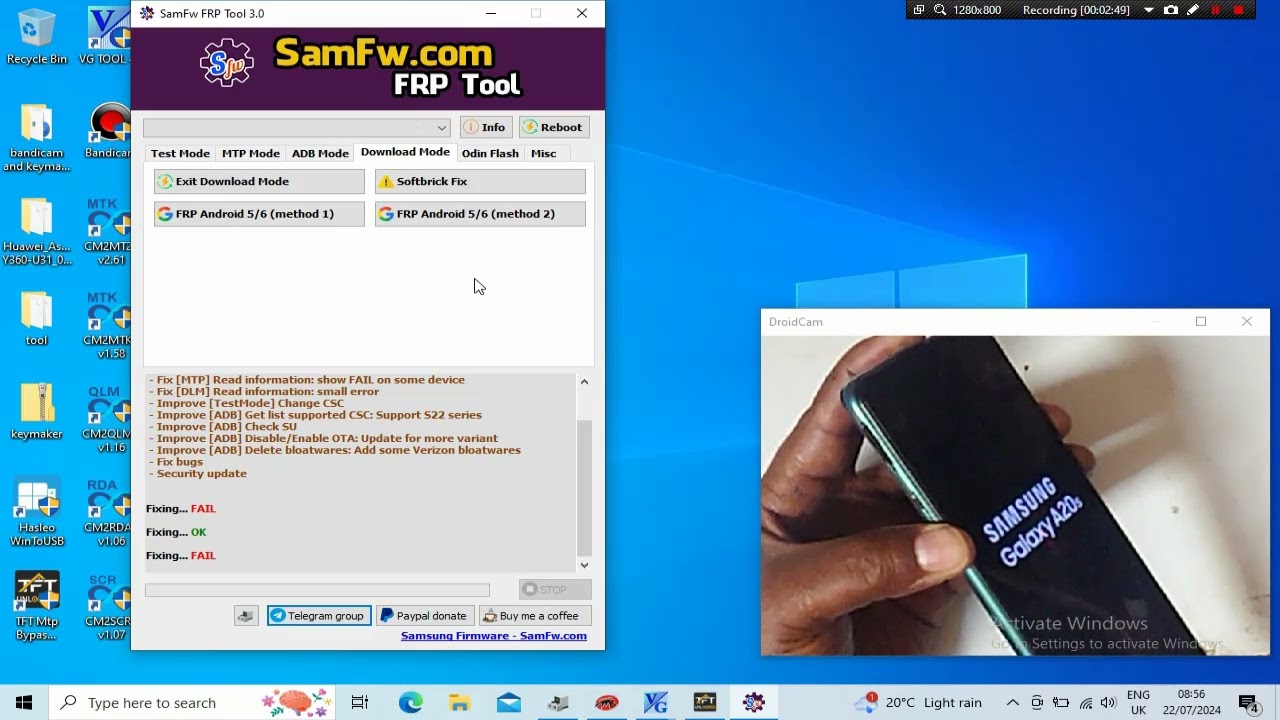
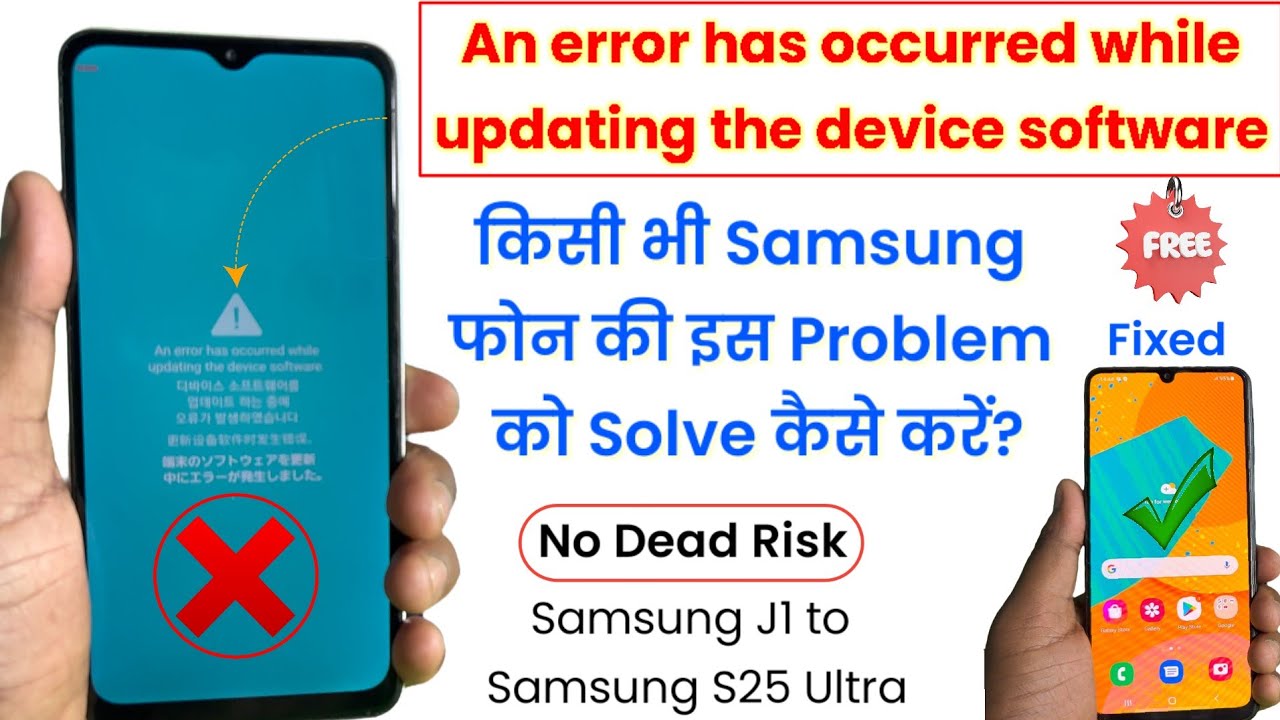
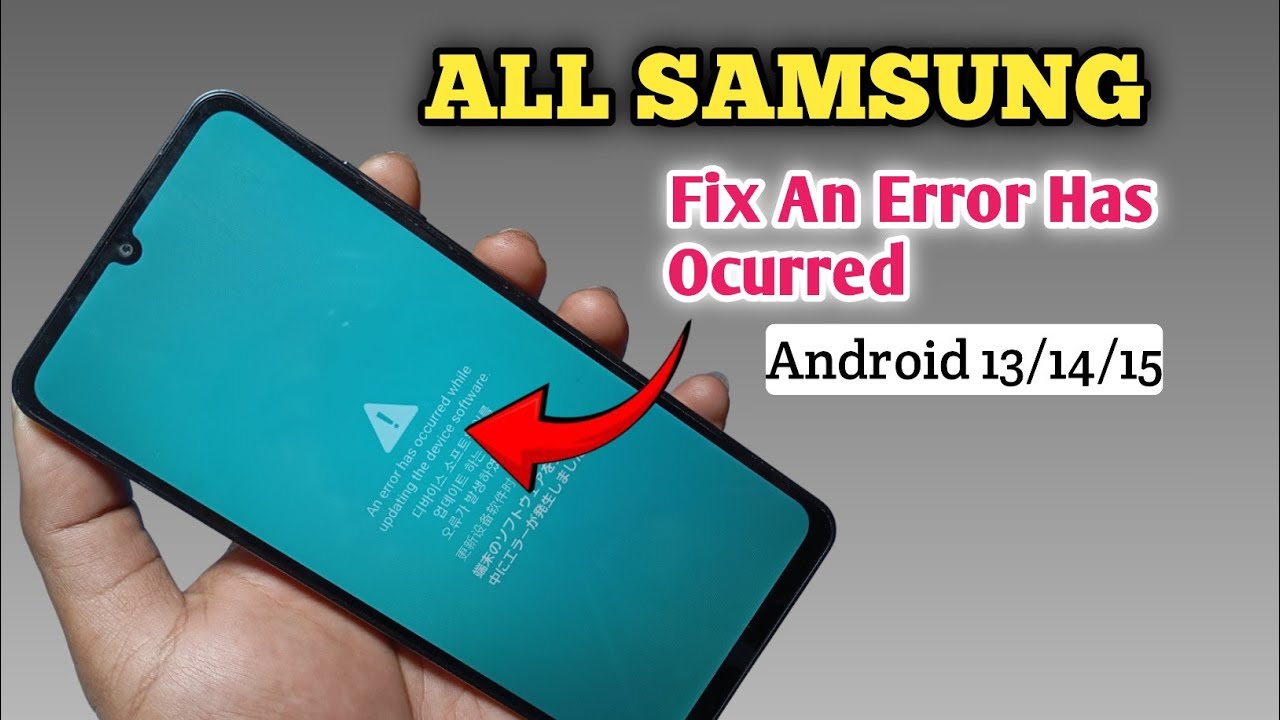
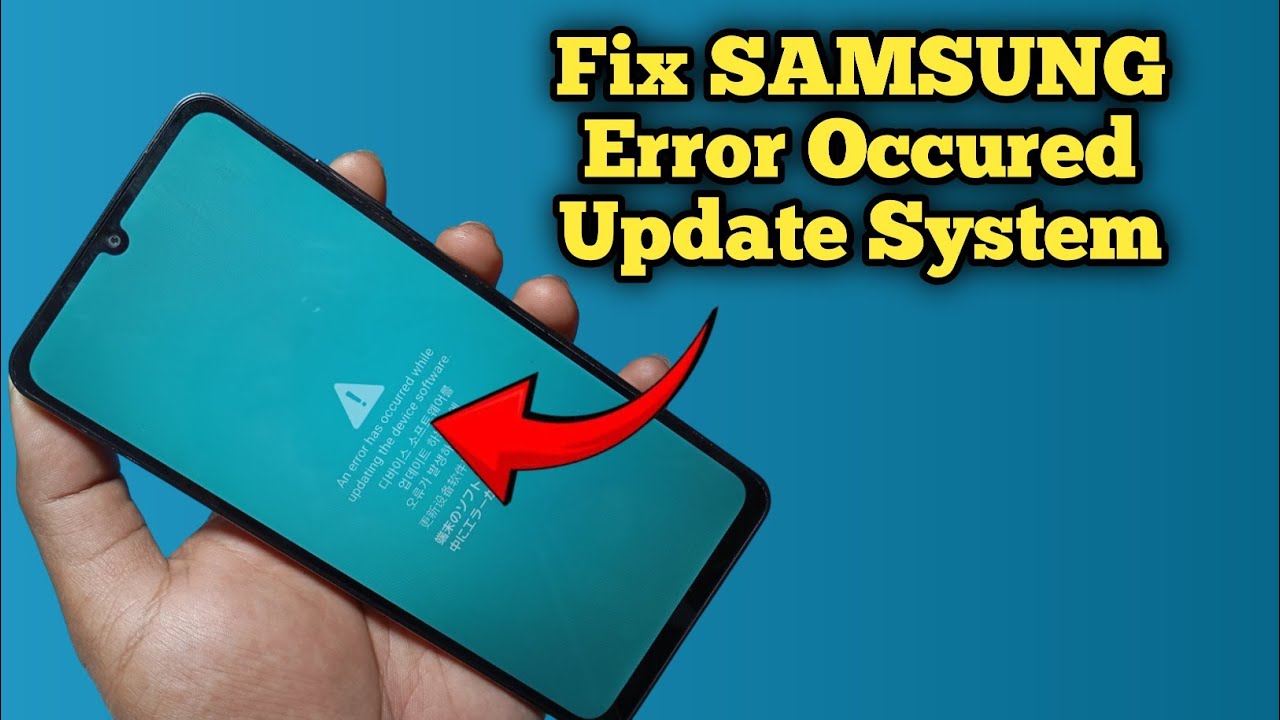
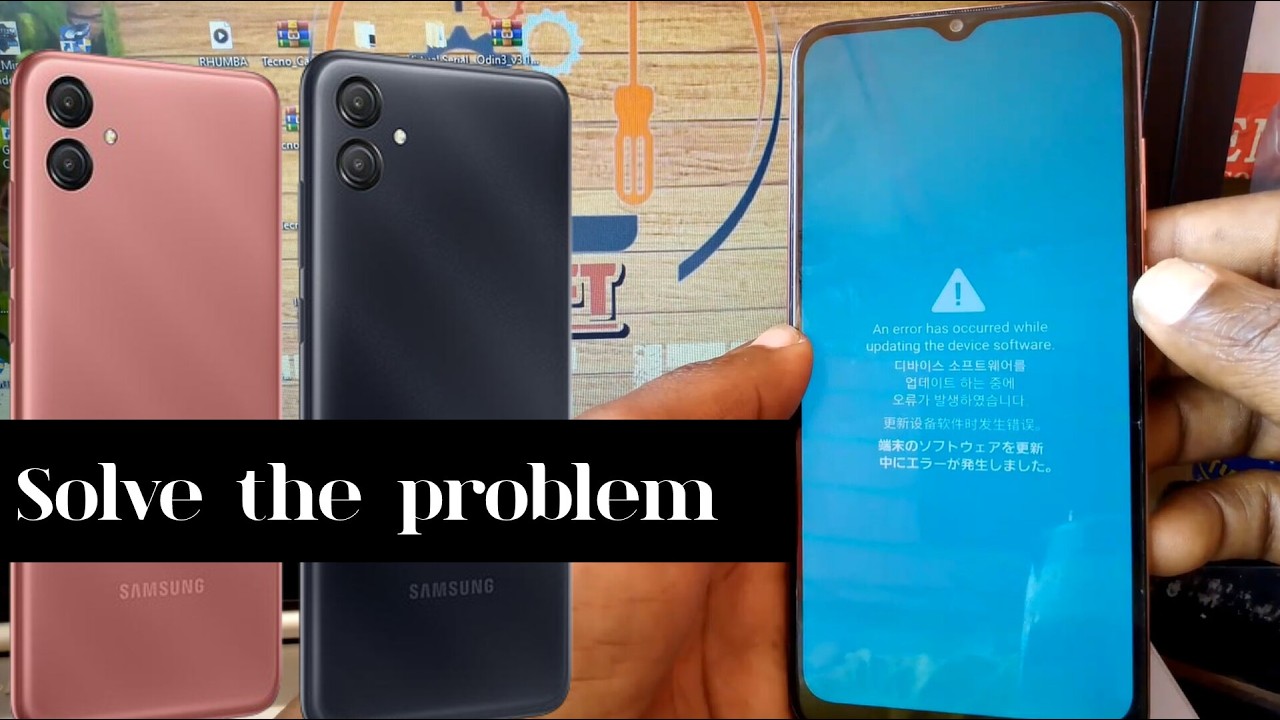
An error has occurred while updating the device software Problem Solution | Samsung Flashing Error
Автор: Become Flashing Expert
Загружено: 2025-04-05
Просмотров: 12291
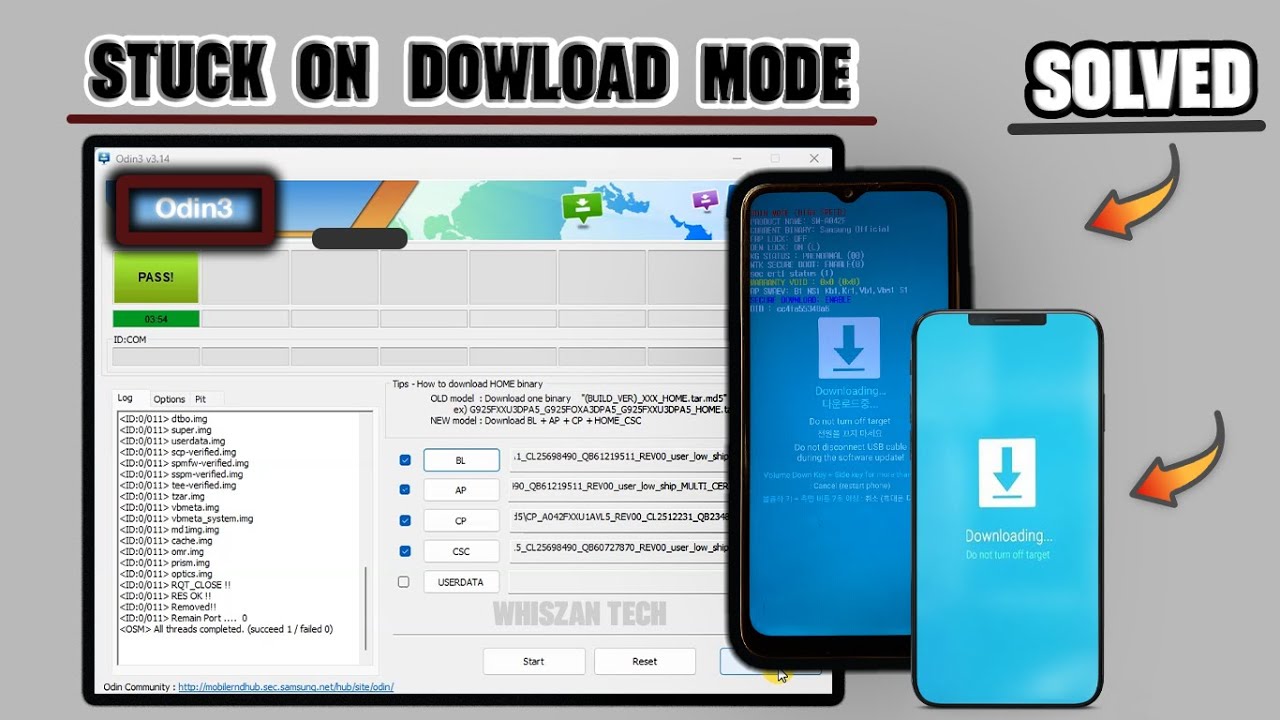
is video me aap seekhenge ki "An error has occurred while updating the device software" problem ko kaise solve kare, is video me maine step-by-step complete process bataya hai ki agar aapke paas Samsung company ka koi bhi phone hai aur usme ye error "An error has occurred while updating the device software" aa gya hai to aap ise ek free tool ki madad se sirf 5 minute me flashing karke solve kar sakte hain wo bhi bina kisi dead risk ke.
Free Tool : https://t.me/becomeflashingexpert/43
USB Driver : https://t.me/becomeflashingexpert/259
Reasons of this Problem 👇
1. Galat Firmware Flash Karne Se
Agar aapne apne phone ke model ke liye galat firmware file flash ki, to device update process me fail ho jata hai.
Example: Aapka phone SM-A125F hai, lekin aapne SM-A125M ka firmware flash kar diya.
2. Incomplete ya Corrupt Firmware File Se
Agar firmware download karte waqt file puri download nahi hui, ya extract karte waqt koi file missing ho gayi, to flashing ke time error aata hai.
3. Bootloader Lock ya Security Restrictions Se
Naye Samsung phones me bootloader lock hota hai ya FRP (Factory Reset Protection) enabled hota hai. Agar aap custom ya unofficial firmware flash karte ho to phone protect hone ke liye update fail kar deta hai.
4. USB Communication Error Se
Flashing ke dauraan agar USB cable ya port me dikkat aayi (disconnect, loose contact), to flashing ruk jata hai aur error aata hai.
5. Odin Software Ki Galti
Kabhi-kabhi Odin tool ki purani version ya wrong settings (jaise "Repartition" checked ho) flashing fail karwa deti hai.
6. Phone Ki System Partition Corrupt Ho Gayi Ho
Agar pehle se hi phone me software problem ya system partition corrupt hai, to naya firmware update properly install nahi ho pata.
Доступные форматы для скачивания:
Скачать видео mp4
-
Информация по загрузке:







![[EASY STEPS] Fix An Error Has Occurred While Updating The Device Software](https://imager.clipsaver.ru/1yXQUFrEWg4/max.jpg)