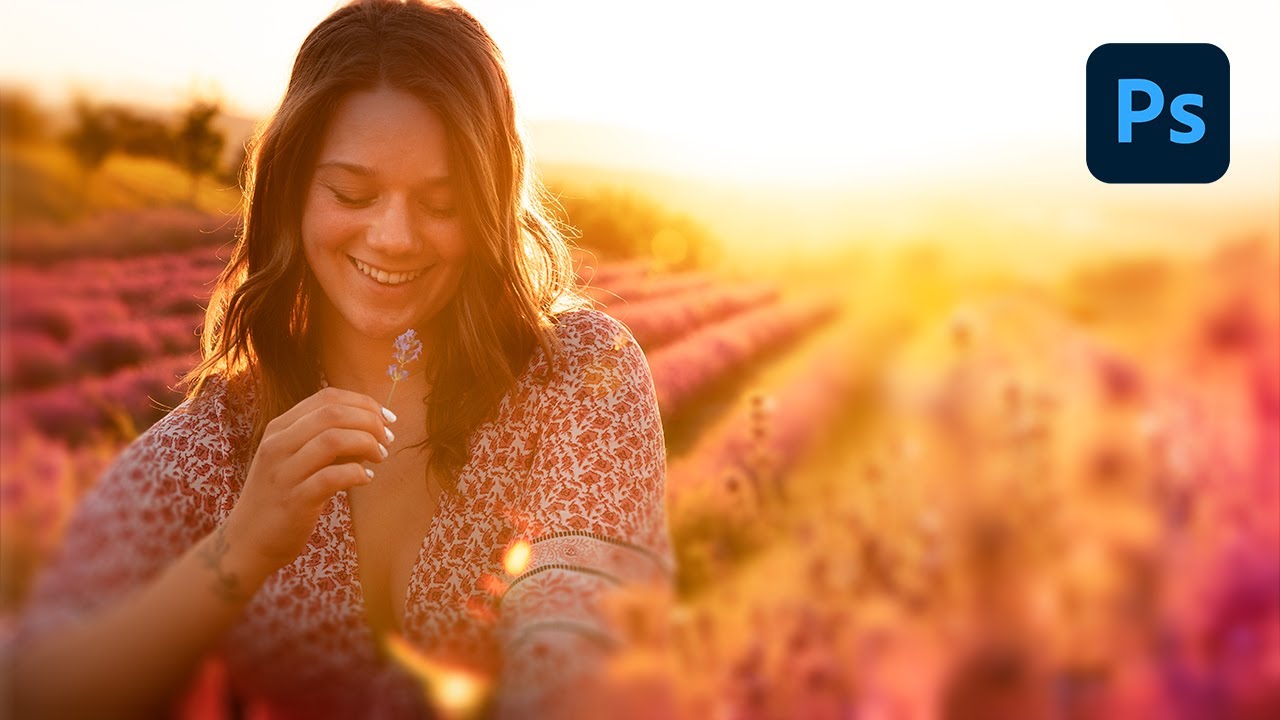
How To Edit Soft And Dreamy Photos In Photoshop
Автор: Brendan Williams
Загружено: 2023-01-13
Просмотров: 3604
Save Time Creating This Effect Using This PS Action: https://www.bwillcreative.com/product...
Learn 6 Powerful Photoshop Tricks In My Free Ebook: https://learn.bwillcreative.com/the-p...
-------------------------------------------------------------
In this Photoshop tutorial you’ll learn how to make photos look soft and dreamy using a variety of filters and adjustment layers that are quick and easy to create. Starting with Camera Raw and an Iris Blur, you can start to lay the foundation for your soft and glowing effect. From there, you’ll see how to enhance your colors using adjustment layers, then finally using a special addition called the Orton Effect to tie your glowing photo edit together.
——————————————————————————
Music Provided By: https://audiio.com/
My Instagram: / brnwills
Find More Tutorials Here: https://www.bwillcreative.com/
------------------------------------------------------
Timestamps:
0:00 Adding A Radial Filter In Camera Raw
2:10 Adding An Iris Blur
3:21 Adding A Light Glow
4:20 Enhancing The Dreamy Colors
4:43 Creating The Orton Effect
6:44 How To Speed Up The Process
Доступные форматы для скачивания:
Скачать видео mp4
-
Информация по загрузке: