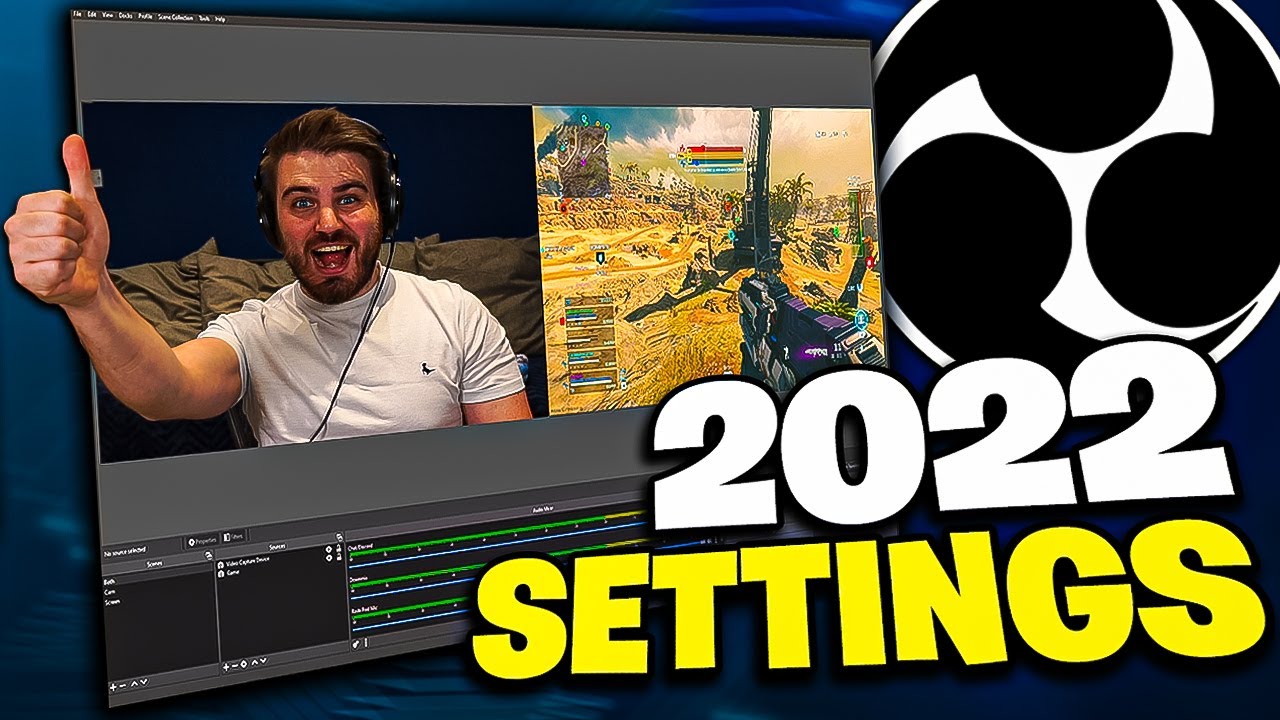
OBS BEST Recording Settings ⚙️ 2022 (+ Separate Facecam & Gameplay!)
Автор: FourEyes
Загружено: 2022-09-23
Просмотров: 96973
▶ Free Download for DemoCreator, the Screen Recording & Video Editing Software: https://bit.ly/3Ss5KBm
▶ Learn more Tutorials about Wondershare DemoCreator on their YouTube channel: https://bit.ly/3w1OIRV
Wondershare DemoCreator makes it simple to stream gaming, virtual events, and anything else on your PC screen. It allows you to record HD Video and capture up to 120 FPS Video.
#PresentwithDemoCreator, #Wondershare, #democreator
These are the BEST OBS Recording Settings in 2022 to record any PC game in High Quality with no lag or FPS drops. I'm also going to show how to separate your facecam & gameplay in OBS so that you can edit them individually in your editing software! These best recording setting for OBS are without a doubt going to improve your YouTube videos in the future!
🤜 SUB TO THE CHANNEL
http://bit.ly/SubToFourEyes
💥 TWITTER
/ foureyesgames
• OBS BEST Recording Settings ⚙️ 2022 (+ Sep...
• OBS BEST Recording Settings ⚙️ 2022 (+ Sep...
Доступные форматы для скачивания:
Скачать видео mp4
-
Информация по загрузке: