Learn how to create Leather Patterns Using Affinity Designer & Lightburn! Laser-Ready! Leather Craft
Автор: Baron Leather Craft
Загружено: 2024-11-18
Просмотров: 4282
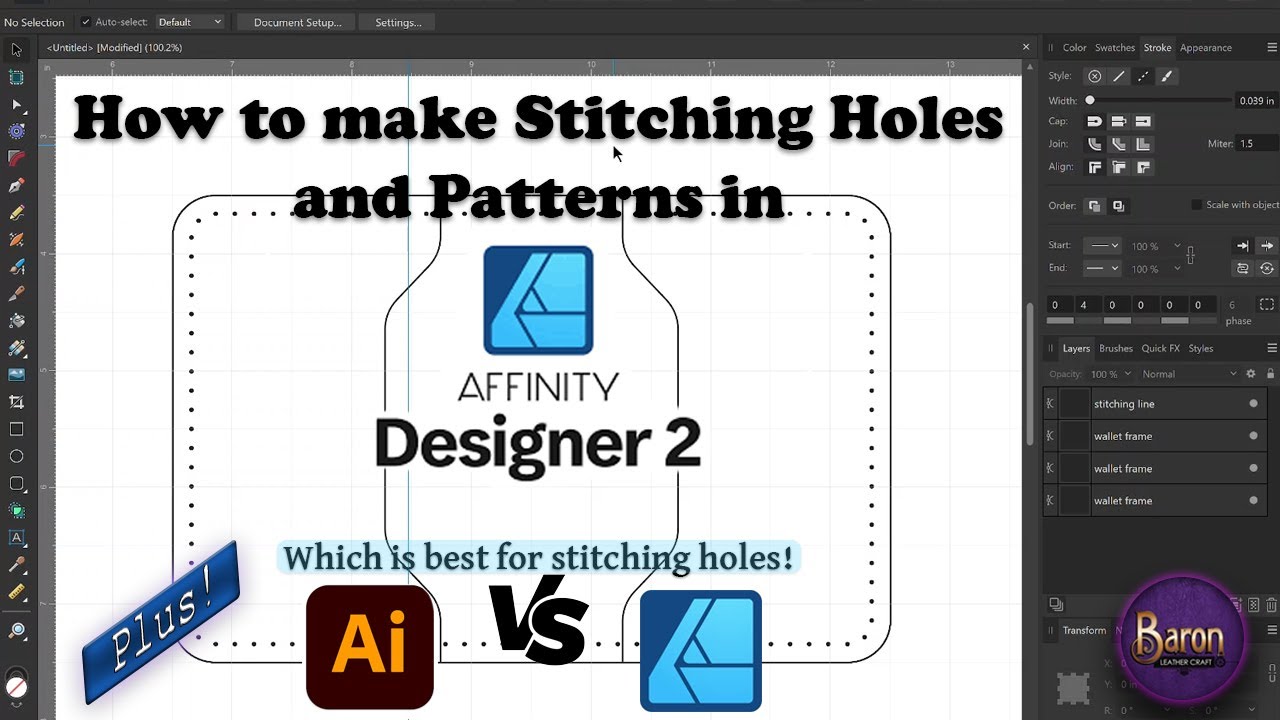
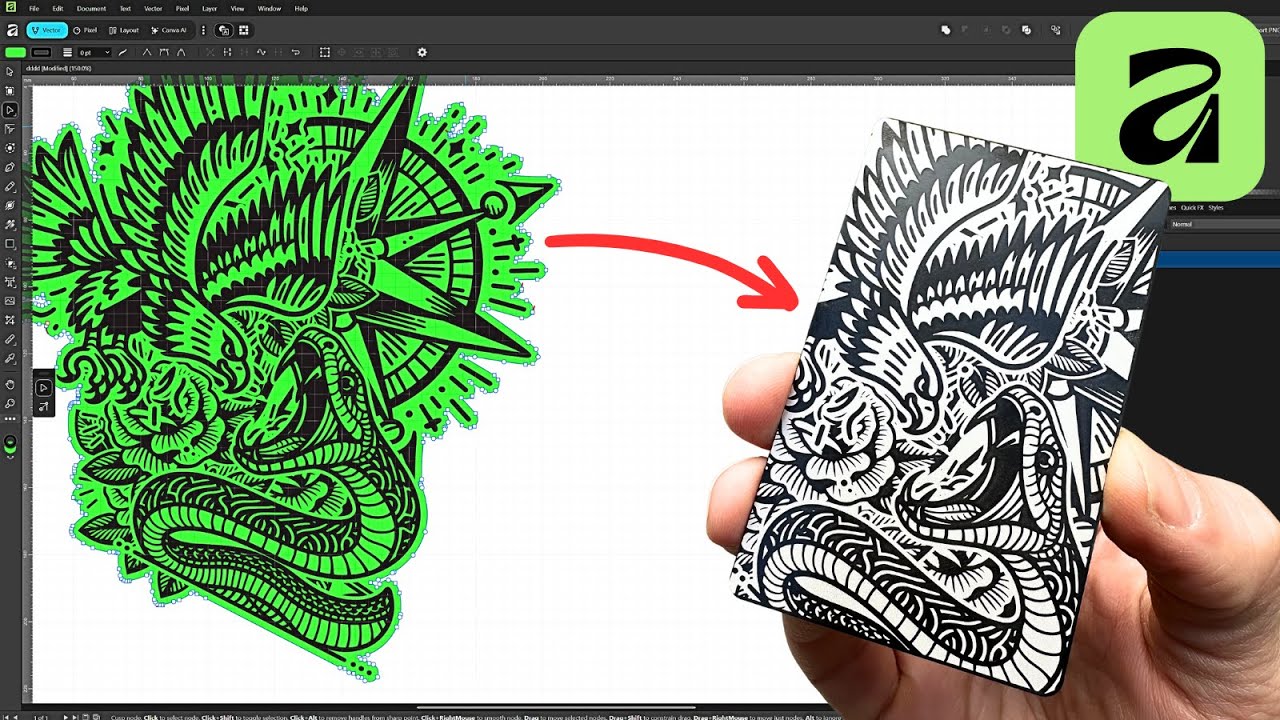
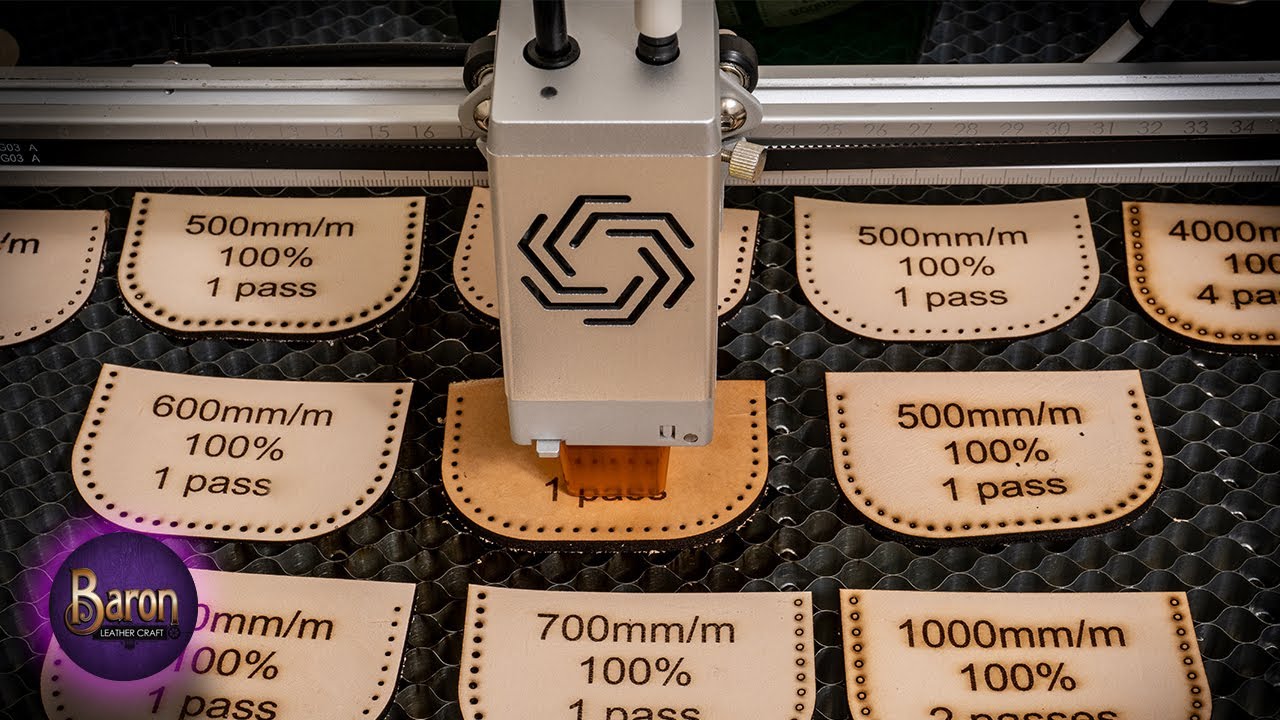
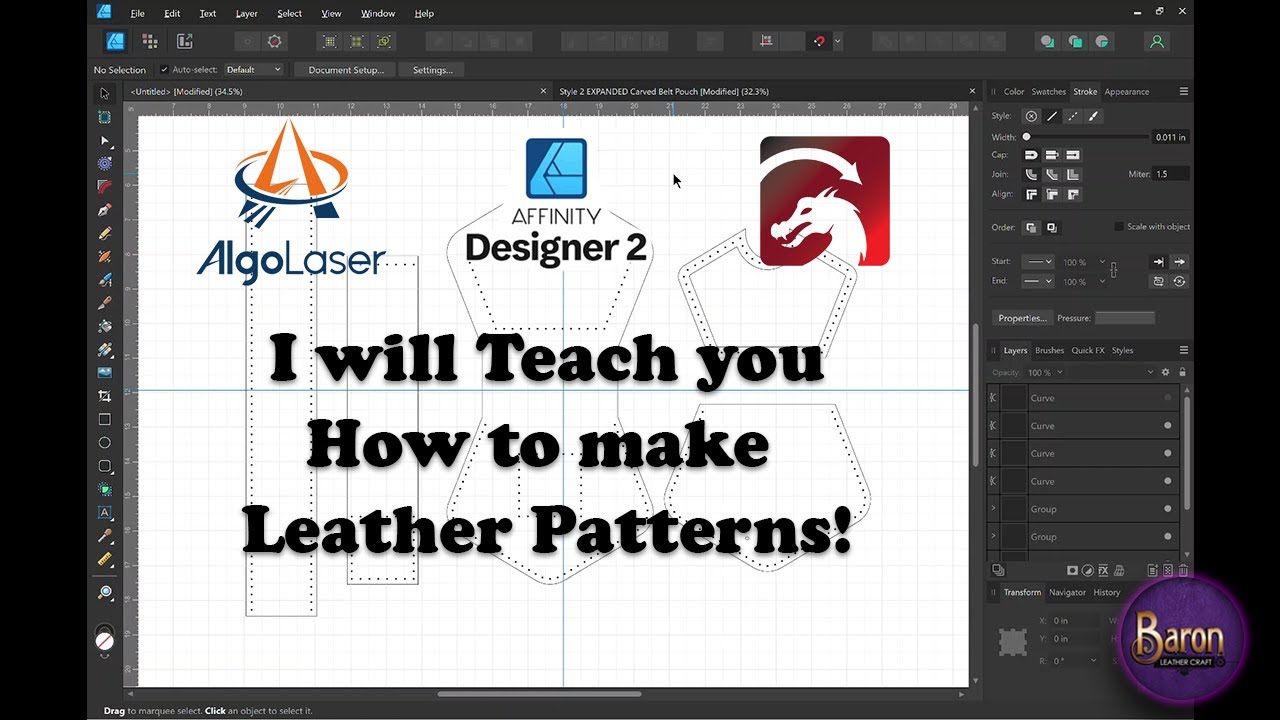
Making leather patterns. In this tutorial, we’ll walk you through the process of designing and creating custom leathercraft patterns with stitching holes ready for laser engraving! Using Affinity Designer 2, Lightburn, and the powerful AlgoLaser Delta 22W and DIY Kit 10W lasers, you’ll learn how to bring your designs to life from start to finish. Whether you’re a leatherworking pro or a beginner, this guide will help you take your craft to a more personal level. Of course I will share with your how to create stitching holes for patterns with gussets that will line up on each pattern piece. It is a different technique when dealing with gussets then wallets. Let me show you!
In this video, you’ll learn how to:
☢ Create laser-ready patterns in Affinity Designer 2!
☢ Avoid pitfalls like uneven stitching holes and disconnected objects!
☢ Prepare and optimize designs for leathercraft in Lightburn!
☢ Use the AlgoLaser Delta 22W and AlgoLaser DIY Kit 10W for precise and high-quality cuts and Engravings!
Gear Used in This Video:
Affinity Designer 2 for pattern creation - FREE 6 months trial! Enough time to learn how to use it! https://affinity.serif.com/en-us/desi...
Lightburn for laser settings and export - https://lightburnsoftware.com/
AlgoLaser Delta 22W and AlgoLaser DIY Kit 10W for powerful laser cutting and Engraving
Subscribe for more tutorials on laser engraving, leathercraft, and creative design projects!
Click Here: / @baronleathercraft
Here is my affiliate link to the Algolaser. They are having a black Friday sale now.
You can try to use this coupon code but the sale might be a better discount until December 6th :
( Code: BK50 ):
Algolaser Delta: https://algolaser.com/products/algola...
Algolaser DIY KIT MINI : https://algolaser.com/products/algola...
Algolaser Alpha 22w & 10W : https://algolaser.com/products/algola...
On Amazon Algolaser Delta: https://www.amazon.com/dp/B0CFY8HH2B
My Amazon affiliate links. Ordering from these links help support the channel at no additional cost! Items I used in this video:
🔥My Affiliate shop: https://www.amazon.com/shop/baronleat...
COME ENJOY MY ETSY SHOP
======================================================
ETSY: https://www.etsy.com/shop/baronleathe...
BARON LEATHER CRAFT SOCIAL MEDIA
======================================================
FACEBOOK: / baronleathercraft
INSTAGRAM: / baronleathercraft
00:00 Intro
01:56 Exploring the Belt Pouch Pieces
03:17 Lets Get Started!
06:46 Rounding out the Corners
10:44 How Not to make your Stitching Holes!!!
15:52 How to make Stitching Holes with Affinity Designer 2
20:25 Making the Main Body Part
22:14 Making Space for the Gusset
26:19 Combining Shapes
27:41 Adding Stitching Holes to the main Body
30:47 Making the Gusset
52:32 Lets Make the Patch
1:07:36 Lets Make the Belt Loop
1:13:28 Add Belt Loop Holes To Main Body
1:16:00 That's All the Pieces
1:18:58 Bringing Pattern Into Lightburn
1:20:12 Setting Up the pattern In LightBurn
1:23:22 Setting Up the Patch In LightBurn
1:23:47 setting up Copy to Path in LightBurn
1:29:43 Making our Engraving time Shorter
1:31:41 AlgoLaser Delta 22 Watt Laser
1:32:46 AlgoLaser DIY KIT 10 Watt Laser
1:33:04 AlgoLaser DIY KIT 10 Watt Laser
1:33:33 Conclusion Thank You!
#affinitydesigner #leatherpatterns #laserpatterns #leatherworking #craftvideos #AlgoLaser MK2, #AlgoOS #AlgoLaserSmartMachine #20WLaserEngraver #LaserCutter #BestLaserEngraver
Доступные форматы для скачивания:
Скачать видео mp4
-
Информация по загрузке: