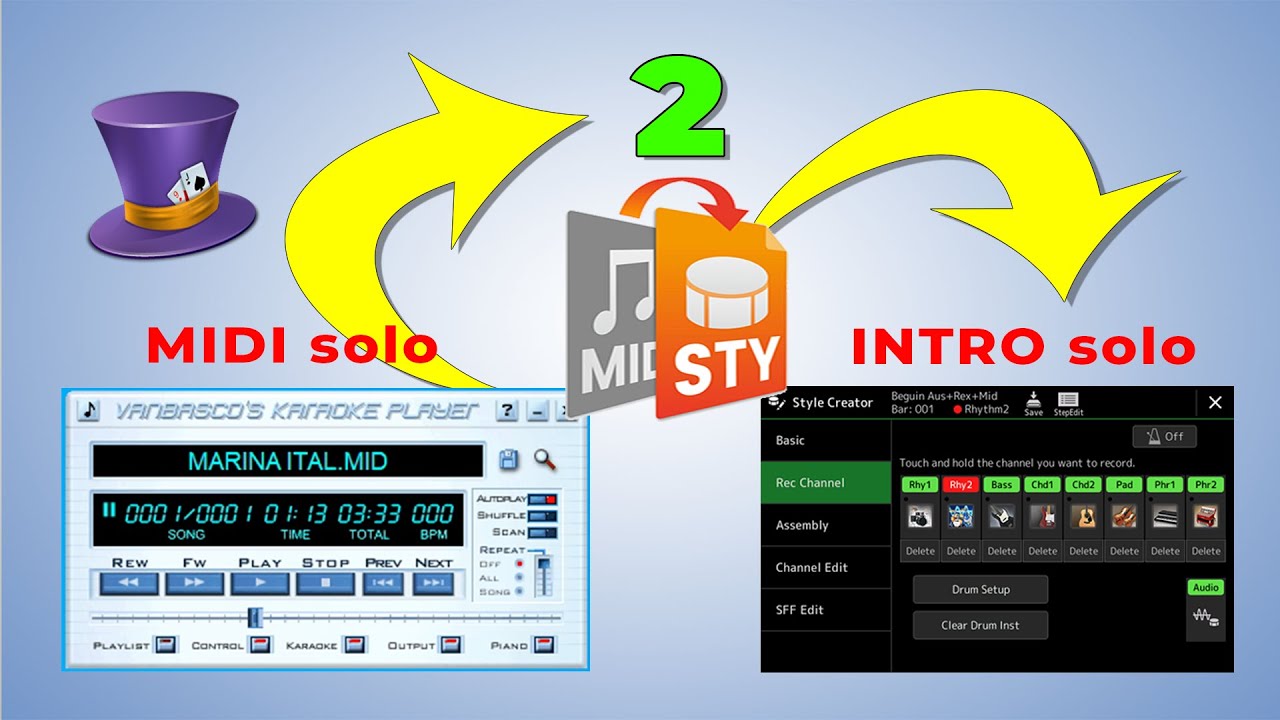
Style INTRO from MIDI file ★ export MIDI tracks to INTRO part ★ style that has solo for song
Автор: Casper tutorSynth
Загружено: 2025-02-01
Просмотров: 6052
In Yamaha Arrangers, there is a large selection of great rhythms to play our favorite song with. To improve the performance, we usually use the INTRO and ENDING, which are part of the Style. However, sometimes they are not suitable for us and we want to have a special introduction that is specific to a song.
In this video, I described how we can use a MIDI file and migrate the channels that will play the solo part in the Style. For this, I used the free Yamaha program MIDI Song to Style. After that, I processed the Style on the keyboard and within the Style Creator I copied the parts between the two rhythms.
00:00 Intro
01:54 Saving a preset style to USER memory
02:11 Working with program MIDI Song to Style
03:01 Transfer Style from computer to keyboard
04:18 Editing Styles on the Keyboard (Style Creator)
05:42 Testing the created Style
========
*** MIDI Song to Style software
01. Installation and setup of the program
• Yamaha PC software ★ MIDI Song to Style ★ ...
02. Convert MIDI file to Style No.1
• MIDI Song to Style ★ Convert any standard ...
03. Convert MIDI file to Style No.2
• Tips for creating great Yamaha Styles ★ MI...
========
*** You can also create a Style with a Solo part in the INTRO in other ways. In these videos, you can see a different approach that has a similar effect.
Style Assembly in Style Creator - copy Intro from one Style to another
• Style Assembly in Style Creator - copy Int...
Creating INTRO parts for a specific break in song
• Creating INTRO parts for a specific break ...
Create own Intro of Style for specific song
• Create own Intro of Style for specific song
Make your own Style for a specific Song
• Make your own Style for a specific Song, I...
====
🔔 Subscribe to my channel!
Help the channel grow:
👍 Like the videos
📝 Comment
🔗 Share
🧡 Thank you all!
Доступные форматы для скачивания:
Скачать видео mp4
-
Информация по загрузке:


