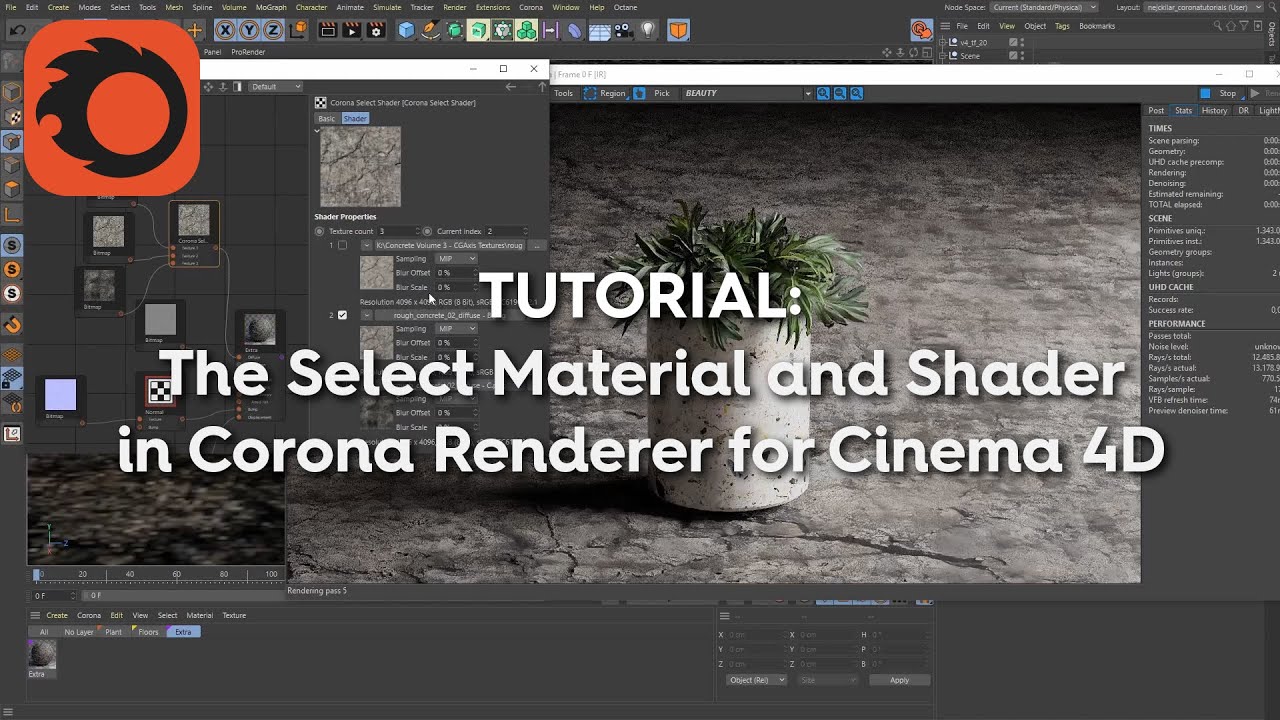
The Select Material and Shader in Corona Renderer for Cinema 4D
Автор: Corona ArchViz
Загружено: 2019-11-29
Просмотров: 18438
In this tutorial, learn how to use the Select Material and Select Shader in Corona Renderer for Cinema 4D.
00:00 - Introduction
00:22 - The set up for the tutorial scene
00:57 - Overview of the Select Material
02:12 - Setting up a Select Material from scratch
02:56 - Setting the number of materials in the Select Material
03:15 - Populating the Select Material
03:26 - Switching between the materials
04:00 - Keyframing changes in the Select Material
05:25 - Using keyframing to set up variations in several Select Materials
07:18 - Using keyframed Select Materials to easily render out multiple variations
07:50 - Overview of the Select Shader
08:31 - Setting up the Select Shader
10:46 - Using the Select Material with the Corona Light Material
13:26 - Using the Select Material or Shader as a "mini-library" that the object takes with it
14:37 - Using the Select Material or Shader to copy all the variations onto another object
Доступные форматы для скачивания:
Скачать видео mp4
-
Информация по загрузке: