Xbox Series S/X: How To Perform An Offline Update
Автор: AarohanTechSol
Загружено: 2021-11-29
Просмотров: 36036
How To Do Offline Update On Xbox Series X/S
Perform Offline update
https://support.xbox.com/en-US/help/h...
Step 1) Shut down Xbox Console, unplug the power cable for 30-35 seconds
Step 2) Press and hold the Pair button (located on the left side of the console) and the Eject button (located on the front of the console), and then press the Xbox home button on the console.
In Xbox Series S and the Xbox One S- Press and hold Pair button and then pressing the Xbox button.
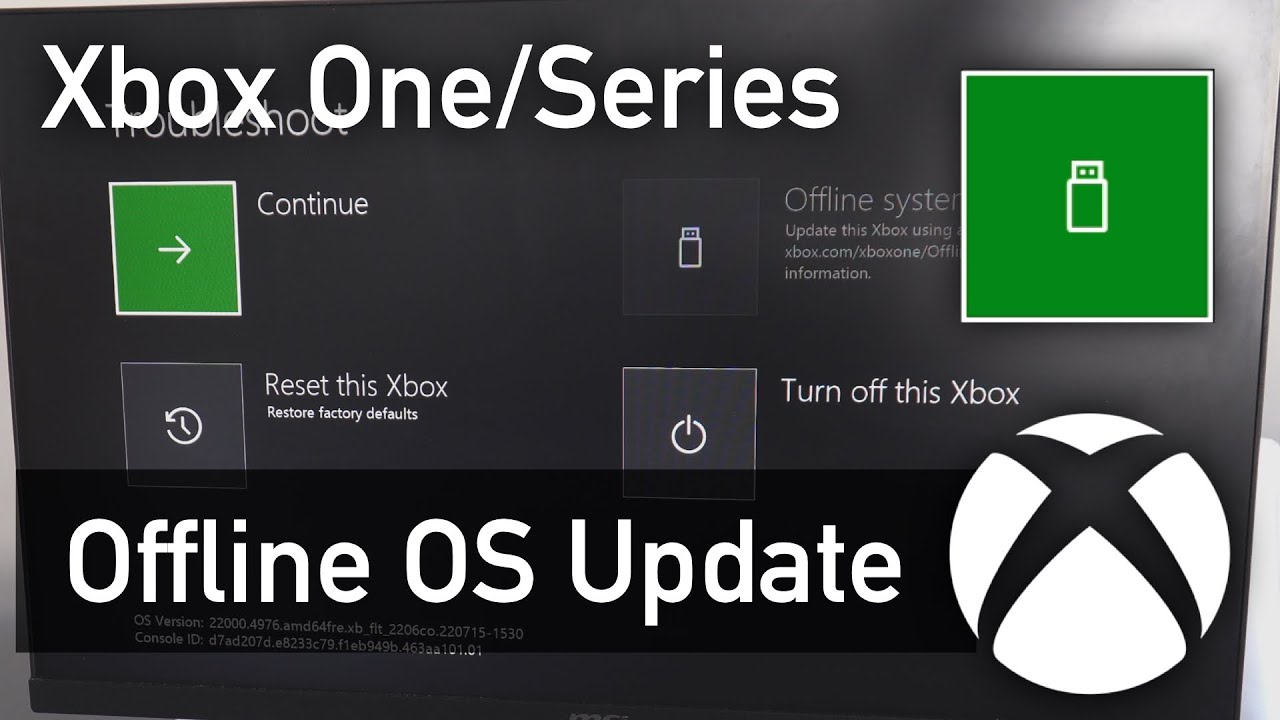
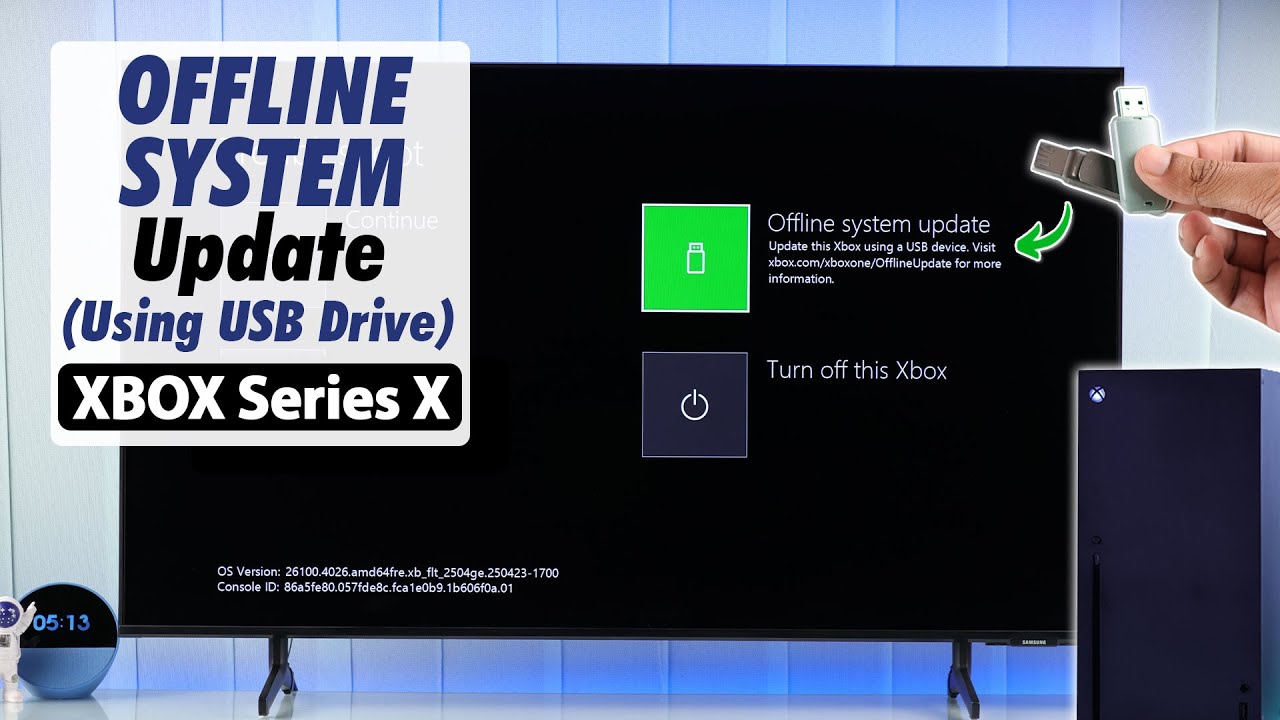
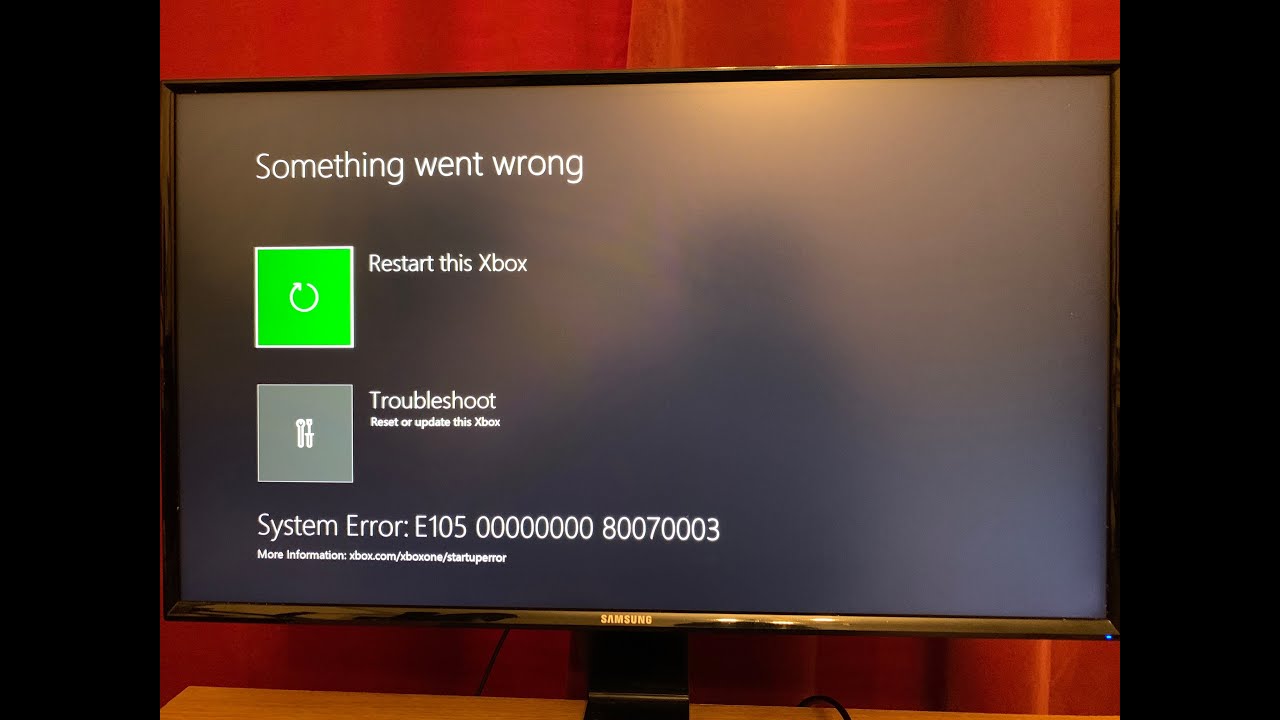
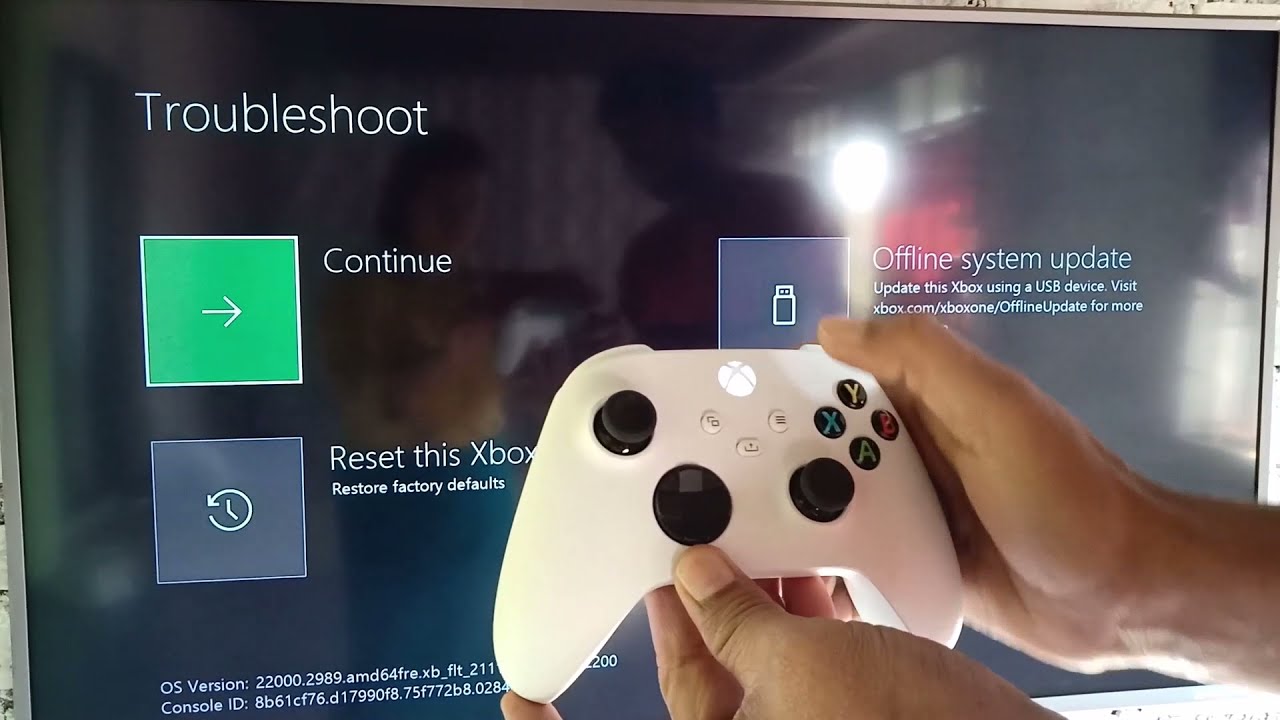
This will bring up Xbox Start-up Trouble-shooter
Step 3) Plug in the flash drive
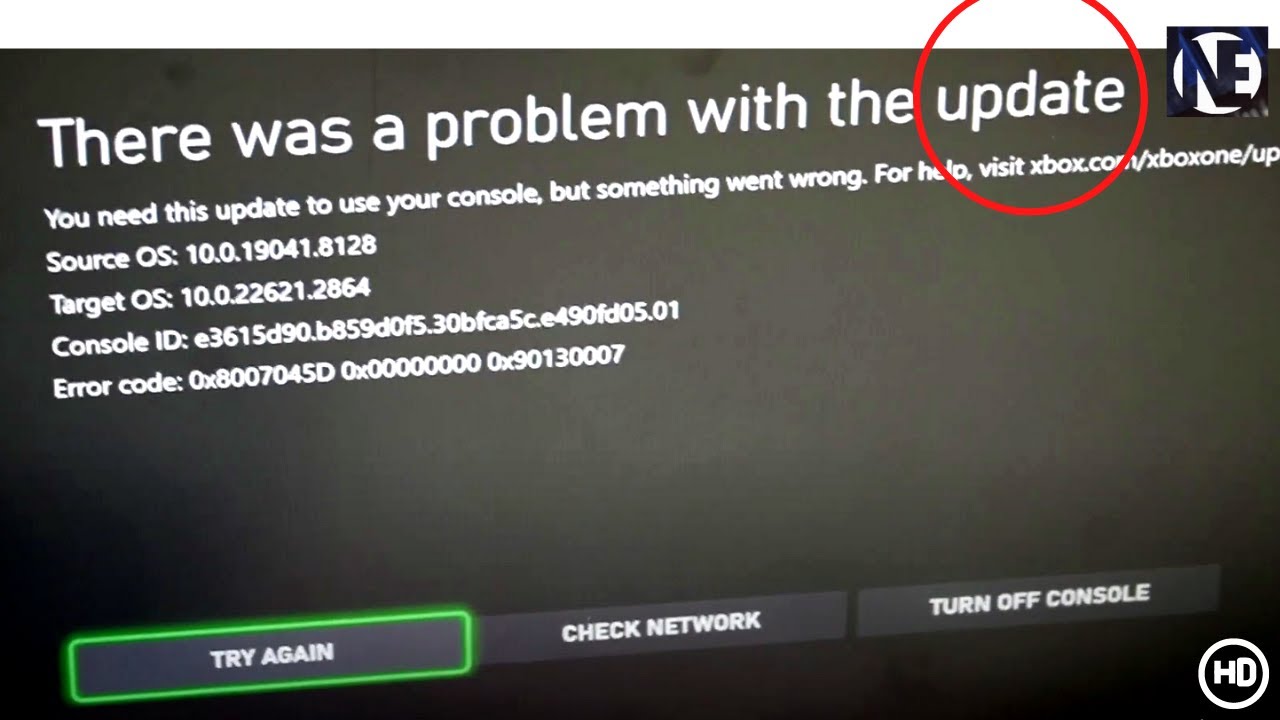
Step 4) Use the D-pad and A button on your controller to select Offline system update to initiate the update using the files saved on your flash drive.
The console restart may take several minutes. If you were using a wired connection, plug your network cable back into the console. If you have never connected your console to the Internet, you will need to connect at least once during your system setup process.
Доступные форматы для скачивания:
Скачать видео mp4
-
Информация по загрузке: