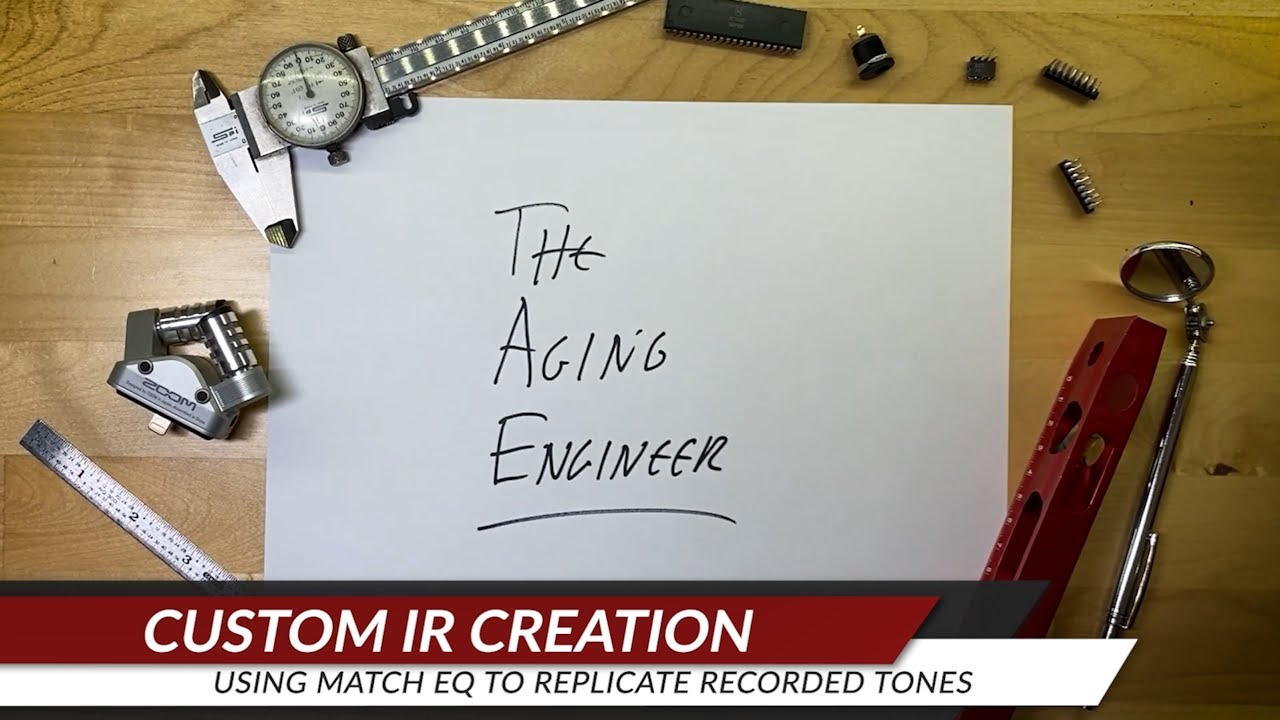
Use Match EQ to create Custom IR's from Recorded Guitar Tracks
Автор: LHZ Preamps
Загружено: 2023-01-22
Просмотров: 2340
This video walks through the process of using Izotope Ozone Match EQ and Voxengo Deconvolver to copy the EQ response of a recorded guitar track to create a custom IR (Impulse Response) file that can be loaded into the Line 6 Helix.
The resulting IR can be used in any modelling amp or effect that accepts IR files. If you don't have Izotope Ozone, there are other EQ matching plugins out there. Likewise, you can also use any audio editor that allows you to work with your EQ matching software.
For this example, I wanted to try to replicate the iconic opening guitar tones from Boston's "Don't Look Back."
While using an impulse shot or digital pulse is an established method to create an IR, it also has many shortcomings and does not offer the level of accuracy as the Sine Sweep method used here. Following are some articles explaining the techniques and science behind the methods.
REFERENCES
Comparison of different impulse response measurement techniques
https://people.montefiore.uliege.be/s...
Transfer Function Measurement with Sweeps
https://www.aes.org/e-lib/browse.cfm?...
Impulse Response Files
https://www.heamusic.com/Documents/So...
Impulse Responses & Convolution
https://theproaudiofiles.com/impulse-...
Impulse responses measured with MLS or Swept-Sine signals applied to architectural acoustics
https://www.sciencedirect.com/science...
Impulse Response Utility
https://manuals.info.apple.com/MANUAL...
CHAPTERS
00:00 Intro
00:20 Tools Needed
00:57 Create New Patch
01:27 Isolate Sound to Replicate
01:39 Record Your Guitar
01:52 Merge Sample Clips
02:11 Match EQ Capture
03:23 Prepare Source Sweep File
03:49 Apply Match EQ to Sweep
04:58 Create IR with Deconvolver
05:32 Import IR into Helix
05:48 Listen to samples
06:12 Test mix
07:14 Closing Thoughts
Доступные форматы для скачивания:
Скачать видео mp4
-
Информация по загрузке:





![Как скопировать гитарные звуки из ваших любимых песен менее чем за 5 минут [Урок]](https://imager.clipsaver.ru/7-uBRCC2pxQ/max.jpg)