How to Fix the Loading Spinner in Server Side Blazor for Better User Experience
Автор: vlogize
Загружено: 2025-07-23
Просмотров: 11
Learn how to effectively display loading spinners in Server Side Blazor applications to enhance user experience during data fetching.
---
This video is based on the question https://stackoverflow.com/q/67164982/ asked by the user 'Mikpa' ( https://stackoverflow.com/u/390578/ ) and on the answer https://stackoverflow.com/a/67171122/ provided by the user 'Bennyboy1973' ( https://stackoverflow.com/u/3433178/ ) at 'Stack Overflow' website. Thanks to these great users and Stackexchange community for their contributions.
Visit these links for original content and any more details, such as alternate solutions, latest updates/developments on topic, comments, revision history etc. For example, the original title of the Question was: Server Side Blazor, can't get screen to update
Also, Content (except music) licensed under CC BY-SA https://meta.stackexchange.com/help/l...
The original Question post is licensed under the 'CC BY-SA 4.0' ( https://creativecommons.org/licenses/... ) license, and the original Answer post is licensed under the 'CC BY-SA 4.0' ( https://creativecommons.org/licenses/... ) license.
If anything seems off to you, please feel free to write me at vlogize [AT] gmail [DOT] com.
---
How to Fix the Loading Spinner in Server Side Blazor for Better User Experience
In applications built with Server Side Blazor, ensuring a smooth and responsive user experience is crucial, especially when dealing with data fetching. A common issue developers face is ensuring the loading spinner displays correctly while waiting for data to load asynchronously. In this guide, we’ll address a specific scenario that demonstrates the challenge of implementing a loading spinner in a Blazor application and how to solve it effectively.
The Problem
Imagine you’re developing a weather forecasting application where data is loaded from a service. In your application, you want to simulate slow data loading to improve user experience with a loading spinner that informs users that data is being fetched. Here's a brief overview of your code structure:
Service to Fetch Data: You have a method GetForecastAsync(DateTime startDate) that simulates slow data by using a delay.
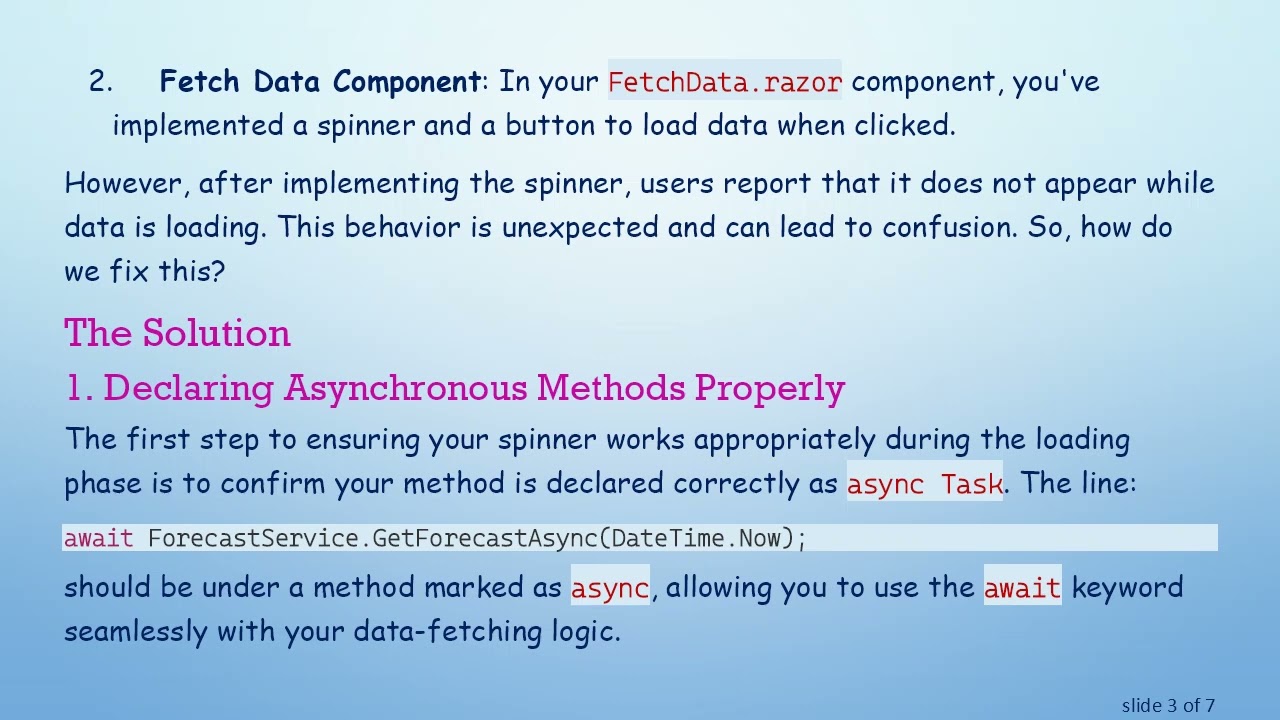
Fetch Data Component: In your FetchData.razor component, you've implemented a spinner and a button to load data when clicked.
However, after implementing the spinner, users report that it does not appear while data is loading. This behavior is unexpected and can lead to confusion. So, how do we fix this?
The Solution
1. Declaring Asynchronous Methods Properly
The first step to ensuring your spinner works appropriately during the loading phase is to confirm your method is declared correctly as async Task. The line:
[[See Video to Reveal this Text or Code Snippet]]
should be under a method marked as async, allowing you to use the await keyword seamlessly with your data-fetching logic.
2. Updating the Delay Mechanism
Additionally, you should replace the line where you simulate a delay with a properly wrapped awaitable Task. Changing from:
[[See Video to Reveal this Text or Code Snippet]]
to:
[[See Video to Reveal this Text or Code Snippet]]
not only prevents blocking but also aids in keeping the UI responsive, which is crucial for updating the spinner correctly.
3. Using StateHasChanged Effectively
After setting the loading state to true, you might be tempted to call StateHasChanged() directly. However, to ensure the UI updates correctly before the data fetching occurs, it’s better to invoke StateHasChanged using:
[[See Video to Reveal this Text or Code Snippet]]
This informs Blazor to update the component's state after an asynchronous operation completes, ensuring the spinner is shown while data is fetched.
4. Updated Code Example
Here's how your FetchData.razor component might look after making these changes:
[[See Video to Reveal this Text or Code Snippet]]
Conclusion
Implementing a loading spinner in a Server Side Blazor application can significantly enhance user experience by providing visual feedback during data-fetching operations. By ensuring that you have declared your async methods correctly, improved your delay handling, and called StateHasChanged appropriately, you can create an intuitive and responsive interface for your users. Now, your loading spinner should show up every time data is being retrieved, improving user satisfaction and engagement. Happy coding!
Доступные форматы для скачивания:
Скачать видео mp4
-
Информация по загрузке:
![Курс Python с Абсолютного нуля! [12 часов из 80] Python курс - качественный старт для начинающих!](https://image.4k-video.ru/id-video/lYMLLI-MJek)



![Python - Полный Курс по Python [15 ЧАСОВ]](https://image.4k-video.ru/id-video/cfJrtx-k96U)

![HTML - Полный Курс HTML Для Начинающих [3 ЧАСА]](https://image.4k-video.ru/id-video/W4MIiV4nZDY)


