Fix100%Hard Disk - No Boot Device Not Found Hard Disk
Автор: John Explains
Загружено: 2025-12-11
Просмотров: 133
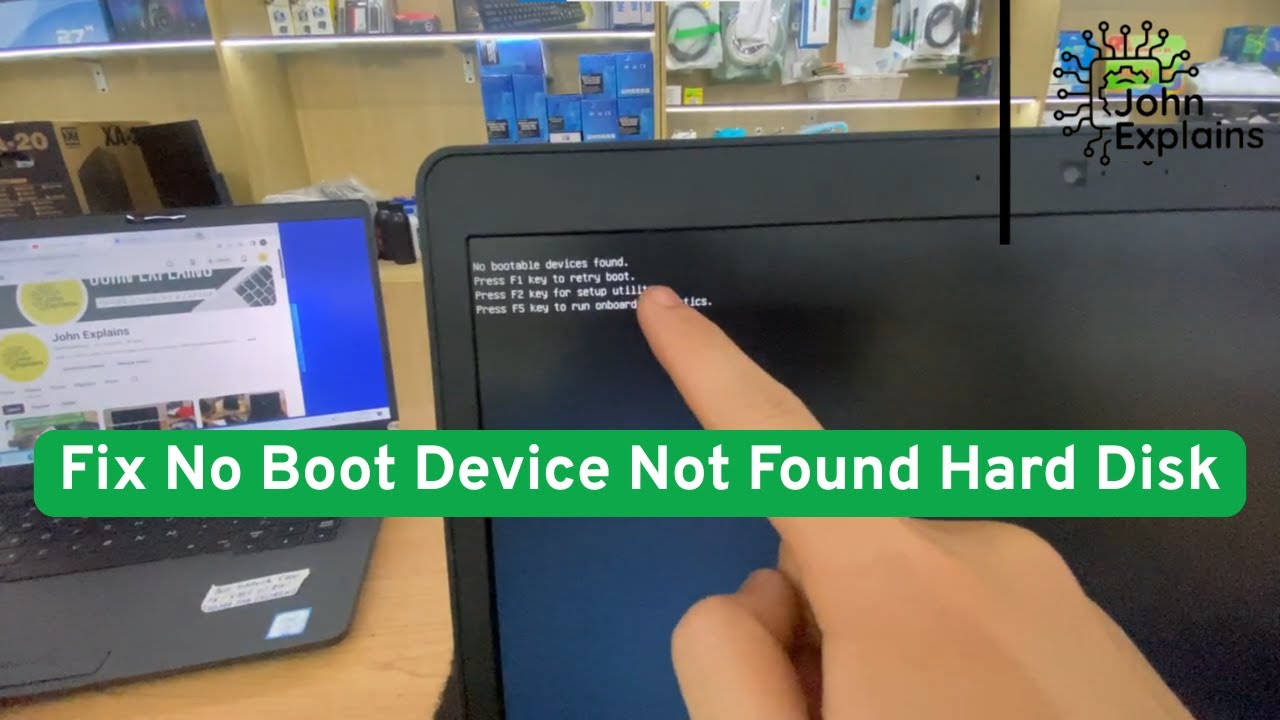
"No Boot Device Found" or "No Boot Device Not Found Hard Disk" usually appears when the computer cannot find the hard drive or bootable device to start the operating system. This is a common problem that computer users may encounter and can be caused by several different reasons.
Description of the "No Boot Device Found Hard Disk" error:
When the computer displays the "No Boot Device Found Hard Disk" error, it means the system cannot find the hard drive (or other bootable devices such as USB, DVD) containing the operating system to boot. This could be due to:
A damaged hard drive: Your hard drive may have a hardware problem, making it undetectable by the BIOS/UEFI.
Loose hard drive connection cable: If the cable connecting the hard drive to the motherboard is loose or damaged, the computer will not be able to recognize the hard drive.
Incorrect BIOS/UEFI settings: The BIOS/UEFI settings may be incorrect, such as the boot mode being changed from UEFI to Legacy, or the boot order being wrong.
Faulty or missing operating system: If the operating system is faulty or cannot boot, the computer may not be able to find an operating system to boot from.
Problems with the MBR (Master Boot Record) or GPT (GUID Partition Table): If the hard drive's partition table is corrupted, the computer may not properly recognize the hard drive.
Hard drive not recognized: This can happen if the hard drive is completely damaged or there is an error in hardware recognition.
Troubleshooting steps:
Check hard drive connections: Ensure that the SATA or M.2 cable connecting the hard drive to the motherboard is not loose or damaged.
Restart and enter BIOS/UEFI: Check the boot order settings to ensure your hard drive is set as the primary boot device.
Restore the operating system: If the operating system is corrupted or lost, you can try restoring from the installation disc or recovery USB.
Check the hard drive status: If the hard drive shows signs of failure, you may need to replace it.
Use an MBR/GPT repair tool: You can try repairing the partition table (MBR or GPT) if it is corrupted using tools like Diskpart in Command Prompt.
related videos
• Fix No Boot Device Not Found Hard Disk 3F0...
• Видео
• Fix Boot Device Not Found Hard Disk 3F0 Er...
• Can't connect to this network windows 10/11
• I'm a Windows Expert and I Found the BEST ...
• How to Fix the Error Power Surge on USB Po...
Доступные форматы для скачивания:
Скачать видео mp4
-
Информация по загрузке:


