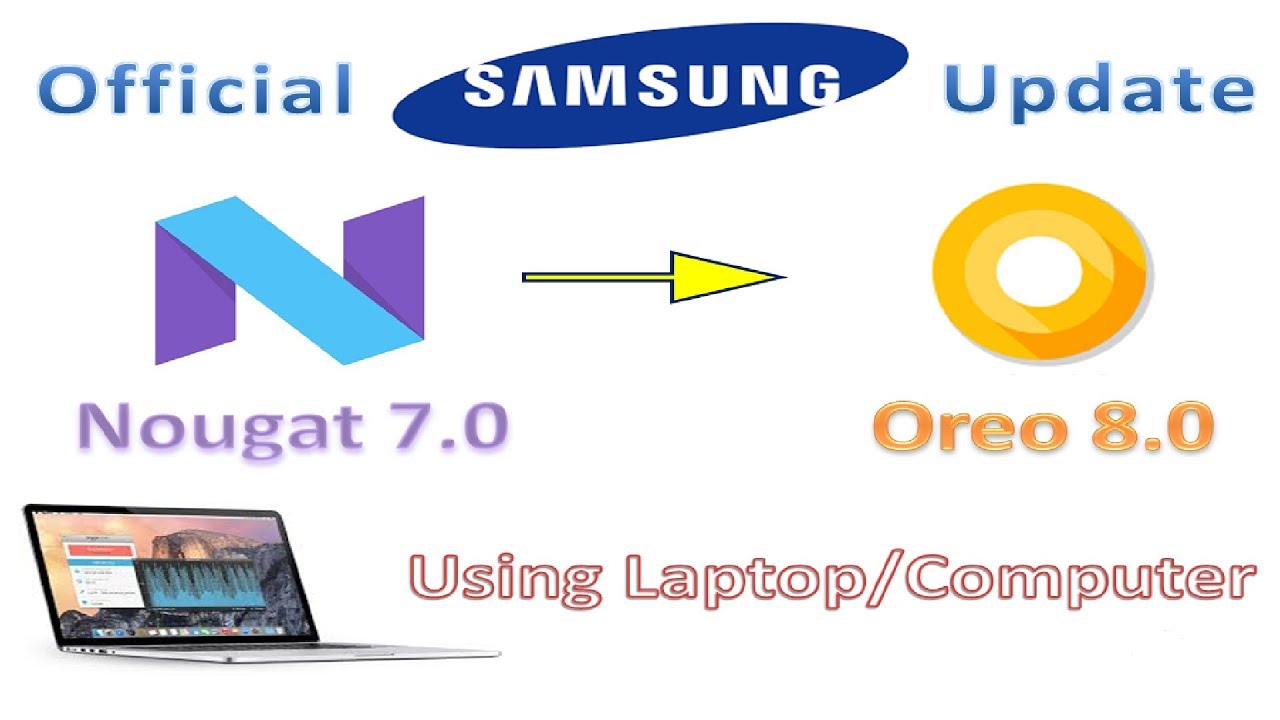
How to update SAMSUNG software using Laptop/Computer | Nougat to Oreo (official)
Автор: Gadget Freak
Загружено: 2018-06-20
Просмотров: 1019
This video is about updating Samsung software using Computer/laptop. Here, I update the official version of Android Oreo 8.0 for Samsung Galaxy S7 from Android Nougat 7.0 .
Software Link: https://www.samsung.com/in/support/sm...
Facebook ID : / gadgetfreak01
Business ID : gadgetf01@gmail.com
Instagram ID : / gadgetf01
Twitter ID : www.twitter.com/gadgetfreak18
Subtitle:
Hey guys
This is shashi from gadget freak and I welcome you all to the channel
If you are new to the channel consider subscribing from cool new tech videos
Now let's get started with the video
So today's video is about updating Samsung's softwate using a computer.
In order to do that you have to follow the link in the description below. And you will be directed to the page shown on the screen
Scroll down
And select the software version of your computer or laptop i.e Mac or Windows
The file size of the software is 40 mb for Windows user.
Once you have downloaded the software click install and this dialogue box will appear on the computer screen.
Accept the terms using the check boxes and click on next
It will take around 2-3 minutes to install the software . So be patient and let the software Install
Once the installation is complete a pop up window will show as shown in the video . Just click finish and you are done with the installation part
Launch the software and connect your mobile device using the standard cable provided by the company
Make sure your phone is in unlocked condition.
It will take few seconds to connect with the device..
Once it is done with connection part..This is how your mobile screen will look
As you can see
that the phone is connected now but it will take another few seconds to gather your mobile information
Once it has gathered all the requisite data it will display it on the screen as shown in the vidoe
Along with the new software version if any is available for your device.
In my case I have ab Oreo update for my samsung Galaxy s7
Click on the update and it will start downloding the software updates...
Don't disconnect device while it's downloading the software
It will take around 2-3 hours for complete downloading and installation speed depending upon your internet connection
This is how your mobile will look at the time of software installation. And downloading
Now my software is updated. As you can see my new software version is android 8.0 from android 7.0
You can also use this software for backup, sync, software re installation etc.
Comment down below if you have any query regarding the process.
Thanks a ton for watching
Like share and subscribe to channel if you like my content.. bye for now
Доступные форматы для скачивания:
Скачать видео mp4
-
Информация по загрузке: