How to Make Faux Leather Keychains with Cricut
Автор: Creative Fabrica
Загружено: 2022-09-08
Просмотров: 2542
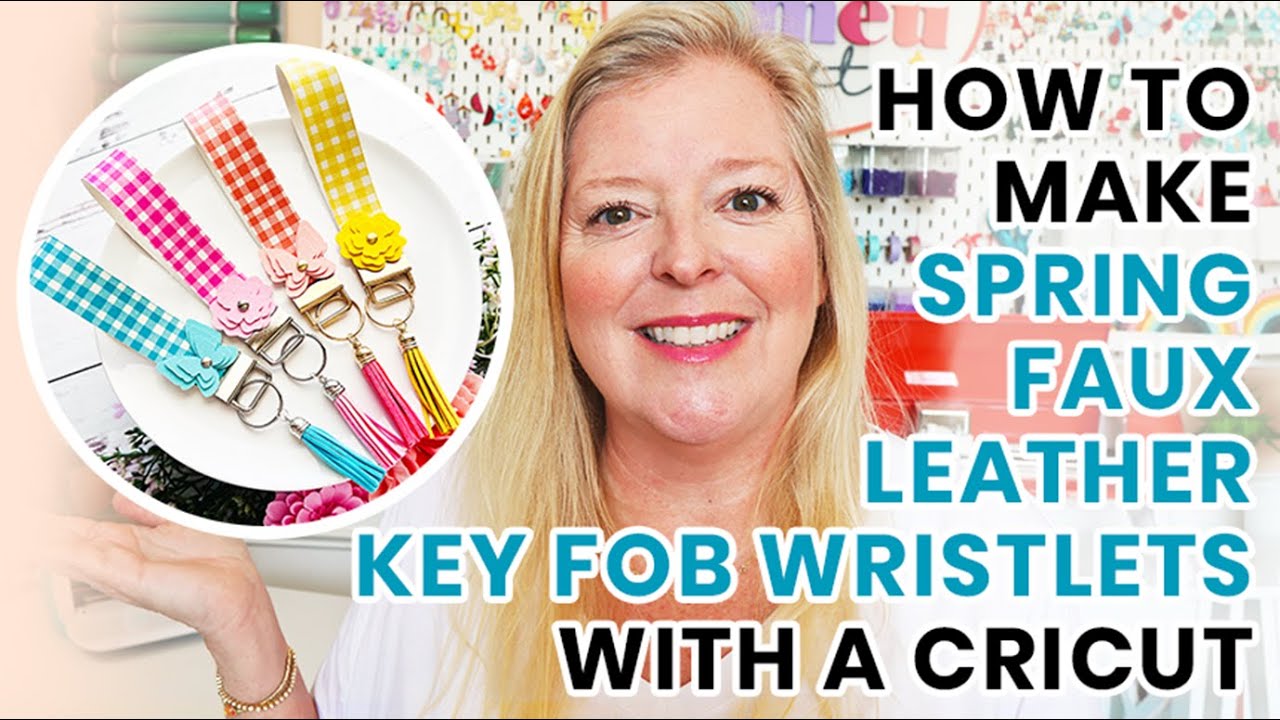
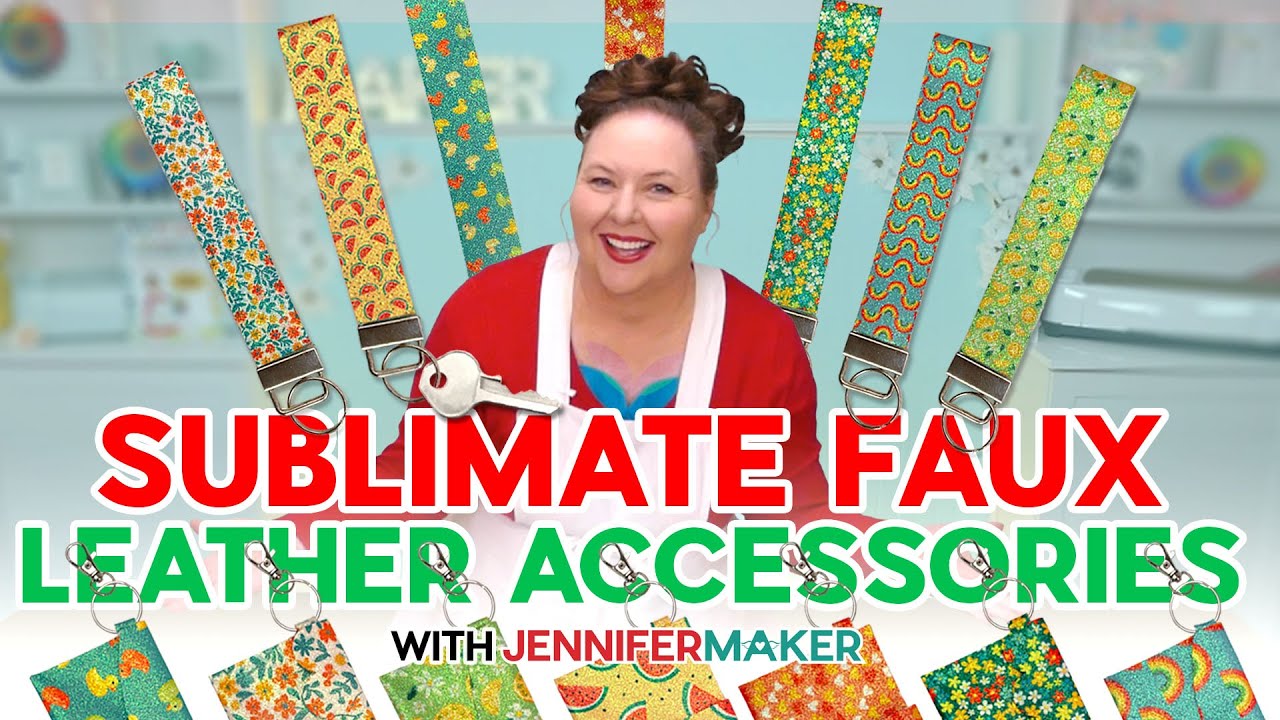
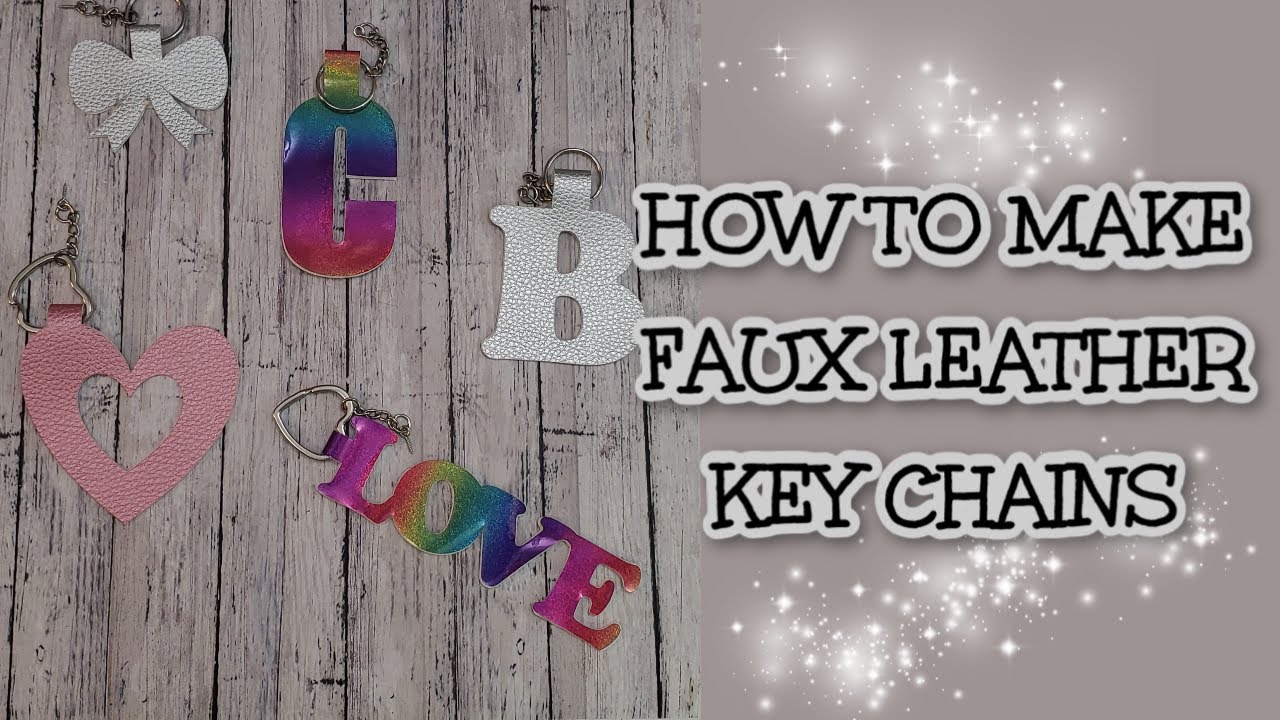
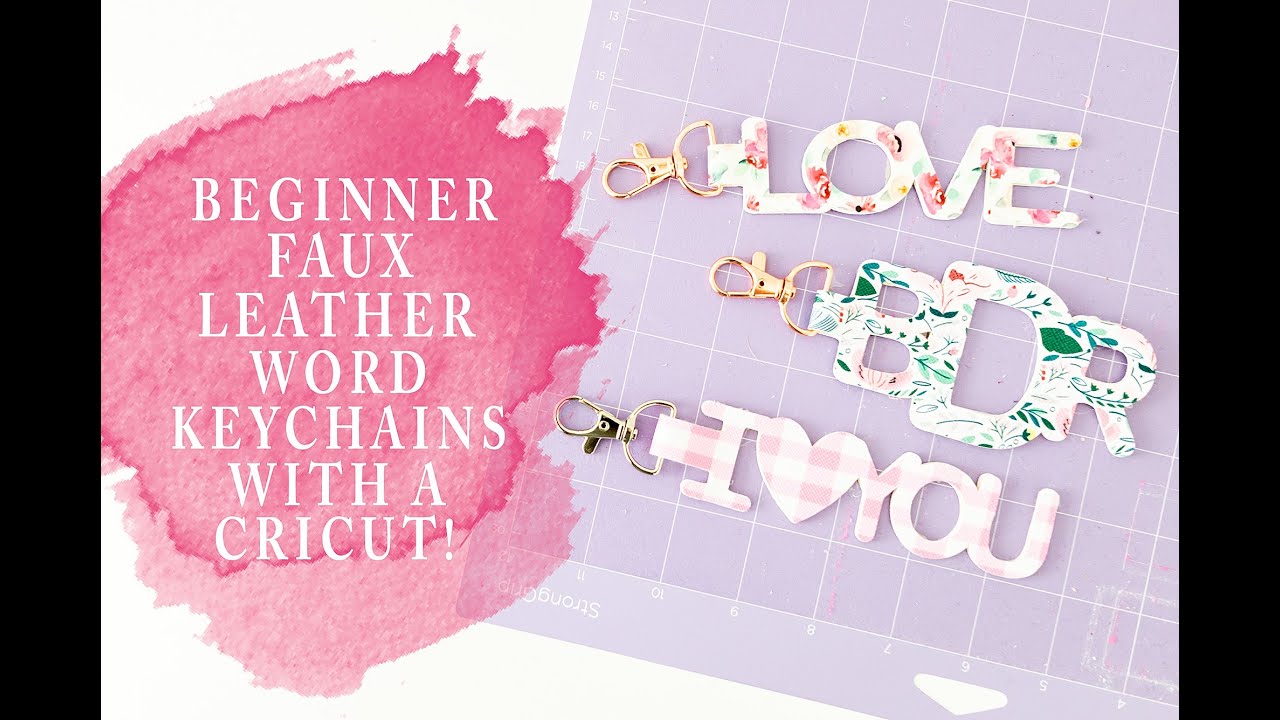
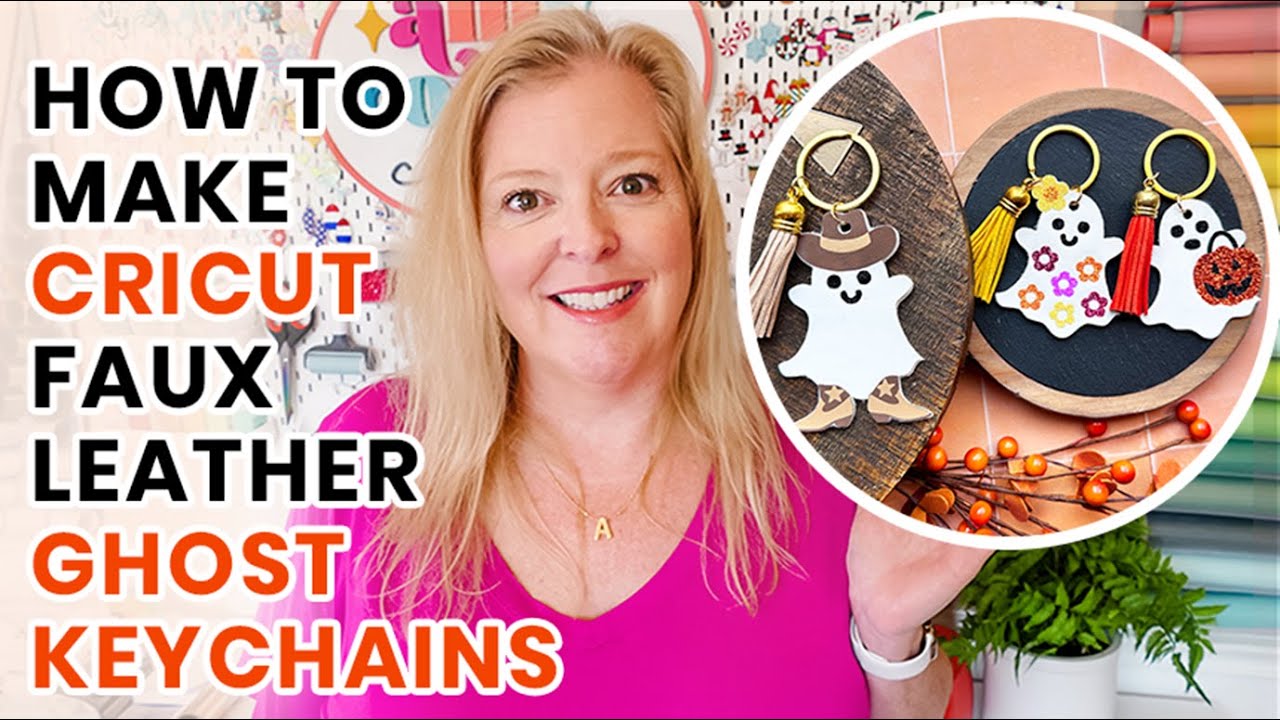
Faux leather, also known as Leatherette, is an amazing and versatile material to cut with your Cricut machine. From hair bow to earrings, faux leather makes beautiful projects, and today’s keychain is just another example of a beautiful new project you need to try!
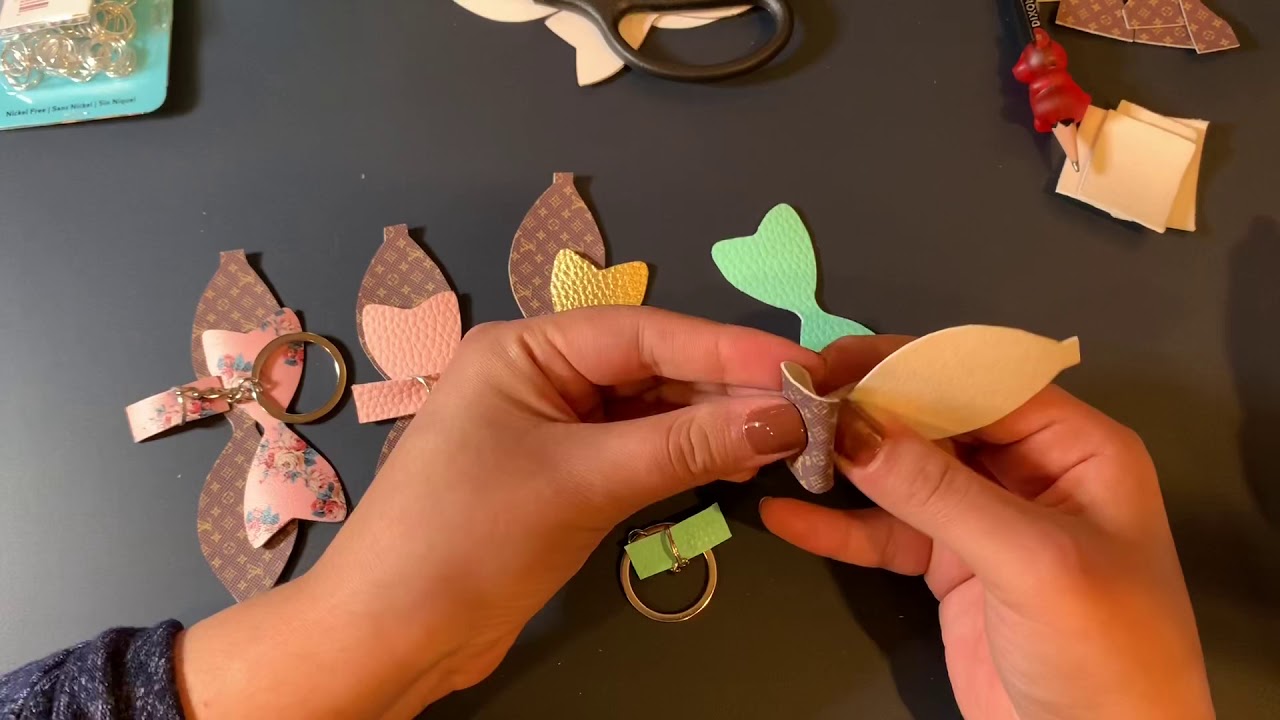
In this video tutorial, join us as we introduce you to an easy beginner faux leather project with your Cricut. We will cover how to upload a SVG file to Design Space, how to resize your design, how to setup custom cut settings, how to cut faux leather, how to assemble the keychain, and finally the project reveal. Faux leather is definitely a fun material to work with and after this, you’ll be searching for new project to use it for!
✨ Creative Fabrica Product used in this video:
https://www.creativefabrica.com/produ...
✨ Supplies used to make this craft:
8mm Silver Button Studs: https://www.amazon.com/dp/B00NZYV85O
Pattern Leatherette: https://www.craftchameleon.com/collec...
Solid Leatherette: https://www.craftchameleon.com/collec...
✨ Also watch this video:
How to Cut Faux Leather Earrings: • How to Cut Faux Leather Earrings
These steps are covered in this video:
0:00 – Introduction
0:27 – Cricut Design Space
0:52 – Upload SVG file
1:33 – Size design
2:09 – Organize file
3:12 – Setup cut settings
4:11 – Setup custom material
5:49 – Project overview
7:43 – Cutting faux leather
9:01 – Project assembly
10:17 – Final project reveal
10:55 – Closing thoughts

Доступные форматы для скачивания:
Скачать видео mp4
-
Информация по загрузке:

![Как сшить дорожную сумку или рюкзак для отдыха на природе [ОБЪЯСНЕНИЕ]](https://imager.clipsaver.ru/xJlZGiXWkT0/max.jpg)