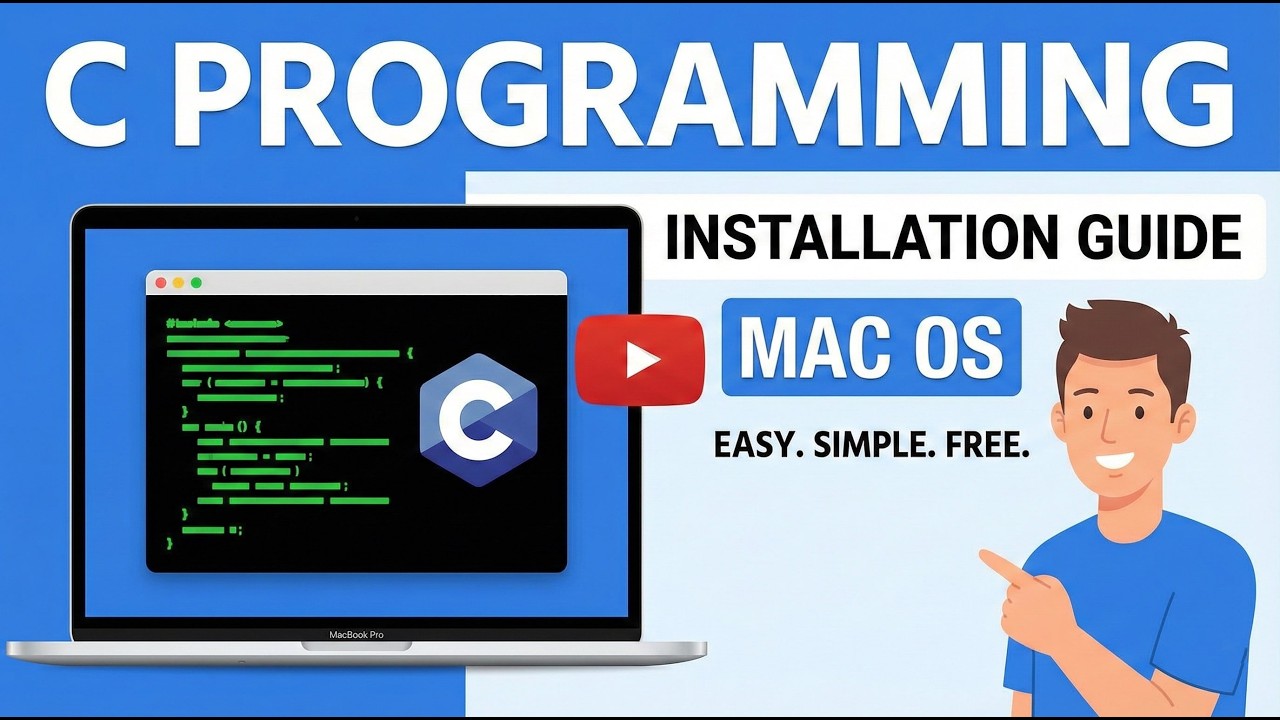
C Programming Installation in Mac OS | (M1/M2/M3/M4/M5) | GCC
Автор: Saddam Tech
Загружено: 2025-12-25
Просмотров: 191
In this video, you will learn how to install GCC and run C programs on macOS for both Intel and Apple Silicon Macs (M1, M2, M3, M4, and M5).
This step-by-step tutorial is perfect for beginners, students, and developers who want to set up a C programming environment on macOS using the GCC compiler.
📌 What you’ll learn in this video:
✔ How to install GCC on macOS
✔ Set up C programming on Intel & Apple Silicon Macs
✔ Compile and run C programs using Terminal
✔ Fix common GCC installation errors
✔ Verify GCC installation properly
This tutorial works on:
✅ macOS Intel
✅ macOS M1
✅ macOS M2
✅ macOS M3
✅ macOS M4
✅ macOS M5
Whether you're learning C for college, competitive programming, or system-level development, this guide will help you get started quickly and correctly.
-------------------------------------------------------------------
📌 Don't Miss Out!
If you love Tech, AI, and Programming, make sure to Subscribe and hit the 🔔 bell icon so you never miss a tutorial! 🚀
Like, Share, and Comment below with your thoughts or any topics you'd like me to cover next. Your support helps me create better content! 💙
-------------------------------------------------------------------
📢 Want a Specific Course? Request it here 👉 https://forms.gle/fTbzRtYVqDUgAo166
-------------------------------------------------------------------
🔗 Follow Me on Social Media:
💼 LinkedIn: / saddamskst
💬 Telegram: t.me/SaddamTechs
💻 GitHub: https://github.com/saddamskst/
🌐 Website: https://skst.in/
📸 Instagram: / saddamskst
🐦 Twitter/X: / saddamskst
-------------------------------------------------------------------
🎥 My YouTube Gears & Setup🔗:
💻 Laptop: https://amzn.to/3QNqMf1
📷 Camera: https://amzn.to/4iIrVAA
📷 Lens : https://amzn.to/4j9iZnV
🎤 Microphone 1: https://amzn.to/3RnnUpc
🎤 Microphone 1: https://amzn.to/3Xu6zP1
🎥 Tripod 1: https://amzn.to/3XzjW0m
🎥 Tripod 2: https://amzn.to/423pUYR
⌨️ Keyboard & Mouse : https://amzn.to/4c2UF4C
🖥️ Monitor: https://amzn.to/424kPPX
📦 SSD: https://amzn.to/3FBUcKv
🎬 Video Capture Card: https://amzn.to/3XzjH5s
💡 Light 1: https://amzn.to/3XxTunS
💡 Light 2: https://amzn.to/4iFsprd
-------------------------------------------------------------------
💡 Support the Channel
If you find my content helpful, you can support me by using my Amazon affiliate links above when purchasing any tech gear. It won’t cost you extra but helps me create more valuable content for you! ❤️
📢 Thanks for Watching! Keep Learning & Keep Coding! 💻🔥
#Tech #AI #Programming #Coding #SaddamTech #Learning #Education #softwaredevelopment #CProgramming #GCC #MacOS #AppleSilicon #M1
#M2 #M3 #M4 #M5 #ProgrammingTutorial #CCompiler #SoftwareDevelopment #CodingForBeginners
Доступные форматы для скачивания:
Скачать видео mp4
-
Информация по загрузке: