The MOST POWERFUL Tool in Rawtherapee: Local Adjustments!
Автор: jacob swing
Загружено: 2024-07-31
Просмотров: 25287
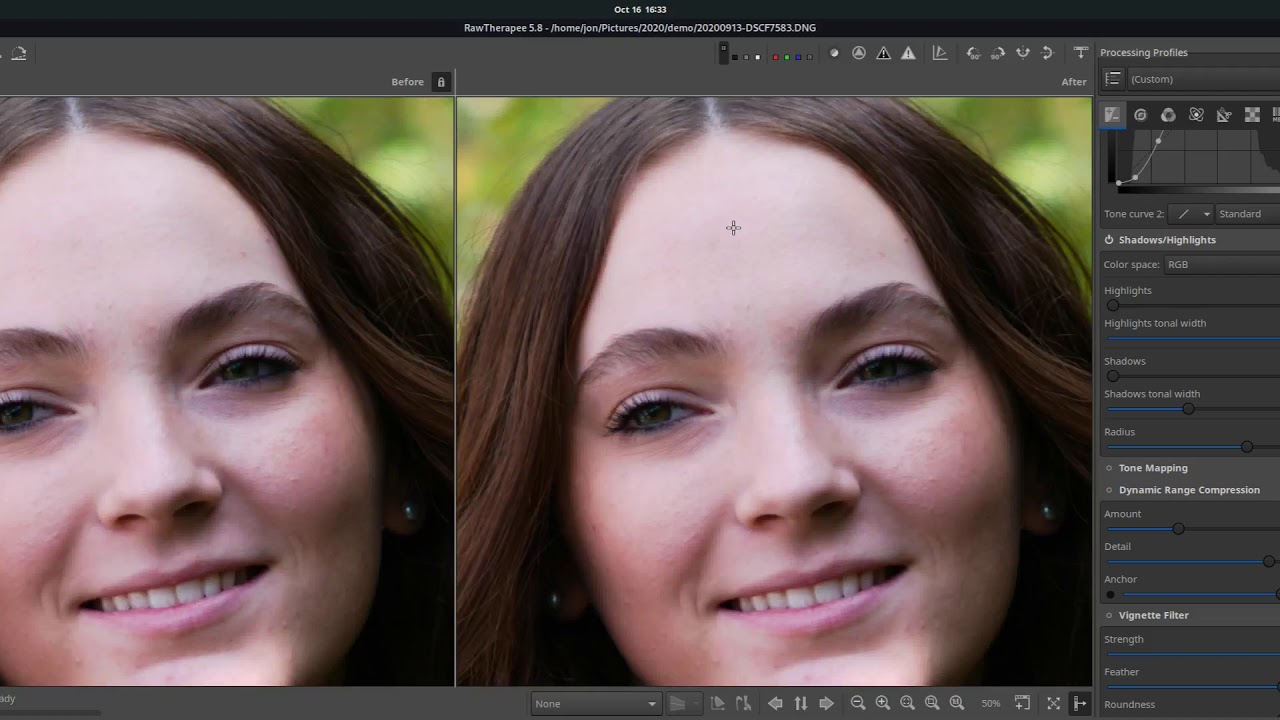
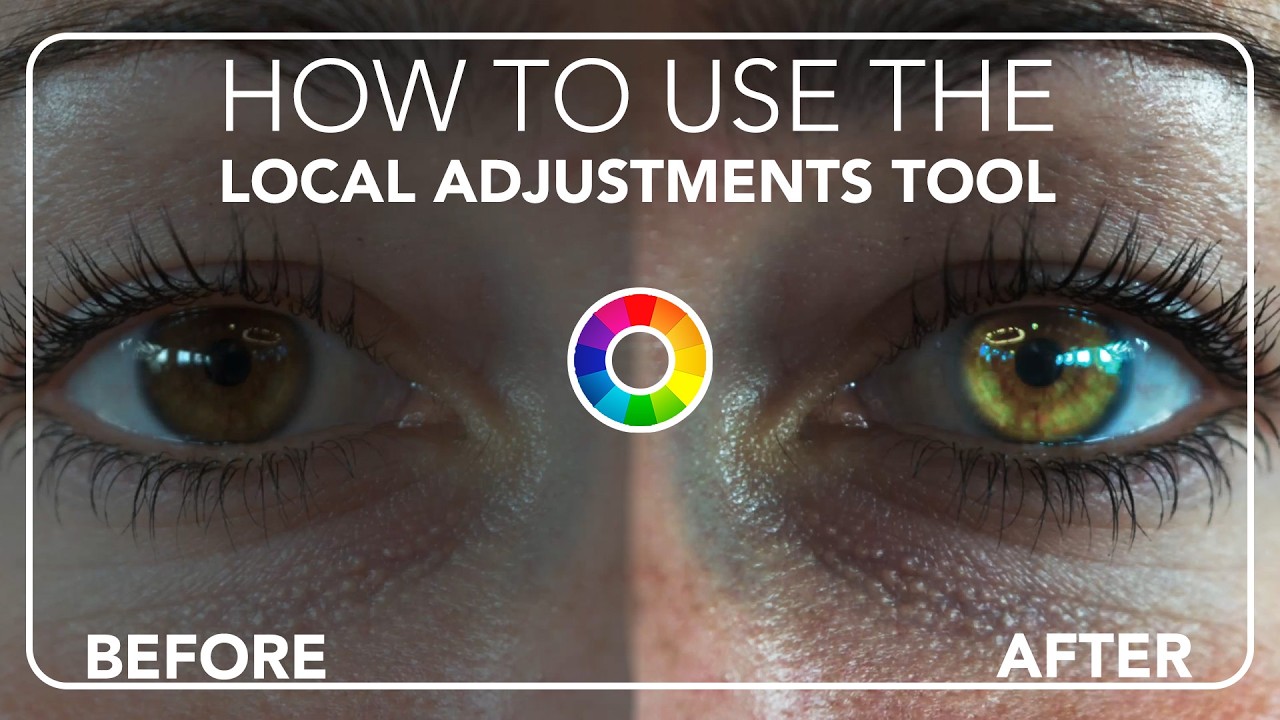
The Local Adjustments tool is new in Rawtherapee 5.10. It allows the user to add a mask, and then apply adjustment tools within that mask to affect certain user defined parts of the image rather than the entire image. This tutorial covers the basics of this tool and shows you how to use the Local Adjustments tool to change the eye color of your model.
Please HELP me get to 10,000 subs: https://bit.ly/2Fq1hek
My Gear:
Camera - Sony a7iii: https://amzn.to/3LvokH2
Monitor: https://amzn.to/4fM4YdD
Lens - Meike 50mm f/1.8: https://amzn.to/4cyyZgd
Lens Meike 85mm f/1.8: https://amzn.to/4cENWxt
Lens Filter - K&F Concept: https://amzn.to/3LqCglW
Memory Card - Sandisk 128GB: https://amzn.to/4cYpGpA
Sound Recorder - Zoom: https://amzn.to/4cIn67B
Tripod - Victiv: https://amzn.to/3xZ1GDY
Air Blower: https://amzn.to/4gTFzQc
L Bracket for Vertical Video: https://amzn.to/40f9psS
SD Card Wallet: https://amzn.to/3W15j59
BEST FREE SOFTWARE ON THE NET:
Download Darktable: https://www.darktable.org/
Download Rawtherapee: https://rawtherapee.com/
Download GIMP: https://www.gimp.org/
Download Blender 3D: https://builder.blender.org/download/
Download Krita: https://krita.org/en/
Download Inkscape: https://inkscape.org/
Download LMMS: https://lmms.io/
Download Audacity: https://www.audacityteam.org/
Chapters:
0:00 - Introduction
0:21 - Basic Image Adjustments
0:52 - Adding Clarity with the Tone Curve
2:02 - Introduction to the Local Adjustments Tool
2:15 - Adding a Mask
2:37 - Additional Mask Settings
5:16 - Adding a Tool (Color and Light)
5:46 - Adjusting the Mask Points
6:39 - Transition Gradient Settings
7:46 - Shape Detection Settings
10:01 - Changing the Eye Color
11:29 - Mask Refinement
11:45 - Adding a Denoise Tool
12:21 - Final Thoughts
12:49 - Outro
Доступные форматы для скачивания:
Скачать видео mp4
-
Информация по загрузке: