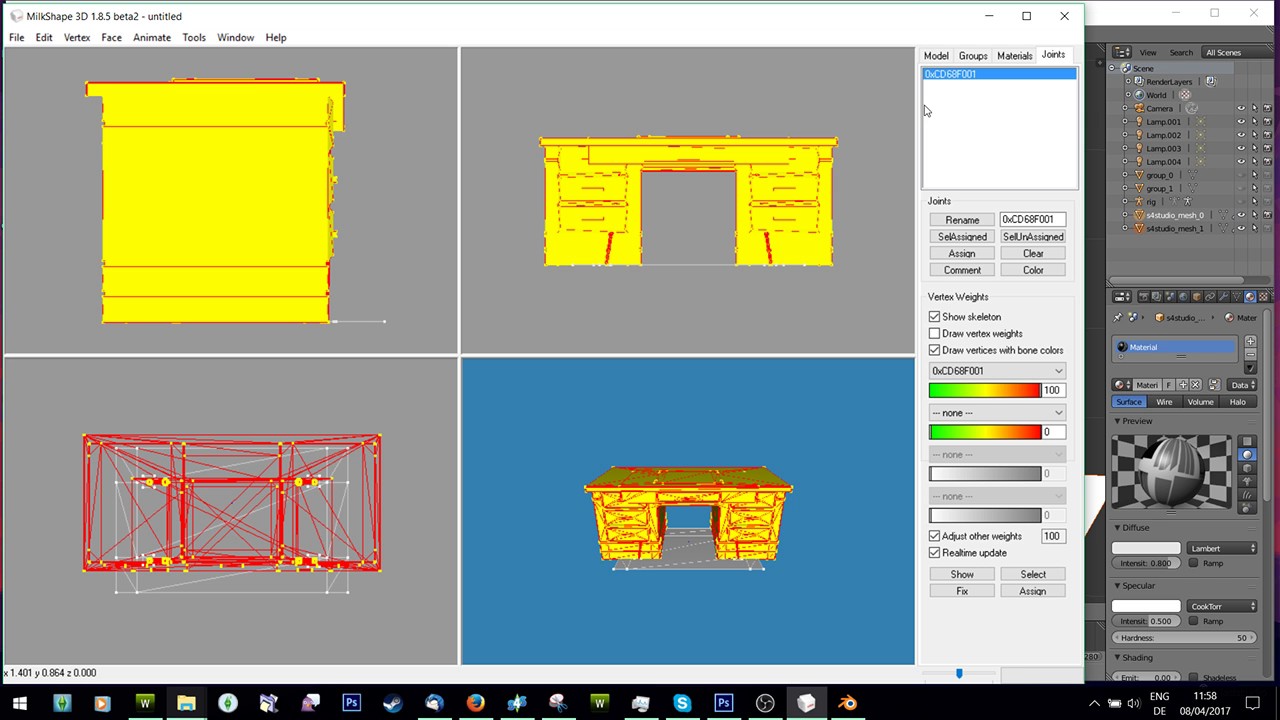
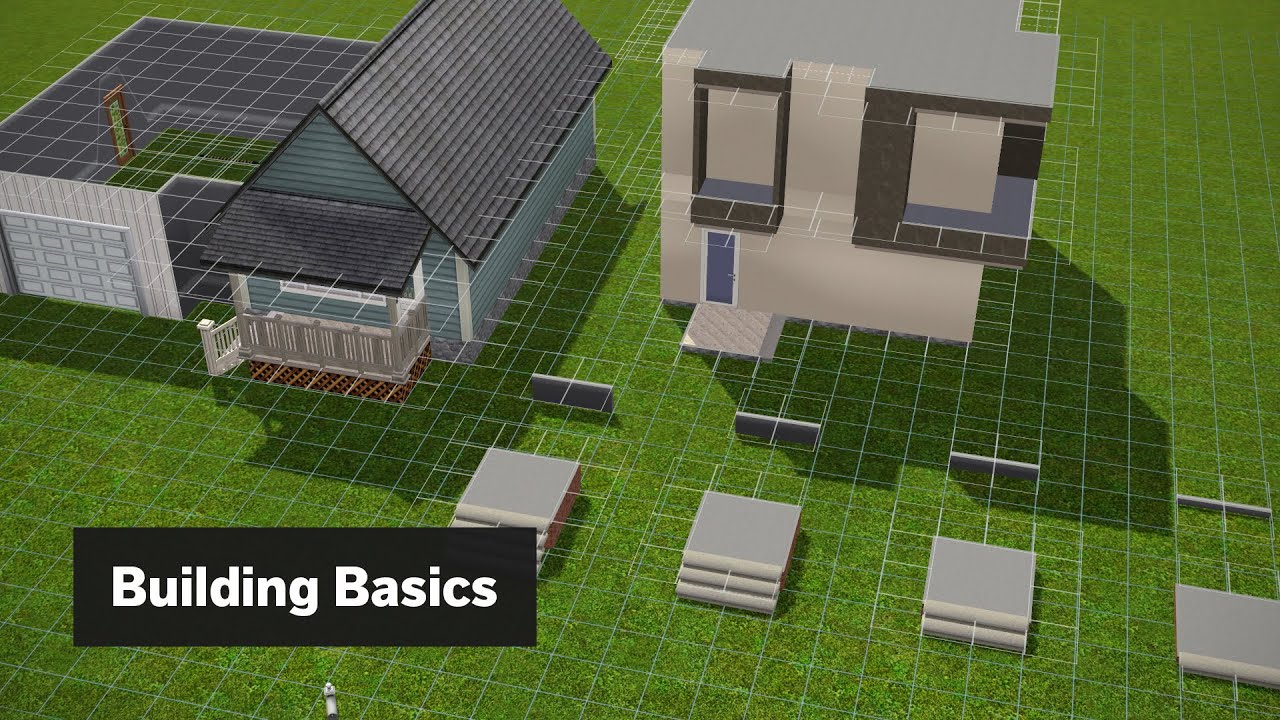
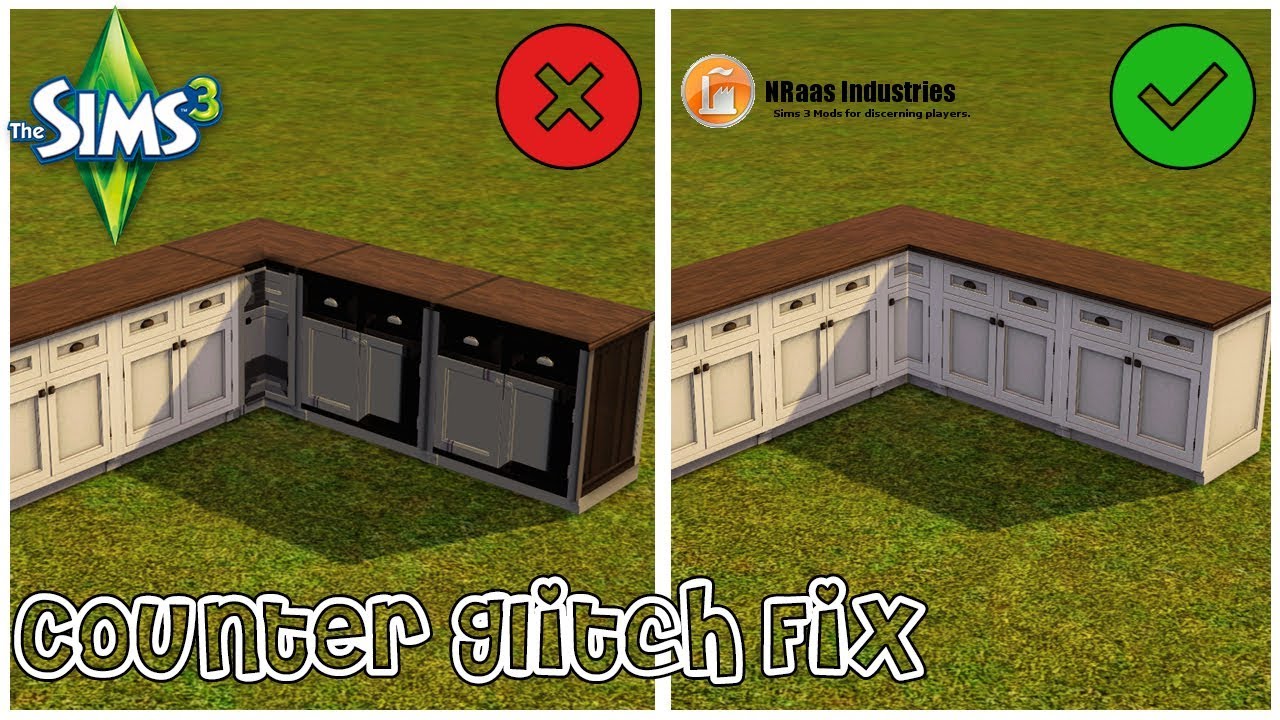
How to: Fix the counter glitch/texture glitch in The Sims 3
Автор: ModestPixels
Загружено: 2017-11-25
Просмотров: 9096
♥ModestSimmer♥
♦ Social Media ♦
Instagram: / modestsimmer
Twitter : / modestsimmer
Tumblr: / modestsimmer
Blog: http://modestsimmer.blogspot.nl/
The Sims 3: ModestSimmer
OriginID: ModestSimmer
♦Sources/Links/Websites Mentioned in video♦
http://nraas.wikispaces.com/DebugEnabler
♦ Pc Specs ♦
Case: Zalman Z11 Plus HF1 Computer Case
Motherboard: ASUS ROG MAXIMUS VII RANGER
CPU: Intel® Core™ i7-4790K Processor (8M Cache, up to 4.40 GHz)
Memory: 24576 MB RAM Memory
Graphics Card: EVGA GeForce GTX 1070 SC Gaming ACX 3.0 8GB
SSD's: Crucial MX200, 500 GB + Crucial BX100, 250 GB
HDD: Seagate Barracuda 7200.14, 2 TB
Power Supply: EVGA SuperNOVA 750 B1, 80+ BRONZE 750W, Semi Modular
♦Game Settings♦
Windowed 1920 x 1080 (16:9)
or
Windowed 1366 x 768 (16:9)
I Use Borderless Gaming to play 1920 x 1080 windowed mode without the border.
Enabled Animation Smoothing
Enabled Advanced Rendering
Reflection Quality: Mirrors and Super Water
Edge Smoothing: High
Visual Effects: High
Lighting and Shadows: High
Draw Distance: High
High Detail Lots: 8
Texture Detail: High
Sim Detail: Very High
I use Reshade for my game (google it) I use Reshades Edge Smoothing instead.
♦Amount of Custom Content♦
Mods (.Package) Folder 3,74 GB
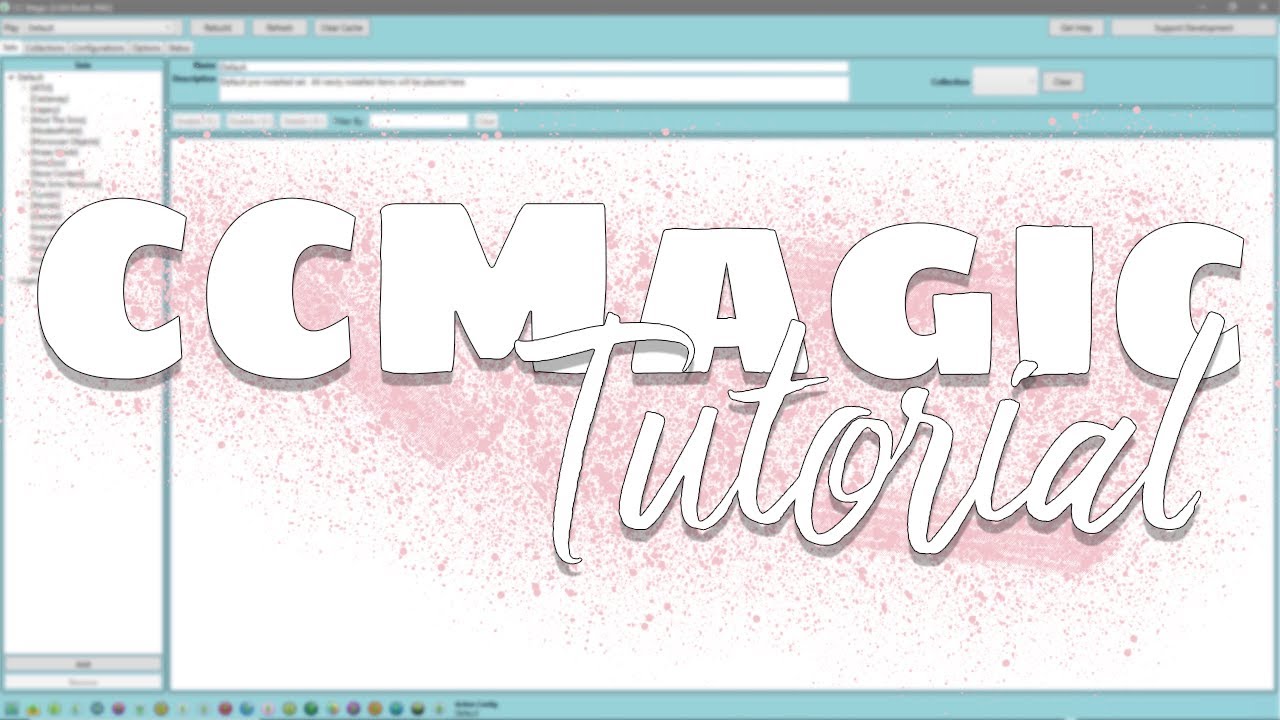
CC Magic Cache Folder (.Package and .Sims3Package) 26 GB
And Counting :D
♦ Recording and Video Editing ♦
Sound Recording: Blue Snowball Microphone + Ebay Pop Filter
Screen Capturing software Games: Fraps or DXTORY
Screen Capture Windows: OBS Studio
Video editing software: Sony Vegas Pro 13 or Adobe Premier Pro CC
Video Editing Settings: 10 Mbps HD 1080-60p
File Format: .MP4
Доступные форматы для скачивания:
Скачать видео mp4
-
Информация по загрузке: