I Built a Working Christmas Tree & Reindeer in Excel (No constant refreshing! -2025)
Автор: Creatyr
Загружено: 2025-12-16
Просмотров: 137
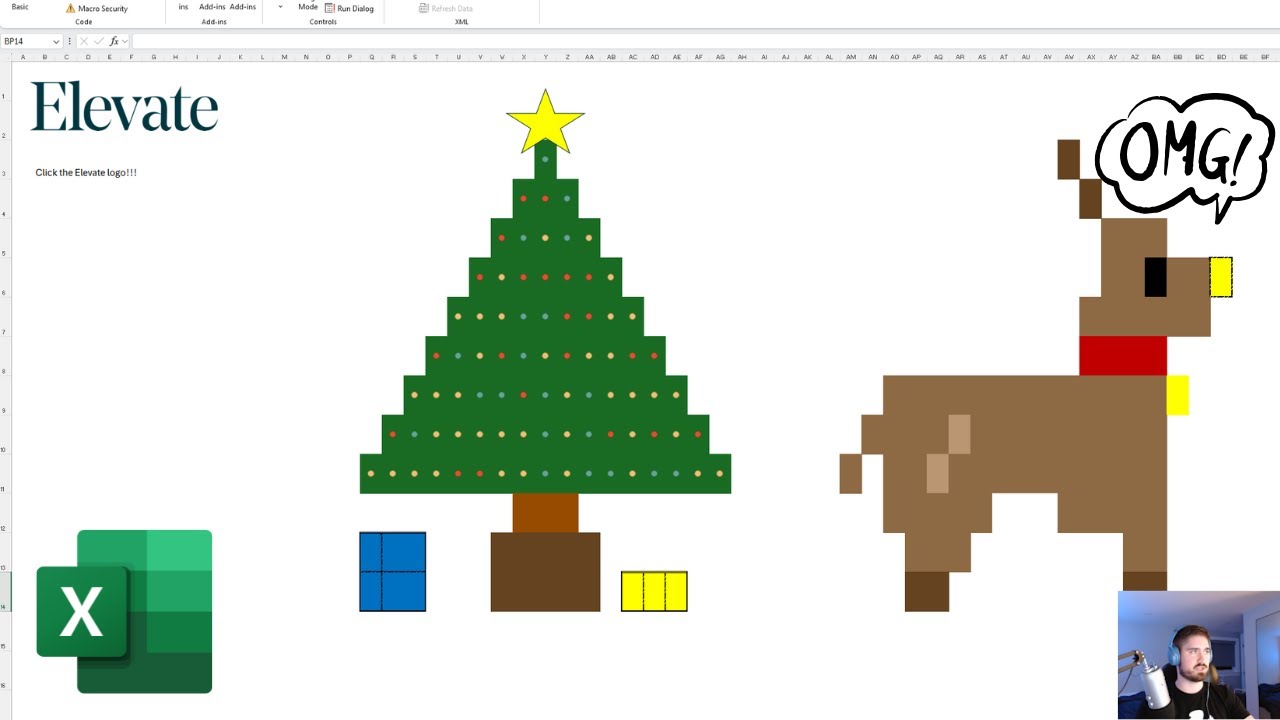
I’ve seen the viral Excel Christmas tree videos all over TikTok — so I rebuilt it from scratch and made it better.
In this video, I show you how to create:
• A pixel-art Christmas tree in Excel
• Glowing, animated lights using Conditional Formatting
• A reindeer with a pulsing Rudolph nose
• A VBA auto-refresh so the animation stays smooth and consistent
This version doesn’t rely on random clicks or broken recalculations, VBA does it for you.
If you have any questions or hate please subscribe to do both more effectively.
🎄 Copy & Paste the VBA code from here (if link don't work look below):
https://docs.google.com/document/d/1C...
If you want more Excel builds like this, drop a comment.
VBA CODE BELOW: ATTN PLS READ- I can't paste angled brackets in this description, so please replace the gazillion exclamation marks I put after the 'if now !!!' part with an angled bracket- which is the one that looks like 〉=
and it should work
---------------------------------------------------------------------------------------------------------------
Option Explicit
Public RefreshStop As Boolean
Public RefreshEndTime As Date
Sub StartAutoRefresh()
RefreshStop = False
RefreshEndTime = Now + TimeValue("00:01:00") ' run for 1 minute
' Ensure Excel actually recalculates
Application.Calculation = xlCalculationAutomatic
AutoRefresh
End Sub
Sub AutoRefresh()
If RefreshStop Then Exit Sub
If Now !!!replaceme!!!!!= RefreshEndTime Then Exit Sub
' Force recalculation (RANDBETWEEN, RAND, etc.)
Application.Calculate
' Run again in 1 second
Application.OnTime Now + TimeSerial(0, 0, 1), "AutoRefresh"
End Sub
Sub StopAutoRefresh()
RefreshStop = True
End Sub
---------------------------------------------------------------------------------------------------------------
pls subscribe thanks
Доступные форматы для скачивания:
Скачать видео mp4
-
Информация по загрузке: