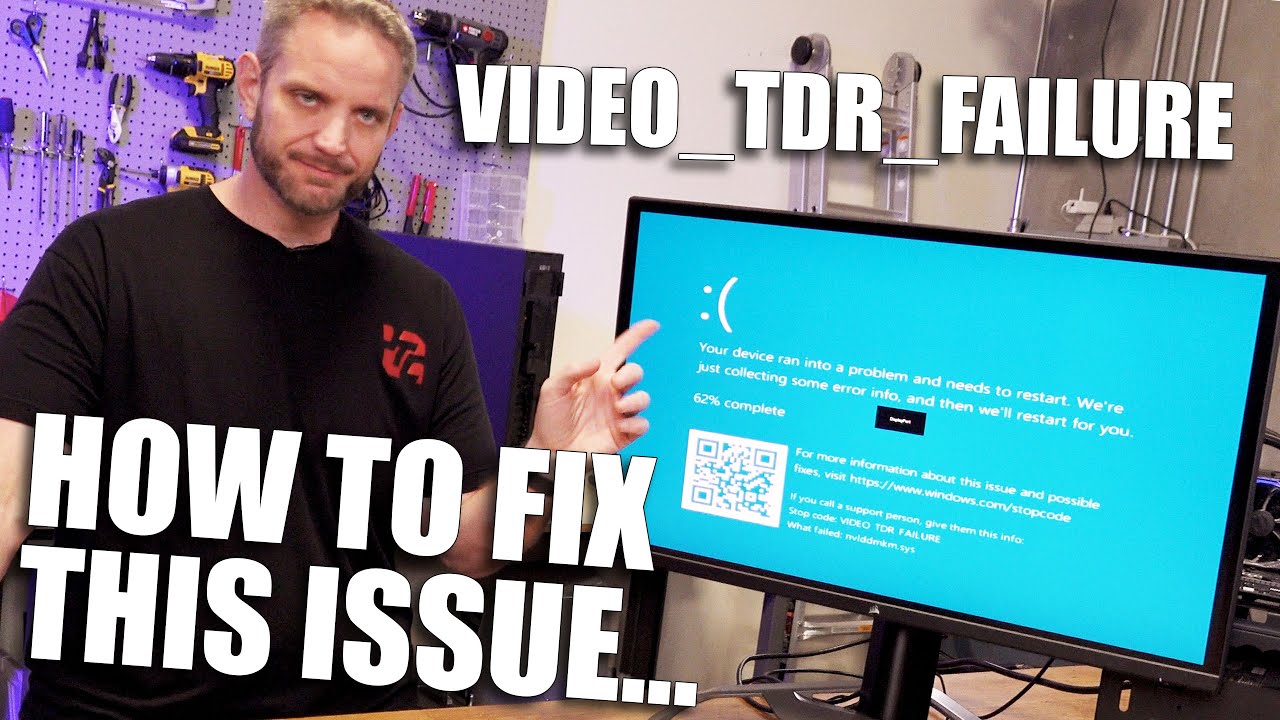
🛠️ Fix Game Crashes on PC Using Event Viewer – Find the Real Cause in Seconds!
Автор: Xplody FPS
Загружено: 2025-07-18
Просмотров: 1166
Game crashed out of nowhere? Whether it’s Valorant, GTA, or any random game — don’t panic!
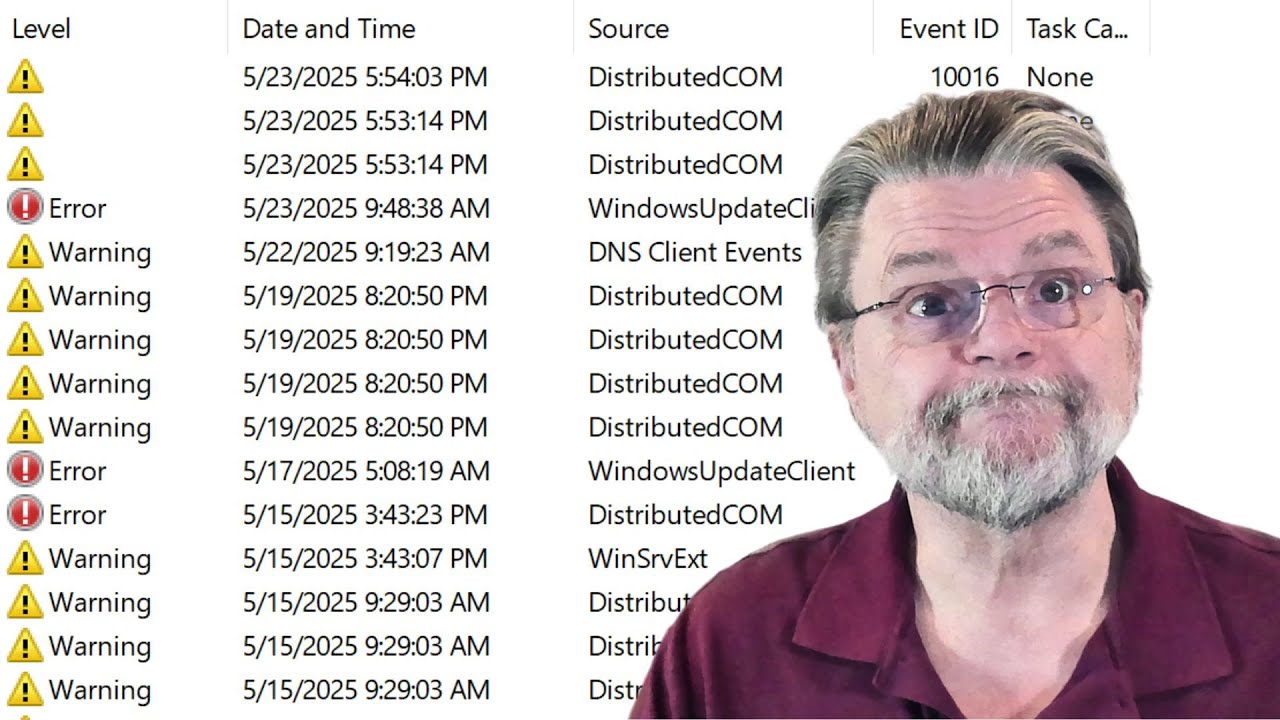
In this video, I’ll show you how to track down the real reason behind your game crash using Windows Event Viewer. It’s simple, free, and already built into your PC.
We’ll check for errors like "Application Error", "Kernel-Power", and even GPU driver crashes (like nvlddmkm). I’ll also share how I found the exact cause behind my own crash while playing Valorant — and how you can do the same in just a few steps.
✨ Bonus tip: You can even copy crash logs and ask AI tools like ChatGPT or Gemini for help — no more random Googling!
✅ Perfect for fixing:
Random game crashes
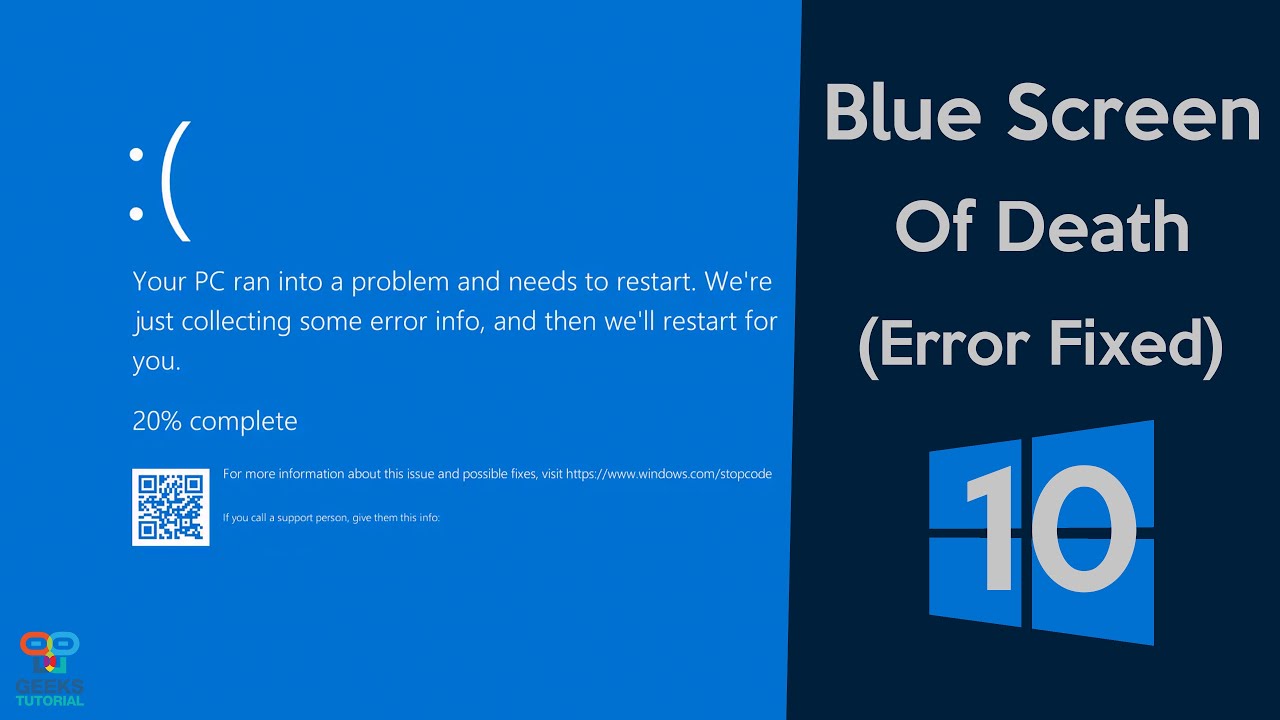
Blue screen (BSOD)
Black screen shutdowns
Anti-cheat crashes (like Vanguard)
💬 Drop a comment with your error if you want a deep-dive tutorial on that!
Доступные форматы для скачивания:
Скачать видео mp4
-
Информация по загрузке:




![Как исправить вылет игры на рабочий стол при запуске/рендеринге [Полное руководство 2024 г.]](https://imager.clipsaver.ru/OGvmnD3NKFM/max.jpg)