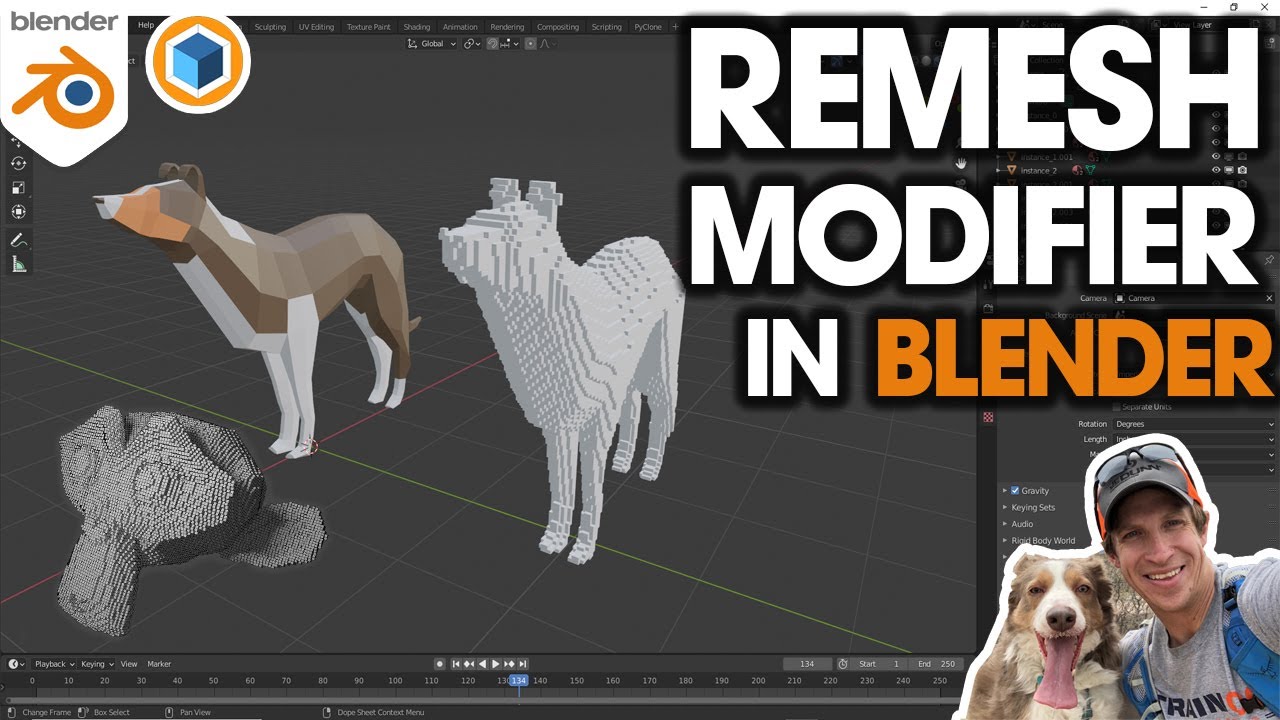
Redefine Your Models With The REMESH Modifier In Blender
Автор: Blender Base Camp
Загружено: 2025-02-06
Просмотров: 3209
Follow Us On Patreon For Early Videos And Access To Our Course Library: https://shorturl.at/TYX6X
Transform and optimise your 3D models with Blender’s REMESH Modifier! 🎥 In this complete guide, we’ll show you how to use the Remesh Modifier to restructure your geometry, improve topology, and prepare your models for sculpting, animation, and more.
🔥 What you’ll learn in this video:
How the Remesh Modifier works and its different modes.
The best settings for achieving clean and efficient topology.
How to use Remesh for sculpting, retopology, and 3D printing.
Tips for avoiding common issues and getting the best results.
💡 Why use the REMESH Modifier?
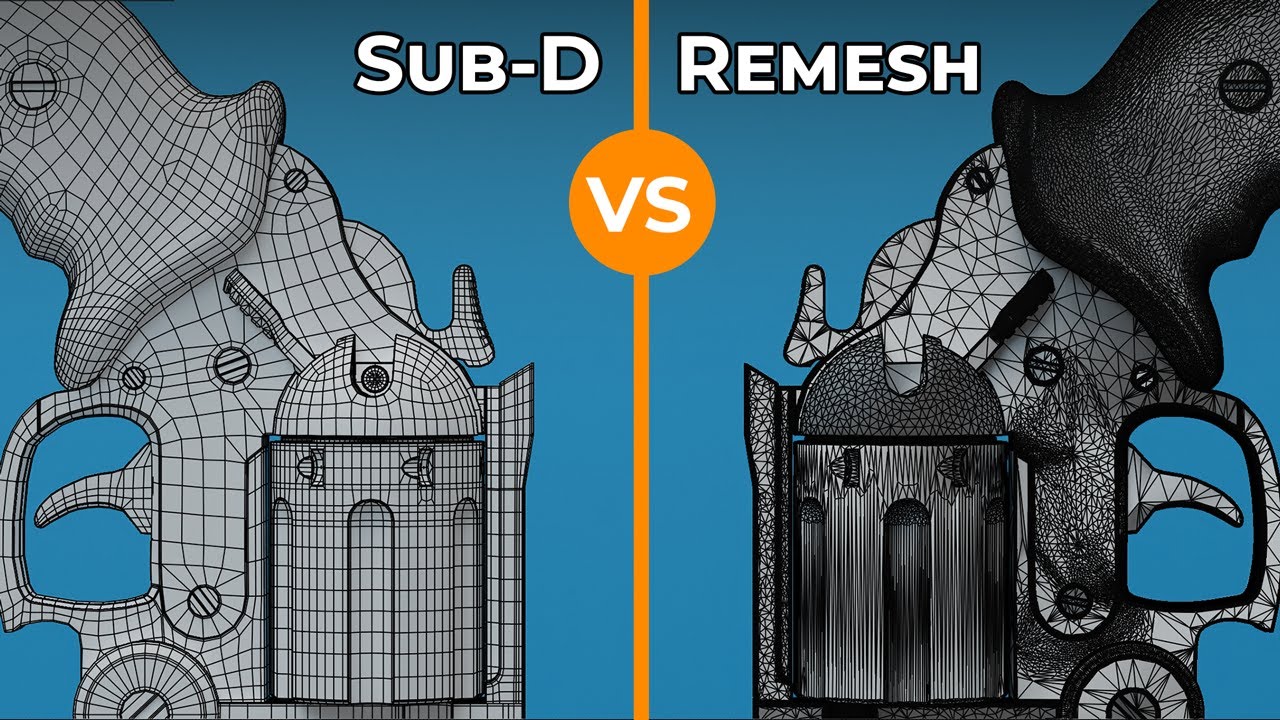
The Remesh Modifier is an essential tool for converting messy or complex geometry into clean, uniform topology. Whether you're sculpting high-detail models, optimising meshes, or preparing assets for animation, this modifier is a must-know!
🛠️ Who is this tutorial for?
This guide is perfect for Blender users of all skill levels, especially those working with sculpting, procedural modeling, or game-ready assets.
Timestamps:
0:00 Introduction
0:21 Accessing Modifiers
0:41 High Poly Model
1:25 Remesh Methods
2:03 Caution Adjusting Values
3:04 What Are Voxels
4:05 Voxel Size
5:22 Voxel Adaptivity
8:15 Smooth Shading
10:11 Octree Depth
12:52 Scale
14:52 Sharpness
18:27 Remove Disconnected
🔗 Resources:
Download Blender: www.blender.org/download/
21 Tools And Modifiers For Beginners: • 21 Blender Tools And Modifiers You Need To...
If you found this tutorial helpful, don’t forget to like, comment, and subscribe for more Blender tips and tricks. Hit the 🔔 to stay notified of our latest uploads!
#Blender #RemeshModifier #3DModeling #BlenderTips

Доступные форматы для скачивания:
Скачать видео mp4
-
Информация по загрузке: