How to Deploy Python Gradio Apps with Docker (Step-by-Step Guide)
Автор: RJdatascience
Загружено: 2026-01-21
Просмотров: 5
In this video, I’ll show you how to containerize and deploy your Python machine learning applications using Docker. Whether you are building a simple demo or a complex Generative AI tool, using Docker ensures your app runs consistently on any machine, eliminating the "it works on my machine" headache.
We will walk through creating a Dockerfile from scratch, configuring the necessary environment variables for Gradio, and optimizing your image size for faster deployment
🚀 What You Will Learn:
• How to set up a Dockerfile for Python applications.
• The critical environment variables needed for Gradio to work inside a container.
• How to build and run Docker images locally.
• Best practices for reducing image size using "slim" or "alpine" base images.
• Port mapping to access your app from your browser.
💻 Commands Used in This Video:
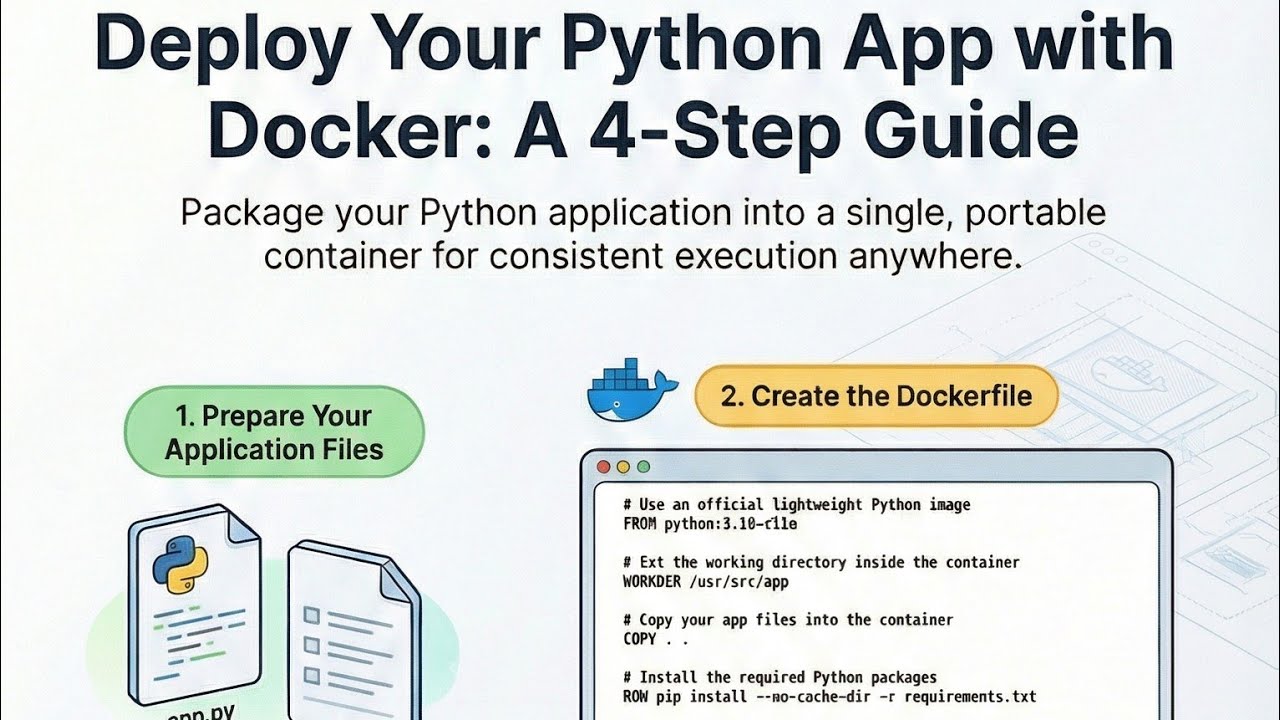
1. The Dockerfile Create a file named Dockerfile (no extension) in your project folder:
Use a lightweight base image
FROM python:3.10-slim
Set working directory
WORKDIR /usr/src/app
Copy files
COPY . .
Install dependencies (ensure you have requirements.txt)
RUN pip install --no-cache-dir -r requirements.txt
Expose Gradio port
EXPOSE 7860
IMPORTANT: Listen on all interfaces
ENV GRADIO_SERVER_NAME="0.0.0.0"
Run the app
CMD ["python", "app.py"]
(Source:,)
2. Build the Image Run this in your terminal:
docker build -t my-gradio-app .
(Source:)
3. Run the Container Map port 7860 to view the app:
docker run -p 7860:7860 my-gradio-app
(Source:)
#Docker #Python #Gradio #MachineLearning #DevOps #Containerization #Tutorial
Доступные форматы для скачивания:
Скачать видео mp4
-
Информация по загрузке: