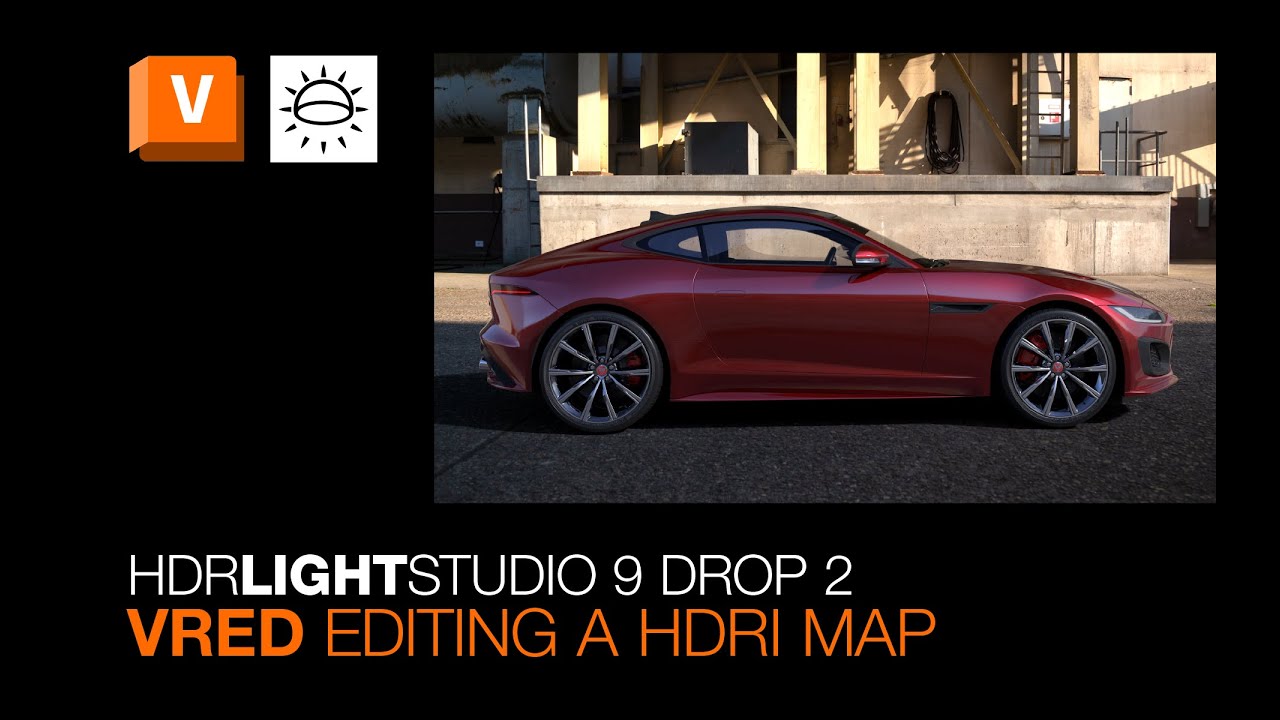
Area Lights Workflow for VRED | HDR Light Studio 9 Drop 2 Tutorial
Автор: HDR Light Studio
Загружено: 2025-11-04
Просмотров: 174
Learn how to create and control Area Lights in VRED using HDR Light Studio in this step-by-step tutorial. Whether you’re new to VRED or want to improve your 3D lighting workflow, this video shows exactly how to:
▪ Convert 3D lights into textured Area Lights in VRED
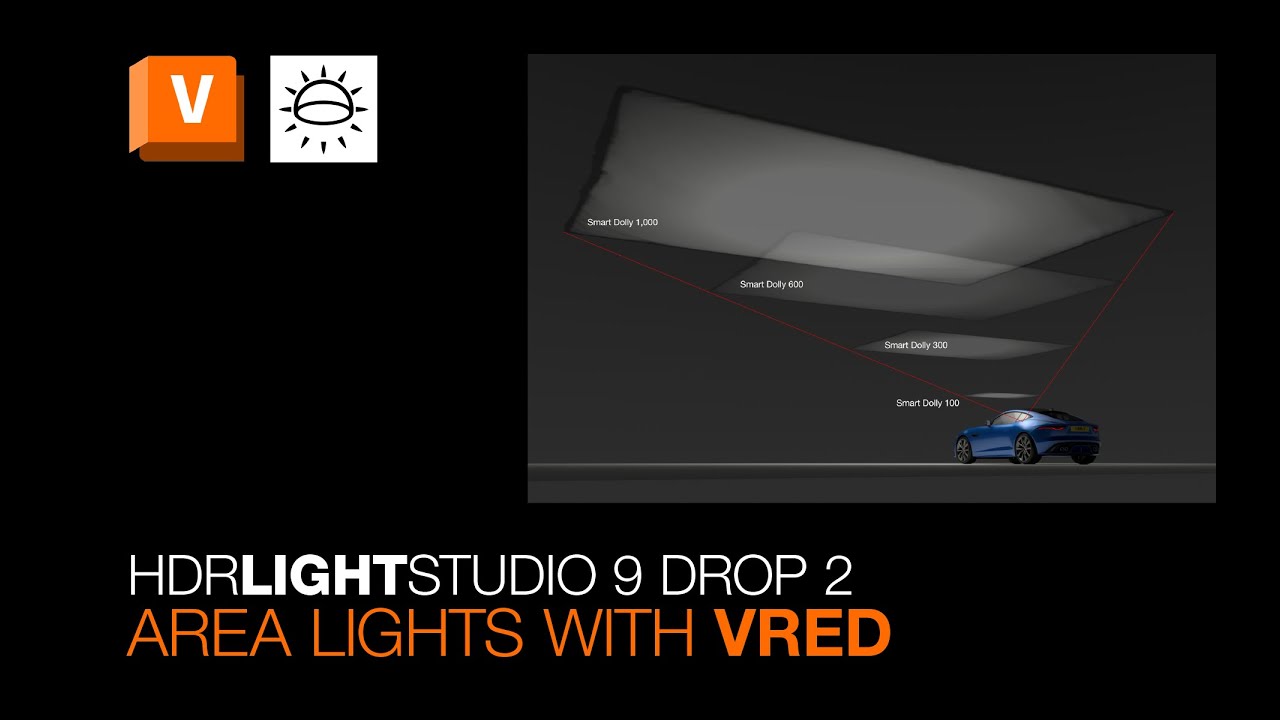
▪ Use the Smart Dolly slider for precise light distance and scaling
▪ Adjust brightness and resolution for realistic HDR lighting
▪ Apply advanced rotation modes for perfect light positioning
▪ Render HDRI maps and area light textures efficiently
This tutorial is ideal for lighting cars, products, or studio shots, helping you fully leverage HDR Light Studio’s area light features. Learn how to maintain consistent light intensity, control your scene with ease, and create professional-quality 3D renders.
FAQs answered in this video:
▪ How do I make a 3D light an Area Light in VRED?
▪ What is the Smart Dolly slider, and how does it work?
▪ How can I render HDRI maps and area light textures?
✅ Perfect for VRED users and HDR Light Studio enthusiasts
✅ Step-by-step workflow for realistic CGI lighting
✅ Tips for efficient lighting setup and advanced control
Master Area Lights in VRED with HDR Light Studio today.
Explore the connection between HDR Light Studio and Autodesk VRED: https://www.lightmap.co.uk/hdrlightst...
Note: The new VRED Streamed Render View requires Autodesk VRED 2025.2 or higher and is part of the HDR Light Studio Automotive edition. Available with both node-locked and floating licenses.
_____________________________
Follow HDR Light Studio at:
💡 / hdrlightstudio
💡 / hdrlightstudio
💡 / hdrlightstudio
#HDRLightStudio #VREDTutorial #VRED #AutodeskVRED #3DLighting #AreaLights #HDRI #CGI #3DRendering #LightingTutorial
Доступные форматы для скачивания:
Скачать видео mp4
-
Информация по загрузке: