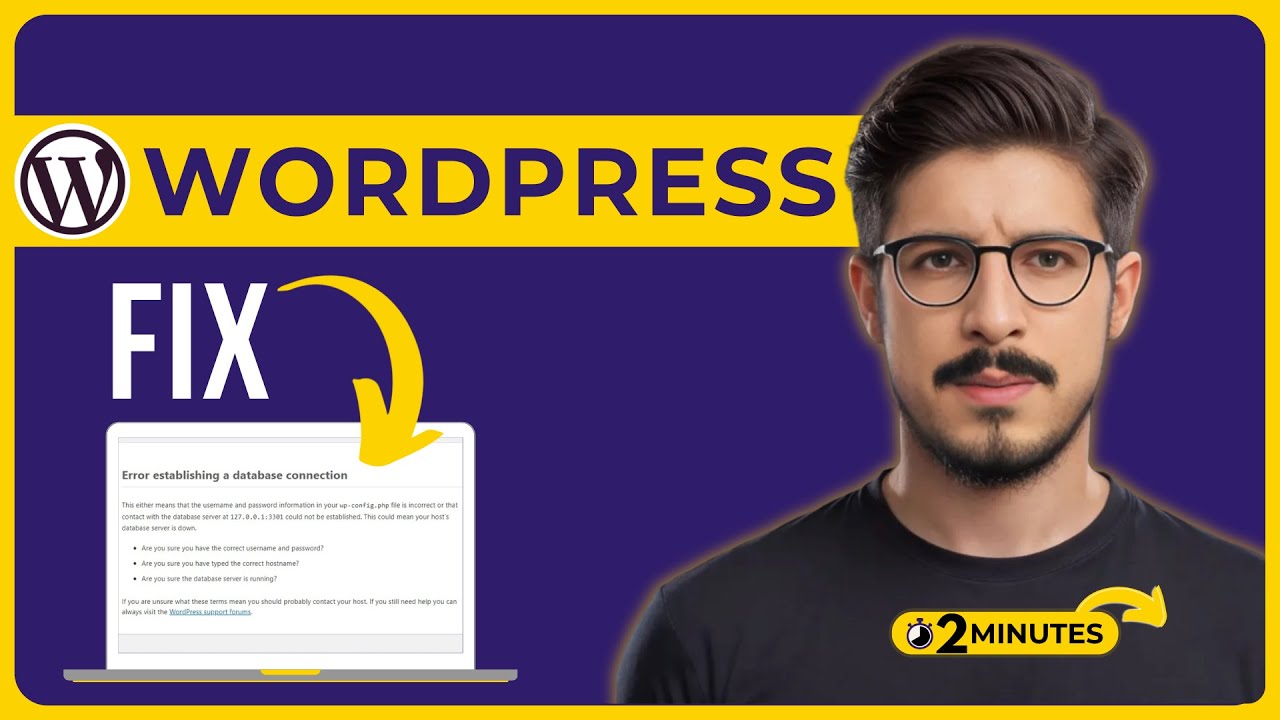
How To Fix Error Establishing A Database Connection In WordPress LocalHost Or Live 2025
Автор: Athar Web Studio
Загружено: 2025-05-27
Просмотров: 574
Learn how to fix error establishing a database connection in WordPress localhost or live in 2025. We’ll find out common cause of the WordPress error establishing a database connection fix them effectively. Whether you have a error establishing a database connection in WordPress in hostinger hosting or any other web hosting this video is for you.
In This Video Tutorial You’ll Learn:
1. How To Fix Error Establishing A Database Connection In WordPress localhost
2. How to Fix error establishing a database connection In WordPress In hostinger
Follow the simple steps to fix error establishing a database connection in WordPress:
✅ Step 1: Verify and Update Database Credentials in wp-config.php:
Begin by accessing your hosting control panel (e.g., Hostinger hPanel) and navigate to the File Manager. Open the public_html directory and locate the wp-config.php file. Edit this file to check the following database settings.
DB_NAME: Your database name
DB_USER: Your database username
DB_PASSWORD: Your database password
Ensure these values match the credentials provided in your hosting account's Database Management section. If discrepancies are found, update the wp-config.php file accordingly and save the changes.
✅ Step 2: Fix Error Establishing A Database Connection In Wordpress:
If the error persists, it's advisable to reset your database user's password. In your hosting control panel, go to Database Management, locate your database user, and choose the option to change the password. After setting a new password, copy it and return to the wp-config.php file. Update the DB_PASSWORD field with the new password and save the file. Refresh your website to check if the issue is resolved.
That’s it you have successfully fixed error establishing a database connection in wordpress.
Доступные форматы для скачивания:
Скачать видео mp4
-
Информация по загрузке: