One AI Prompt That Changed My UI Design Process • AI Studio • Gemini 3
Автор: Ruben Stom
Загружено: 2025-12-23
Просмотров: 361
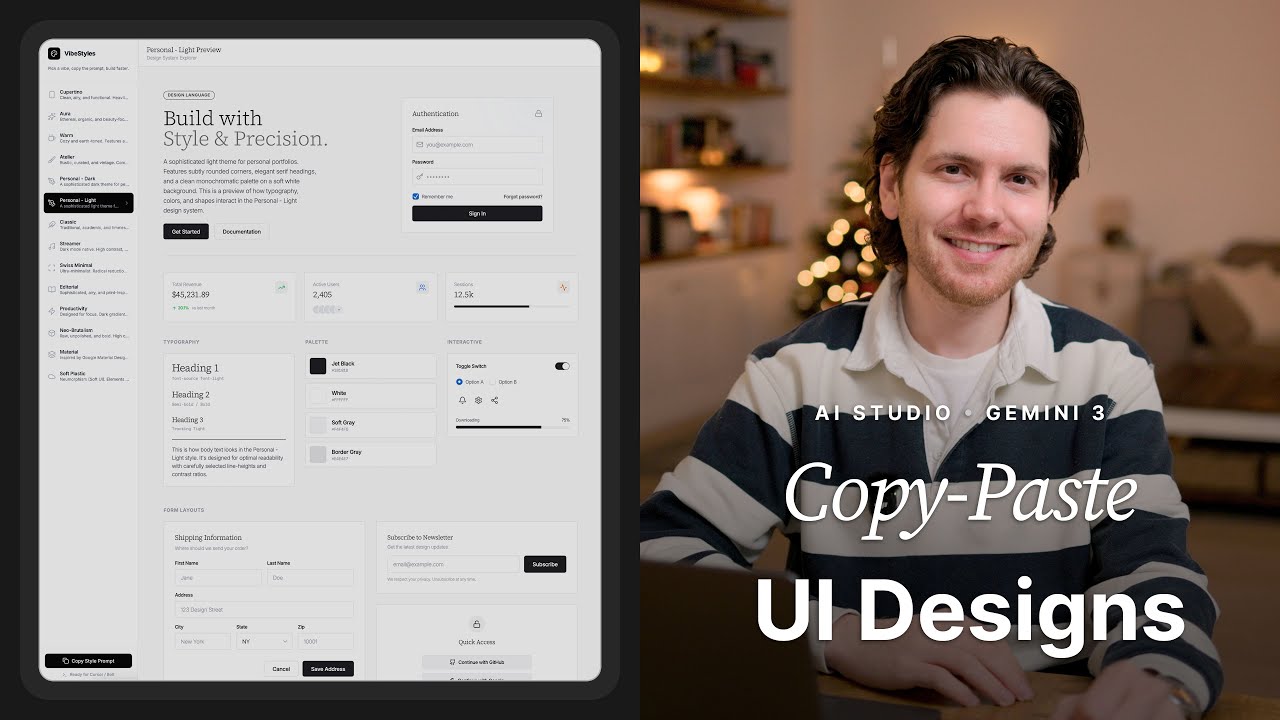
In this video, I show you a single prompt that lets you build a personal UI design library inside Google AI Studio. The prompt generates a lightweight web app where you can browse UI styles, preview complete design systems, and copy ready-to-use code into vibe-coding tools like Cursor, Bolt, Lovable, and Google AI Studio.
Instead of designing UI from scratch every time, this workflow allows you to reuse high-quality interface styles with a single click. I walk through the prompt step by step, explain why each part matters, and show the tool it creates in practice—using brand-inspired examples and fully custom personal design styles.
This video is part of my weekly Prompt in Focus series, where I break down practical AI prompts that designers can immediately apply in real workflows.
⸻
📥 Free Download
The exact prompt used in this video is available as a free download via this link:
https://rubenstom.gumroad.com/l/UI-Li...
⸻
📌 Chapters
0:00 Intro
0:23 The Tool
1:40 The Prompt
3:08 The Web Application
5:12 Personal Design Styles
6:46 New Styles Based on Images
7:31 Design Style Example
7:54 Thank You!
⸻
If you’re a designer exploring AI tools and workflows, subscribe for weekly videos focused on practical, real-world uses of AI in design. Feel free to leave your questions in the comments—I’m happy to help.
⸻
#uidesign #aistudio #gemini3 #ai #designideas #promptengineering #vibecoding
Доступные форматы для скачивания:
Скачать видео mp4
-
Информация по загрузке: