How to Convert High-Speed Burst Photo Sequences into Video – 3 Easy Ways
Автор: Magic Wedding Photographer
Загружено: 2025-02-22
Просмотров: 7222
🖼️ BEST Galleries and Slideshow Creator for Photographers: https://geni.us/pictime
Check out Pic-Time here: • NEXT LEVEL Wedding Photography Online Gall...
🧙🏻♂️ Check out my Presets & Courses 👉 https://geni.us/magic-store
💫 📸 get my FLASH for WEDDINGS course: https://geni.us/flash-launch
🔴 Get personal FEEDBACK on your Wedding Photos: https://geni.us/feedback-30
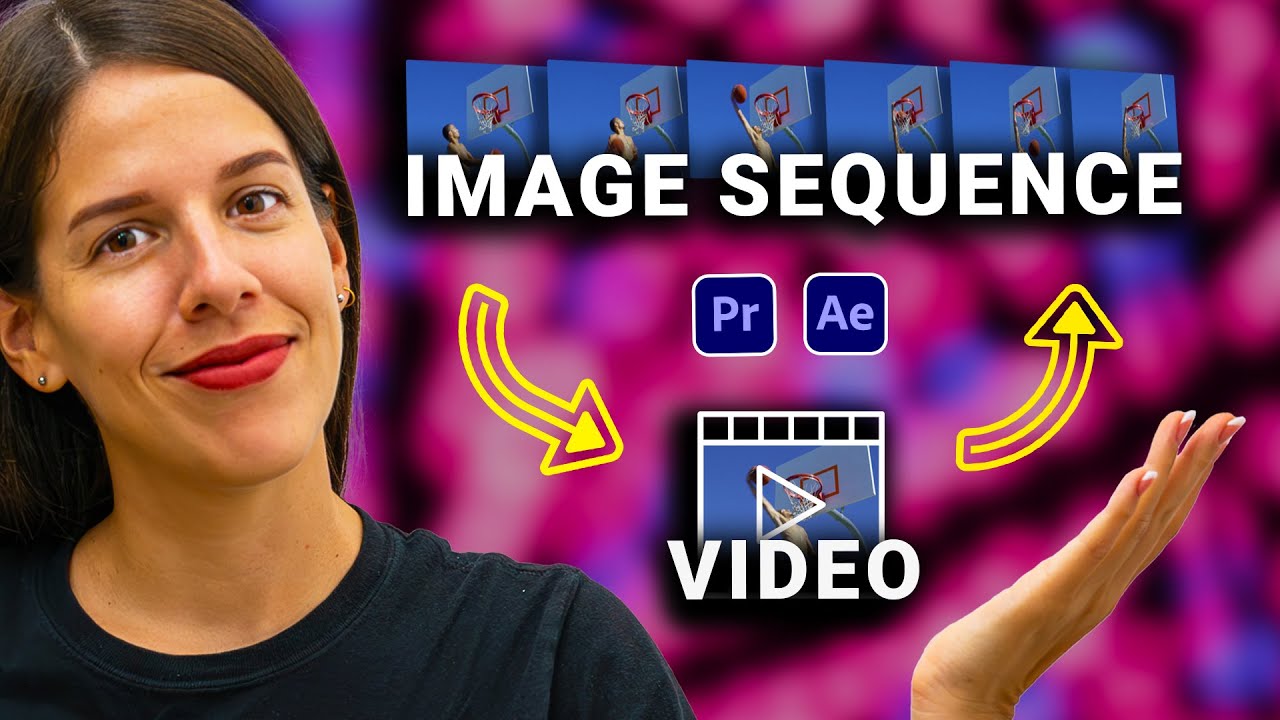
🎬 Want to turn a high-speed burst of photos into a smooth video? In this video, I’ll show you three different methods—from a free and powerful command-line tool to easy, automated software that makes the process seamless.
📌 Methods Covered in This Video:
00:46 Method 1 FREE
04:33 Method 2 PHOTOSHOP
05:59 Method 3 Paid App
✅ Method 1 – FFmpeg (Free but Technical) → Full step-by-step guide below
✅ Method 2 – Photoshop → Built-in workflow for Adobe users
✅ Method 3 – GlueMotion (Easiest) → I use it trough Setapp subscription: https://geni.us/JvBEkL7
Method 1
If you’re comfortable with command-line tools, FFmpeg is a powerful and free way to turn a sequence of photos into a smooth video. This guide is specifically for macOS users. If you’re on Windows, you’ll need a different setup - and I’ll be honest just ask ChatGPT how to run it.
📌 Full List of Commands for FFmpeg Method (macOS)
Use these commands step by step to install and use FFmpeg to turn a high-speed burst photo sequence into a video.
1️⃣ Open Terminal on macOS
To begin, open Terminal by pressing Cmd + Space, typing "Terminal", and pressing Enter.
2️⃣ Install Homebrew (If Not Installed)
/bin/bash -c "$(curl -fsSL https://raw.githubusercontent.com/Hom...)"
You can Verify installation:
brew --version
3️⃣ Install FFmpeg
brew install ffmpeg
You can Verify installation:
ffmpeg -version
4️⃣ Navigate to Your Image Folder in Terminal
1. Type cd (include a space after cd).
2. Drag your photo sequence folder from Finder into Terminal.
3. Press Enter.
5️⃣ Convert Image Sequence to Video
Run the following command to generate a 30 FPS MP4 video:
ffmpeg -framerate 30 -i animation_%03d.jpg -c:v libx264 -crf 18 -preset slow -pix_fmt yuv420p -movflags +faststart output.mp4
📌 Filename Adjustments
By default, this command works with three-digit numbered images (e.g., animation_001.jpg, animation_002.jpg).
• If your files have a different name, change animation_%03d.jpg in the command to match your filenames.
Examples:
• If your files are named “photo_001.jpg”, use:
ffmpeg -framerate 30 -i photo_%03d.jpg -c:v libx264 -crf 18 -preset slow -pix_fmt yuv420p -movflags +faststart output.mp4
✅ That’s it! You’ve successfully turned a burst photo sequence into a smooth video using FFmpeg. 🚀
💬 Drop a comment below if you have questions or let me know which method you prefer! 🚀
WHAT DO I USE:
MAIN KIT:
📷 My Main Camera - https://geni.us/kzTm
🌠 My 24mm - https://geni.us/TW8pMQ
🌌 My 35mm - https://geni.us/JfbnyS
💫 My 50mm - https://geni.us/n9rBlwI
✨ My 85mm - https://geni.us/9TpzFt
BONUS CAMERAS:
💫 RX1RII - https://geni.us/UQbSVm
💫 RX100VI - https://geni.us/69uMI
FUN LENSES:
🌀 Cheap tilt - https://geni.us/tilt50
🌀 Reflex Lens -
🌟 Adapted Tilt-Shift - https://geni.us/4d50
🌟 50mm for flares - https://geni.us/SVhvH8
🎥 Anamorphic - https://geni.us/sirui35lens
ACCESSORIES:
⚡ My main FLASH - https://geni.us/P-A10
💾 My main memory cards (1st slot) - https://geni.us/edPR
💾 My backup cards (2nd slot) - https://geni.us/angelbird1tb
🔗 My strap - HoldFast Camera Swagg (I use the orange one) - https://geni.us/holdfastmm
👜 My bag - HoldFast Small Sightseer - https://geni.us/holdfastbag
🎒 My backpack - https://geni.us/compagnonbackpack
SOFTWARE:
🖼️ BEST ONLINE GALLERY: https://geni.us/pictime (use code: MAGIC at checkout for extra month for free)
👨💻 AI EDITING TOOL I USE: https://geni.us/imagen-magic
🔘 AI CULLING TOOL I USE (FREE) https://geni.us/narrative-magic
🖼️ REEL CREATOR - GET FREE MONTH: https://geni.us/6cZc5B
💼 straps and bags: https://geni.us/peakmagic
Disclaimer 1: Some of the links are affiliate links, so I do profit whenever you buy through the links - thank you for support!
Disclaimer 2: Video is sponsored by Pic-Time

Доступные форматы для скачивания:
Скачать видео mp4
-
Информация по загрузке: