Working with Jira issues directly in VS Code using imdone-cli
Автор: Jesse Piascik
Загружено: 2025-11-02
Просмотров: 100
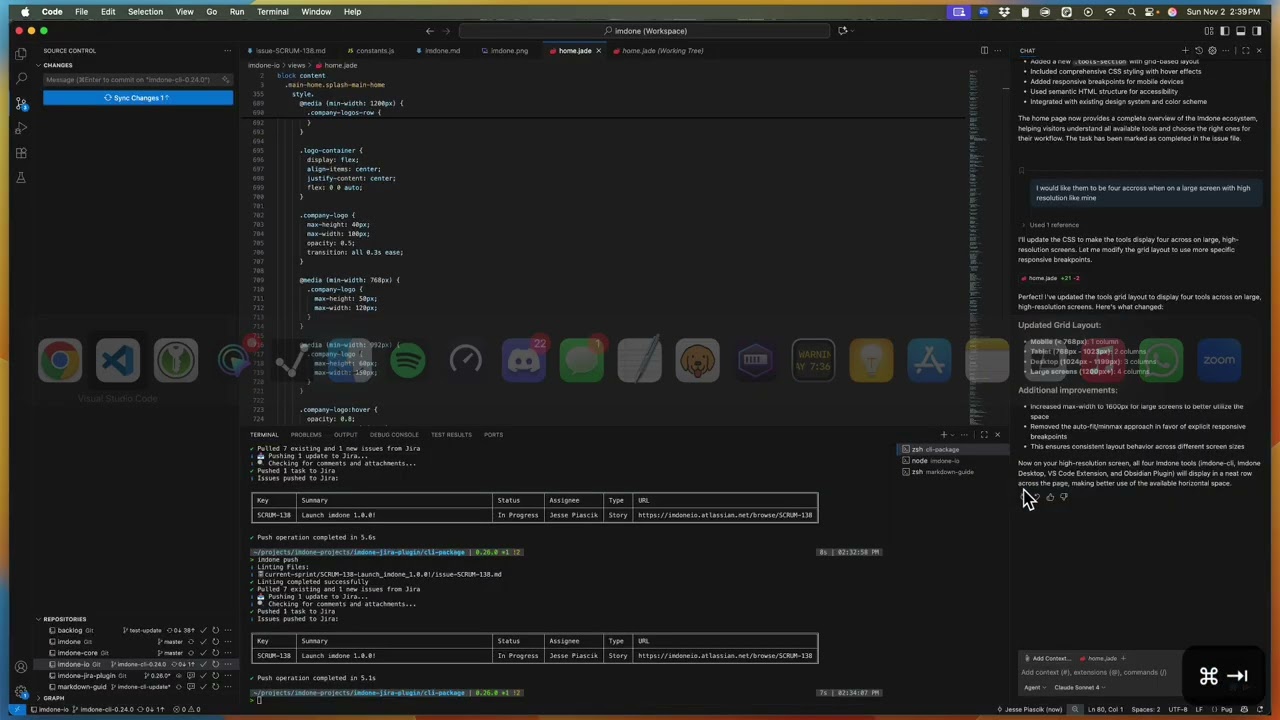
A screen recording of me updating the imdone.io homepage while managing Jira issues as markdown files in VS Code. This shows the actual workflow I use daily - no scripts, no preparation, just real development work.
The main thing I'm demonstrating is how I keep issue context alongside code changes, which makes it easier to work with AI tools like Copilot and maintain continuity when switching between machines or working with teammates.
What you'll see:
• Navigating imdone-cli project structure
• Managing Jira issues as local markdown files
• Using GitHub Copilot with issue context
• CSS iterations and homepage updates
• Syncing changes back to Jira
• Keeping old release notes as comments for reference
Timestamps:
0:00 Introduction & Markdown Guide Updates
1:26 Navigating to imdone-cli project folder
3:03 Using GitHub Copilot with Task Context
5:35 Iterating on Homepage Design
8:38 CSS Refinements & Link Positioning
11:32 Benefits of Context-Driven Development
12:23 Managing Release History & Team Collaboration
Tools used:
• imdone-cli - manages Jira issues as markdown files in your repo
• GitHub Copilot - AI assistance
• VS Code - editor
• Jira - issue tracking
The workflow eliminates a lot of context switching between browser tabs and keeps development momentum going. If you work with Jira and spend time in VS Code, this might be useful.
Links:
• Imdone.io: https://imdone.io
• Imdone-CLI: https://github.com/imdone/imdone-cli
• Follow for more developer workflow content!
#DeveloperWorkflow #JIRA #VSCode #GitHubCopilot #TaskManagement #DeveloperTools #ProductivityHacks
Доступные форматы для скачивания:
Скачать видео mp4
-
Информация по загрузке: