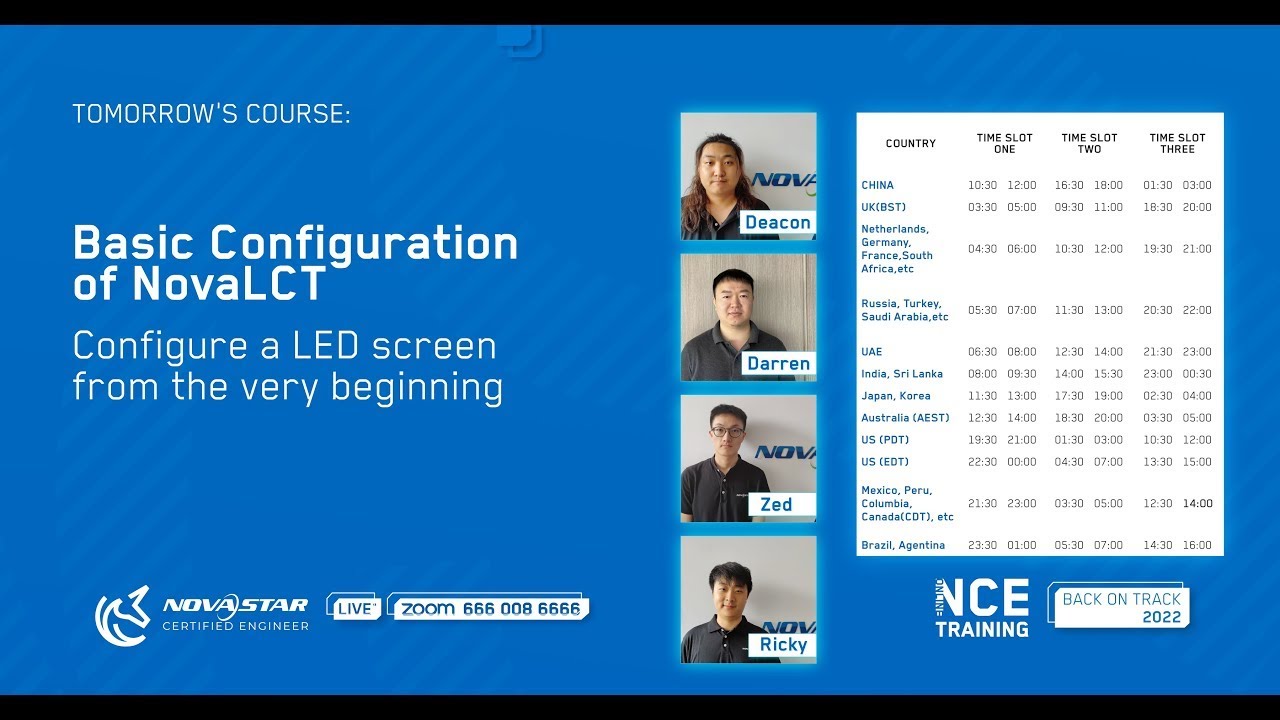
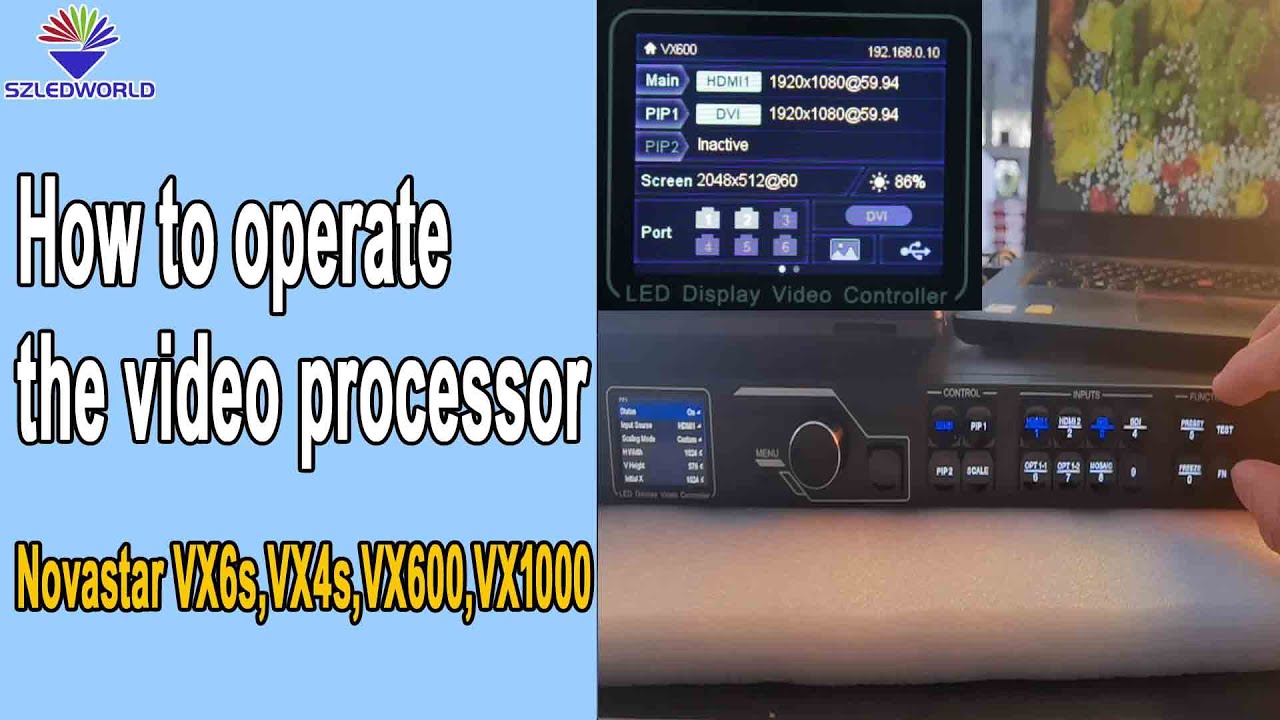
NovaStar NovaLCT Full Tutorial | Complete LED Display Configuration and Control Guide
Автор: LEDSCREENPARTS
Загружено: 2025-08-04
Просмотров: 488
🎯 Master NovaLCT Software | Full NovaStar LED Control System Tutorial
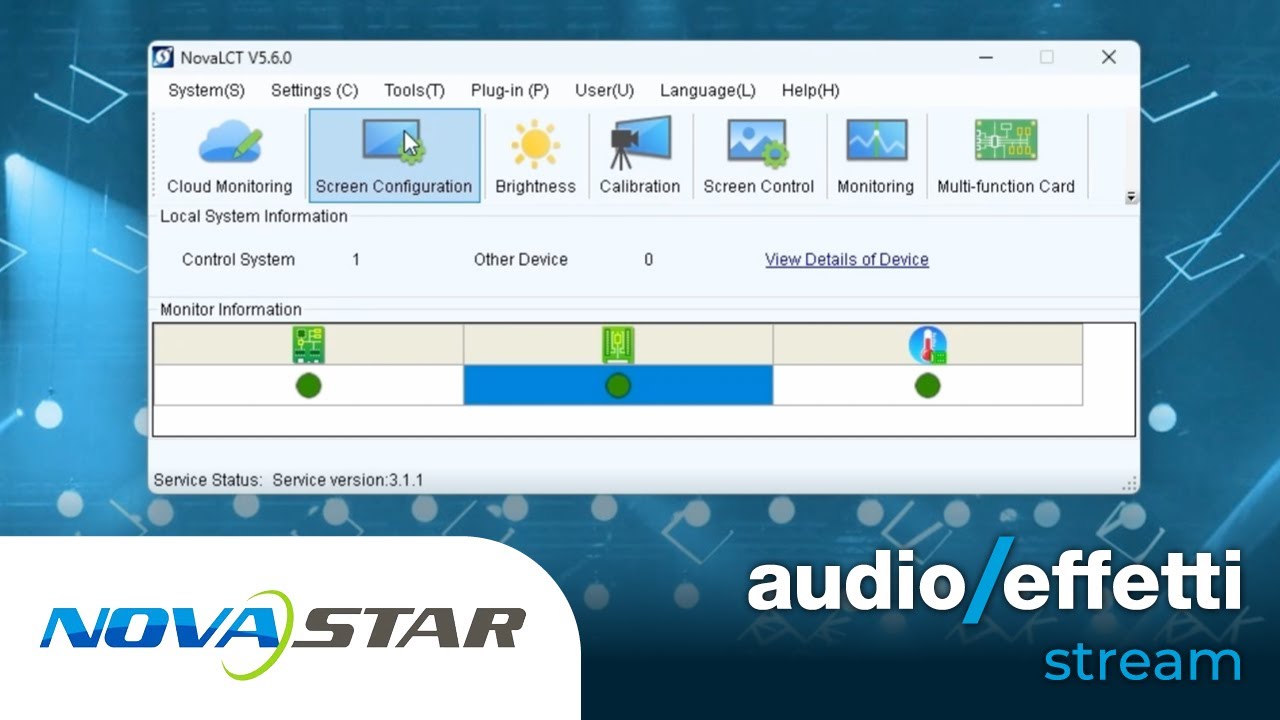
In this comprehensive tutorial, we walk you through all the essential features of NovaStar's NovaLCT software – the central platform for configuring and managing LED display control systems. Whether you’re new to LED screen setup or need a refresher on advanced functions, this video provides step-by-step instructions to ensure smooth operation of your NovaStar system.
💡 What You'll Learn in This Video:
🔹 1. NovaLCT Software Installation
Download NovaLCT from NovaStar’s official website
Install the software and required USB port driver
Identify desktop icons and system tray services
🔹 2. Hardware Connections
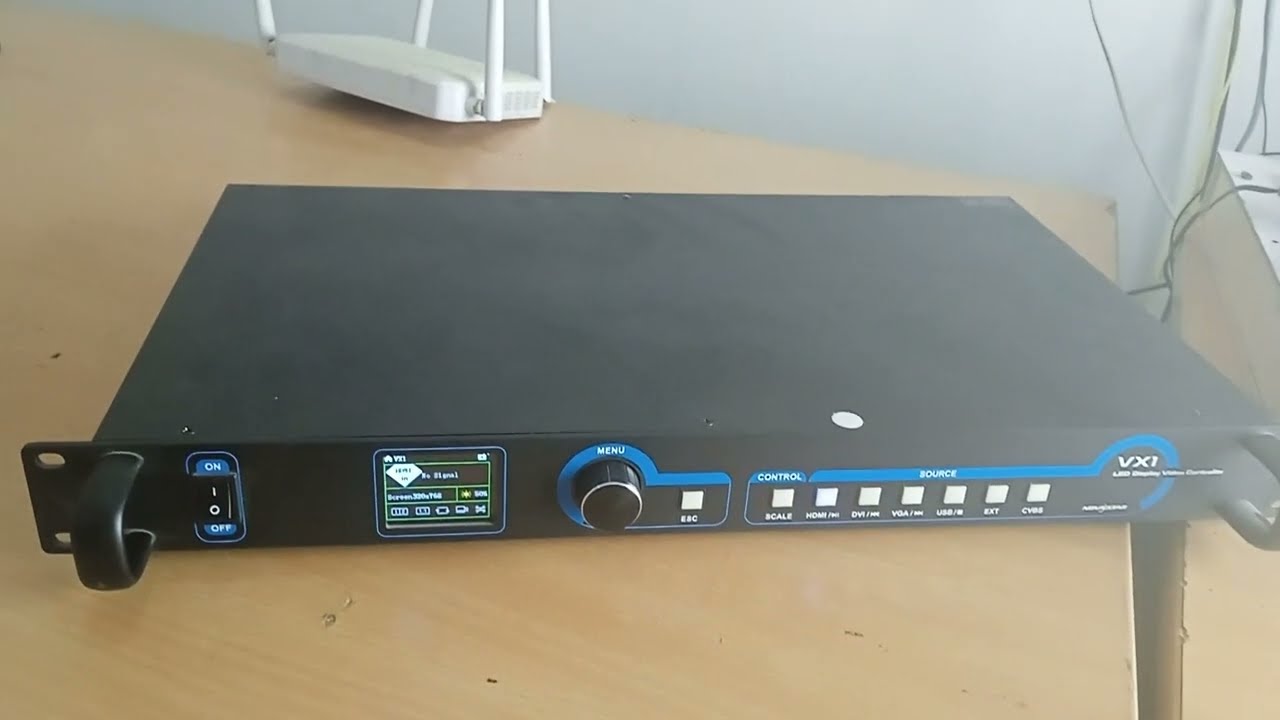
How to connect your PC to NovaStar controller via USB or Ethernet
Connecting input sources (HDMI/DVI) and output ports to the LED screen
🔹 3. User Login Modes
Advanced Sync System login (admin/666666) for full access
Demonstration login (admin/888888) for offline configuration
Media Player login for TV/TA series (admin/N20088)
🔹 4. Display Screen Configuration
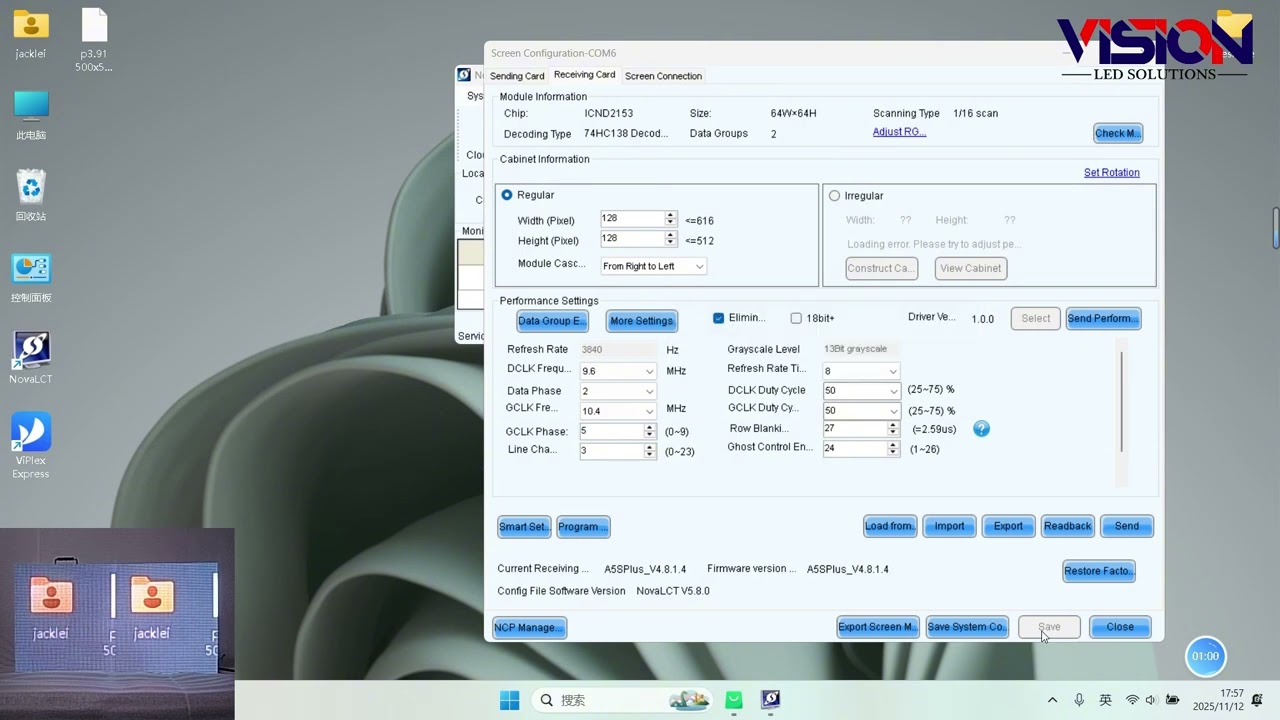
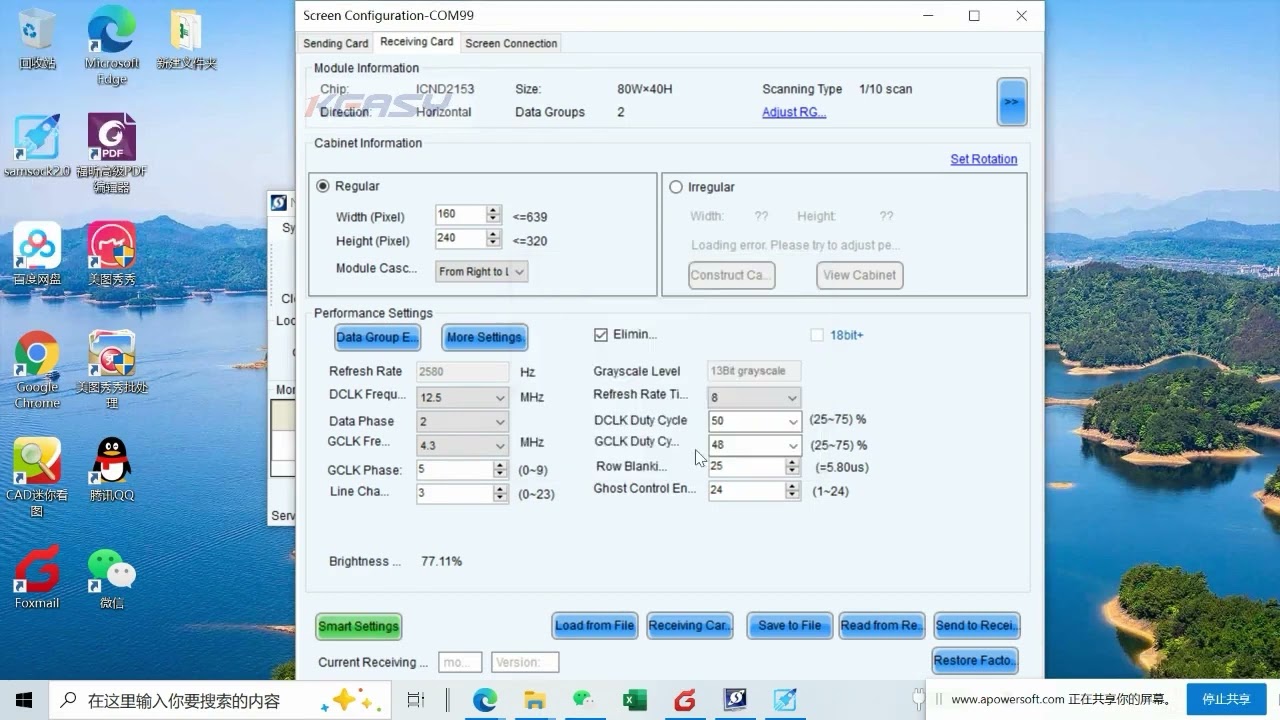
Import and send receiving card configuration (RCFGX)
Set up screen connections, map receiving cards, define cabinet resolution
Save settings to hardware for persistent configuration
🔹 5. Brightness and Color Settings
Manual and numeric brightness control (0–255)
Gamma, color temperature (1700–9500K), and color gamut settings
Use of standard gamuts like Rec.709, DCI-P3, Rec.2020
🔹 6. Calibration Settings
Four calibration types: Brightness, Chromaticity, Full Gray, Low Gray
Online and offline calibration options
Coefficient management: upload, erase, and save
🔹 7. Screen Control Mode
Enable test patterns without input signal (Red, Green, Blue, Lines, 256 grayscale)
Screen status control (black screen, frozen frame, test mode)
Ideal for troubleshooting and aging tests
🔹 8. System Monitoring
Monitor sending/receiving card status, temperature, cabinet modules
Visual indicators for humidity, smoke, fan speed, flat cables, etc.
Real-time data refresh and fault detection
🔹 9. Multi-Function Card Setup
Configure the MFN300 card for power control and environmental sensing
Schedule automatic brightness and power on/off
Monitor voltage, temperature, humidity from built-in sensors
🔹 10. Firmware Upgrade
Perform program upgrade for receiving cards
Enter admin password to access firmware upgrade interface
Upload firmware packages and initiate update
📌 Why This Video Matters
NovaLCT is the core of NovaStar’s LED display control solution. Mastering its interface and configuration tools is critical for professionals managing LED installations in exhibitions, conferences, commercial venues, and outdoor signage.
Whether you’re dealing with a standard LED wall or a complex multi-screen setup, this tutorial will help you avoid common pitfalls, improve configuration efficiency, and gain complete control over your display system.
📧 For further information about the products or to inquire about quotations, please contact us:
🌐 Website: www.ledscreenparts.com
✉️ Email: sales@ledscreenparts.com
📲 WhatsApp: +86 13316541431
#NovaStar #LEDdisplay #NovaLCT #controlsystem #LEDscreen #firmwareupdate

Доступные форматы для скачивания:
Скачать видео mp4
-
Информация по загрузке: