PROBLEM: DaVinci Resolve H.264 Render Glitches
Автор: Deep Dive DevOps
Загружено: 2025-04-29
Просмотров: 1534
Struggling with frustrating DaVinci Resolve H.264 render glitches like annoying black boxes or artifacts in your exported video? You're in the right place! This tutorial directly addresses common H.264 export problems in DaVinci Resolve and shows you a reliable fix.
This video will help you:
► Understand why H.264 compression can cause render glitches, especially with lots of motion.
► Learn how the keyframe interval is often the culprit behind black boxes and other visual artifacts.
► Discover how to adjust your render settings, specifically the 'Key Frames' value in DaVinci Resolve, to force more frequent full frames and eliminate these issues.
► Weigh the PROS (improved quality, glitch elimination, especially in action scenes) and CONS (larger file sizes) of this approach.
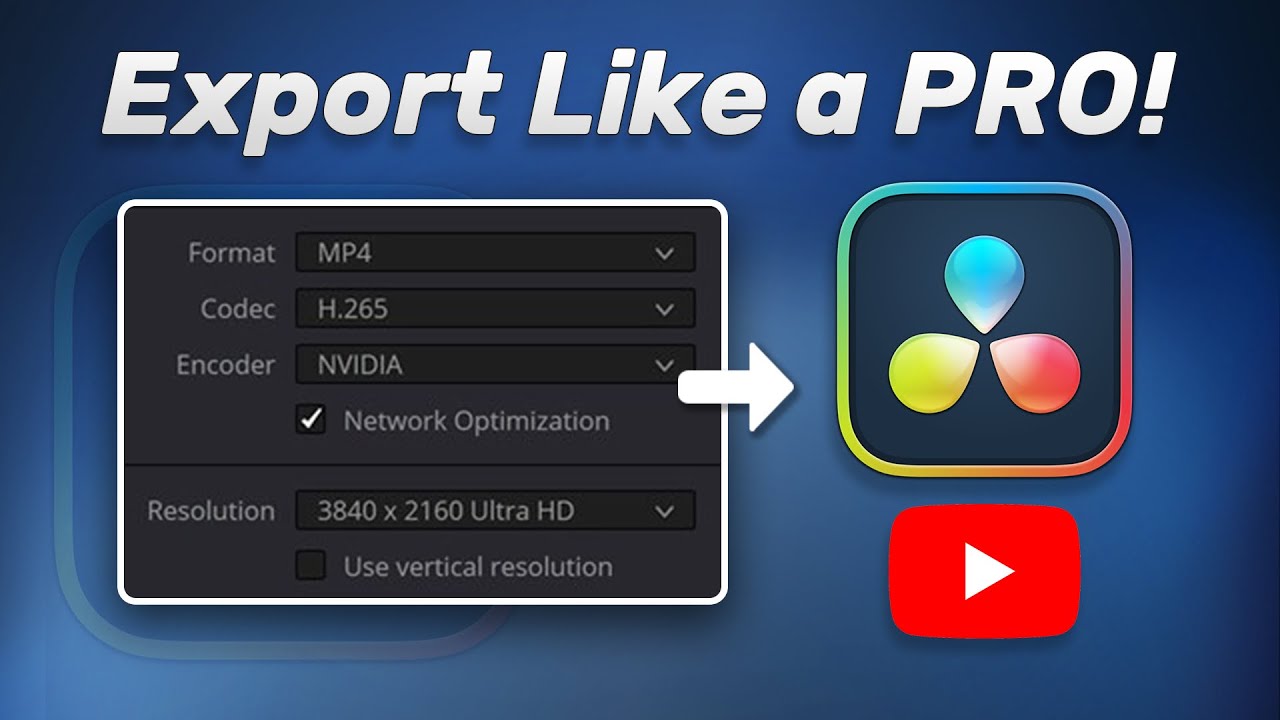
► Get a quick tip on an alternative: using the H.265 codec and how I restrict quality for 30 FPS video by setting a bitrate limit (e.g., 60 Mb/s - double the frame rate).
If you've been battling H.264 problems and 'Automatic' keyframes aren't cutting it, this DaVinci Resolve troubleshooting guide will provide a clear solution to improve your video export quality. Stop letting render glitches ruin your hard work!
#DaVinciResolve #H264Problems #VideoEditing #RenderGlitches #Keyframes #Troubleshooting #DaVinciResolveTips #VideoEditor #ExportingVideo
Got questions or other DaVinci Resolve challenges? Let me know in the comments below! If this video helped you, please give it a thumbs up and consider subscribing for more video editing tips.
Доступные форматы для скачивания:
Скачать видео mp4
-
Информация по загрузке: