NovaStar Class 2 NovaLCT and Viplex Express basic configuration
Автор: LEDSCREENPARTS
Загружено: 2022-04-26
Просмотров: 745
🎓 NovaStar LED Configuration Training | NovaLCT & Viplex Express Software Tutorial
Welcome to the official NovaStar Certified Engineer (NCE) online training session! In this video, Darren from NovaStar’s Technical Support Team provides a detailed, step-by-step tutorial on configuring LED control systems using NovaLCT and Viplex Express software.
Whether you're a beginner or an experienced LED engineer, this training will guide you through the essential processes needed to get your LED screen up and running — from hardware setup to advanced software configurations.
🔧 What You’ll Learn in This Video:
📌 Introduction to the NovaStar Certified Engineer (NCE) program
📊 Overview of LED system structure (PC, sending controller, receiving cards, LED screen)
🖥️ Graphics card setup for optimal screen scaling
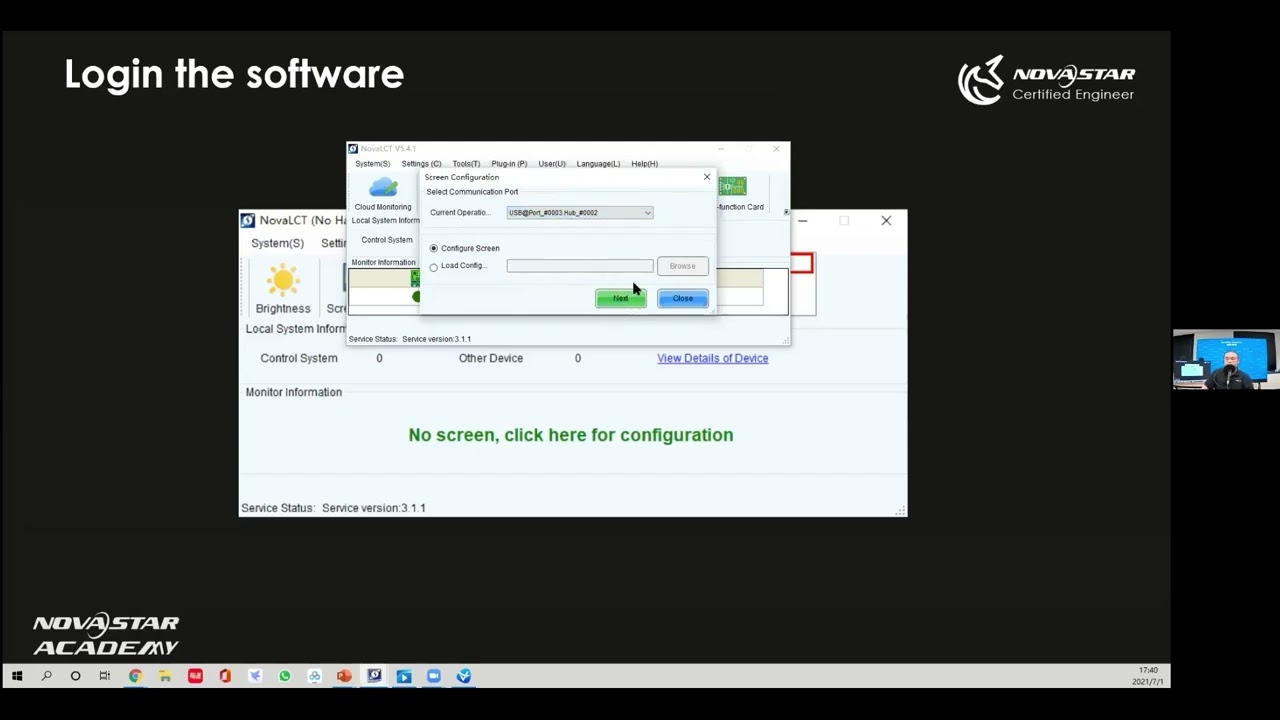
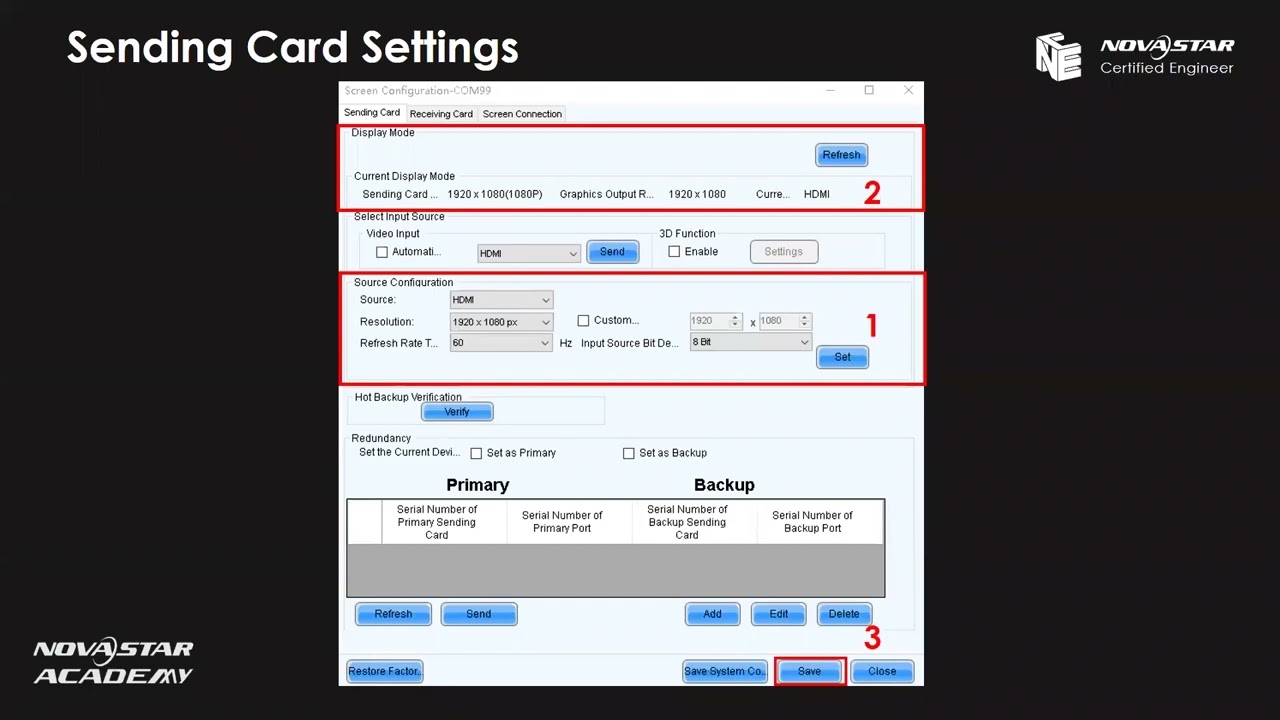
🔌 NovaLCT configuration including:
Sending card setup (source selection, resolution, refresh rate)
Receiving card configuration (loading RCFGX files, saving parameters)
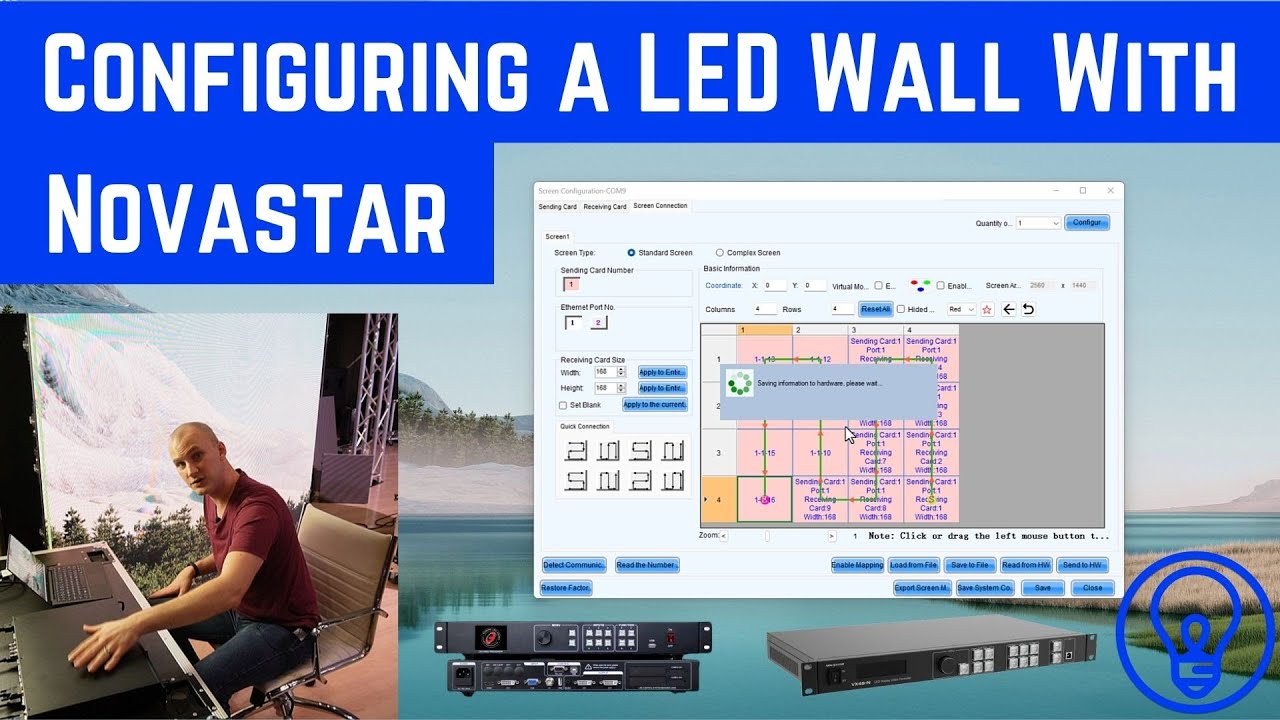
Screen connection setup (rows/columns, mapping function, connection topology)
🧩 Using the “Enable Mapping” function for error-checking and layout visualization
💾 Saving configuration files (.rcfgx for receiving cards, .scr for screen connections)
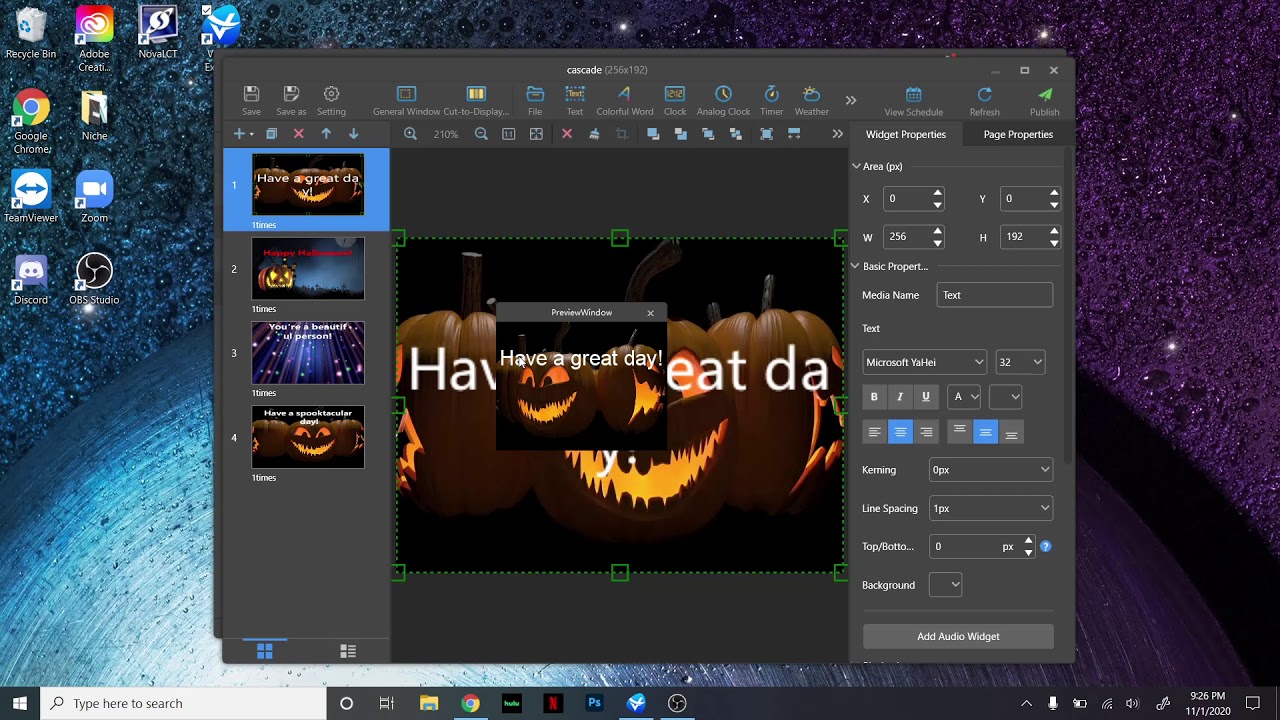
🎥 Display management with Viplex Express:
Setting playback window resolution
Adding media (videos, images, text, PowerPoint, etc.)
Full screen display
Preview and play content live
💡 Why This Matters:
Efficient configuration of LED systems is critical for display performance and stability. NovaStar’s tools like NovaLCT and Viplex Express simplify this process, but only if you know how to use them correctly. This video helps you avoid common setup errors, streamline configuration, and unlock professional-quality screen performance.
Key topics covered:
NovaLCT setup, Viplex Express tutorial, LED screen configuration, sending/receiving card setup, LED display control, screen mapping, screen connection topology, synchronous/asynchronous display systems
🌐 Ideal For:
LED engineers and technicians
AV system integrators
Digital signage operators
LED screen resellers and installers
NovaStar product users (beginner to advanced)
🔍 Pro Tips Mentioned:
Always operate from front view during screen connections
Match output resolution from graphics card to NovaLCT settings
Save .rcfgx and .scr files for future reuse or troubleshooting
Use “Enable Mapping” for clear visual guidance
Use Viplex Express for quick media presentation without external video processors
📁 Recommended File Formats:
Receiving card config: .rcfg or .rcfgx
Screen connection config: .scr
Supported media: images (JPG, PNG), videos (MP4, AVI), Office docs (PPT, XLS), clocks, weather, and text widgets
🛠️ Software Versions Used:
NovaLCT (latest version recommended)
Viplex Express v2.3.0 – download available at NovaStar official site
https://www.novastar.tech
Need help configuring your LED system? Want to ensure peak display performance?
📧 Contact us today for a quote or expert consultation:
🌐 Website: www.ledscreenparts.com
✉️ Email: sales@ledscreenparts.com
📲 WhatsApp: +86 13316541431
Доступные форматы для скачивания:
Скачать видео mp4
-
Информация по загрузке:



![Best of Vocal House [2025] English Deep House, Vocal House, Nu Disco, Chillout, hot mix](https://imager.clipsaver.ru/fideCsumVVo/max.jpg)