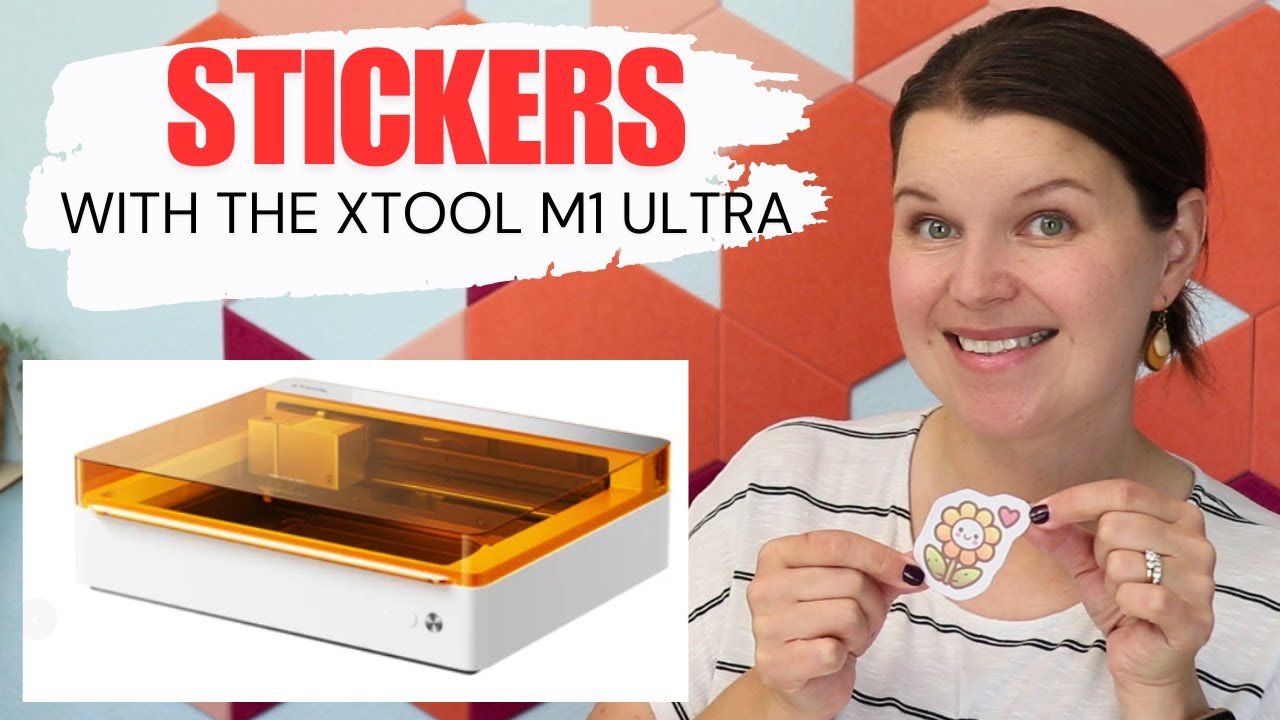
Learn How to Make Stickers with xTool M1 Ultra
Автор: Creative Ramblings
Загружено: 2024-08-15
Просмотров: 11367
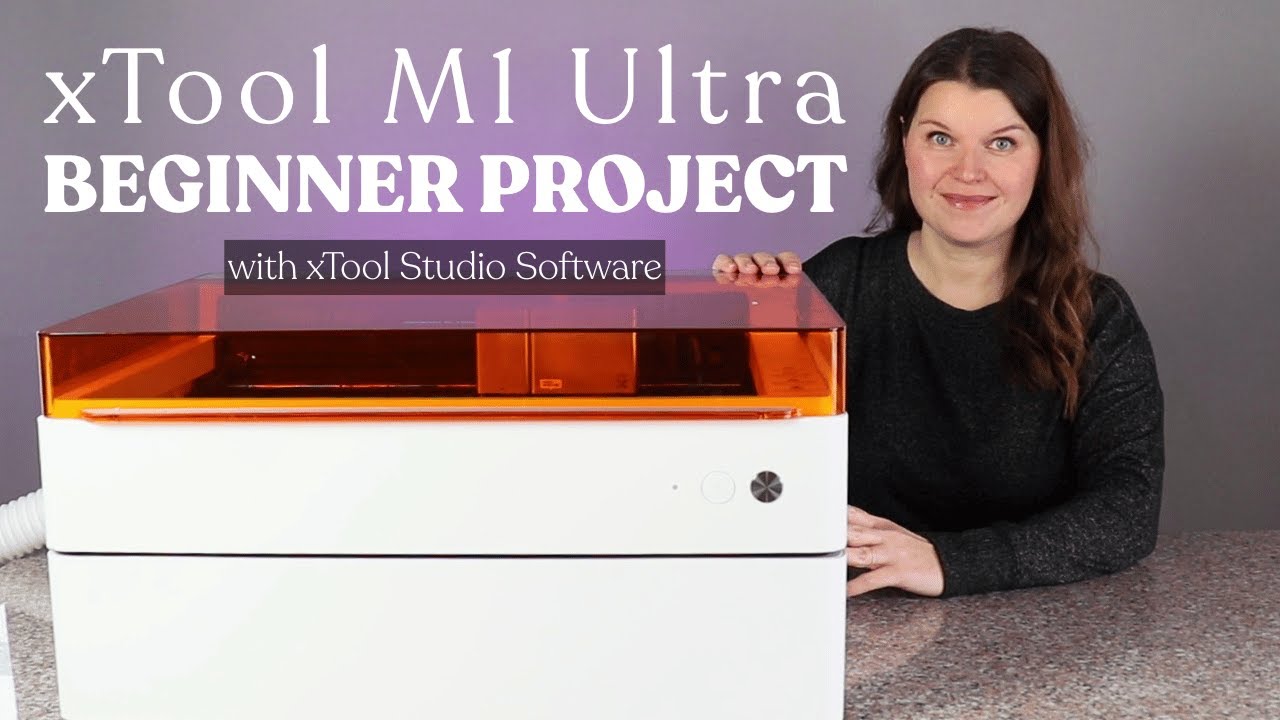
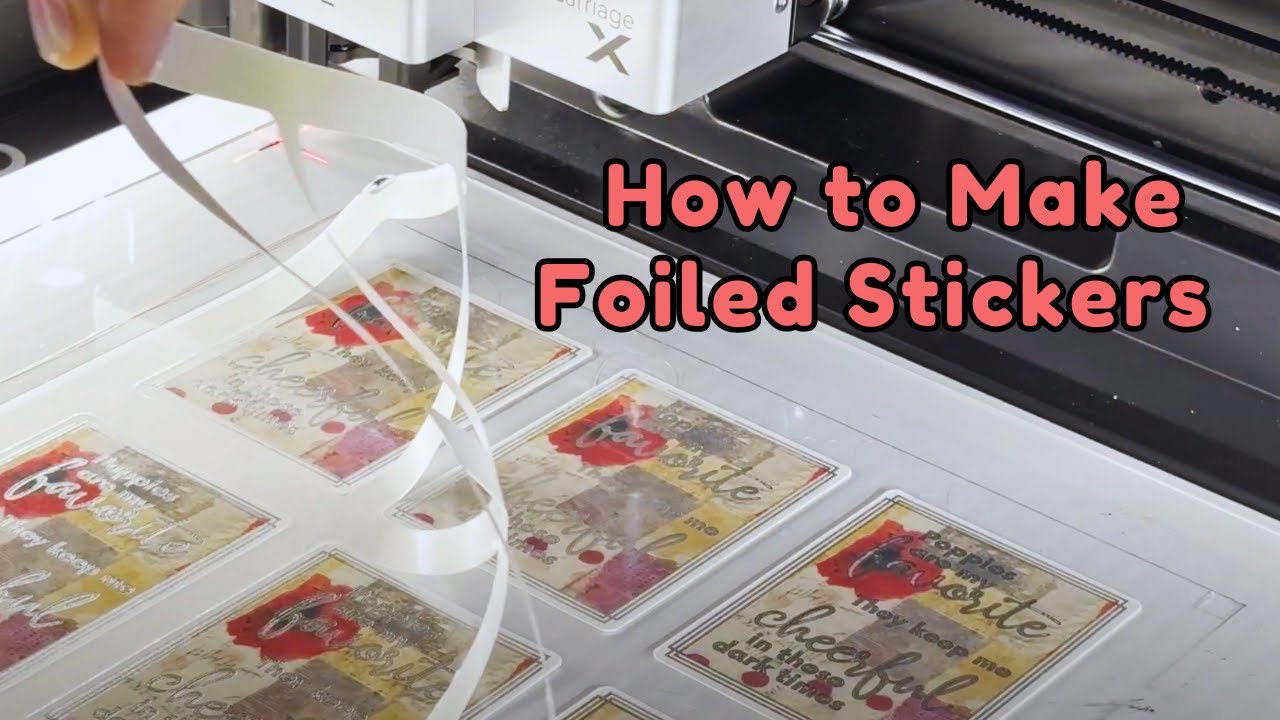
Make stickers with the xTool M1 Ultra. This is the ultimate DIY machine and you are able to combine the printing and blade cutting functions to create stickers in one project.
Beginner laser course available to YouTube members at the Creative Insider level, hit that join button above to learn more.
➡️ Shop
M1 Ultra https://xtool.pxf.io/m56GEe
Replacement ink cartridge https://xtool.pxf.io/75AMOA
HP ink cartridge https://amzn.to/4dphmjj
Creative Fabrica graphics https://www.creativefabrica.com/produ...
Creative Fabrica free trial https://www.creativefabrica.com/promo...
Canon printer https://amzn.to/3AyeTV4
➡️ More videos
M1 Ultra • A 4-in-1 craft machine - xTool M1 Ultra ...
Studio software overview • xTool Studio - laser software full walkthr...
Tumbler in M1 Ultra • xTool M1 Ultra tumbler engraving overview ...
6 projects with M1 Ultra • 6 Project Ideas with the xTool M1 Ultra
Cricut stickers • How to make Cricut Joy Xtra Stickers
xTool Playlist • xTool lasers
FREE laser guide for beginners, everything you need to know about laser crafting. Subscribe and download now https://subscribepage.io/laser-focused
Chapters
0:00 Introduction
0:52 Ink jet module
2:45 Set up mat and paper
3:37 XCS create stickers on matte paper
9:35 Create glossy stickers
11:30 Quality comparison
11:47 Ease and quality of sticker making with M1 ultra
13:13 Recommendation
_________________________________
Facebook / creativeramblings
Instagram / creativeramblings
TikTok / creativeramblings
Pinterest / creativeramblings
_________________________________
Shop my favorite craft products (affiliate) https://www.amazon.com/shop/creativer...
This video contains affiliate links
__________________________________
Want to collaborate with Creative Ramblings
Connect at creativeramblingsblog@gmail.com
#creativeramblings
Доступные форматы для скачивания:
Скачать видео mp4
-
Информация по загрузке: