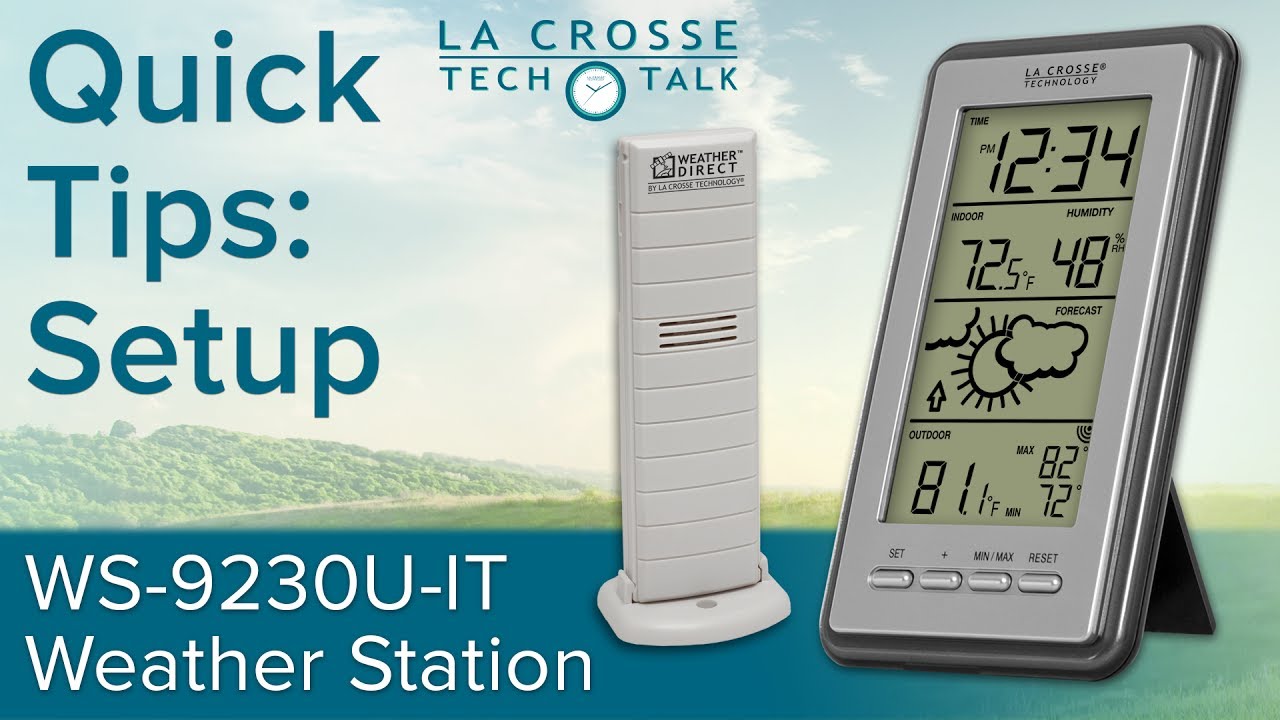
WS-9230U-IT Forecast Station Setup
Автор: La Crosse Technology
Загружено: 2017-06-07
Просмотров: 106220
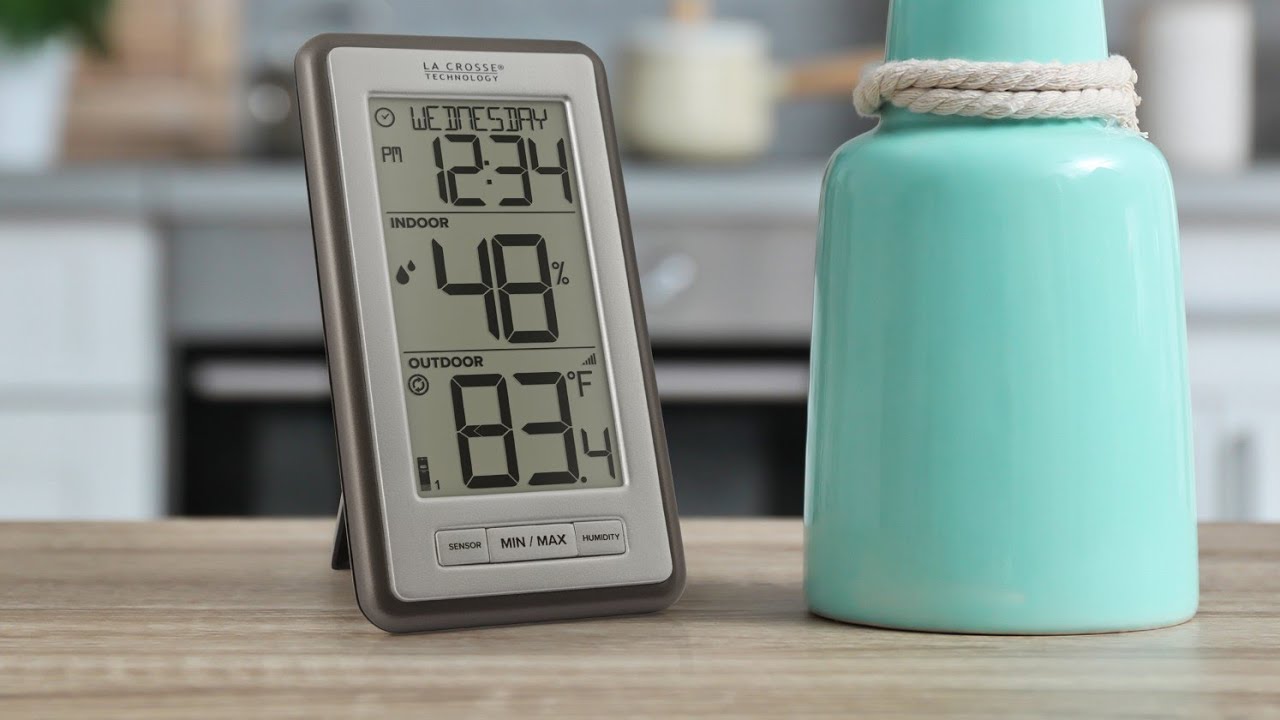
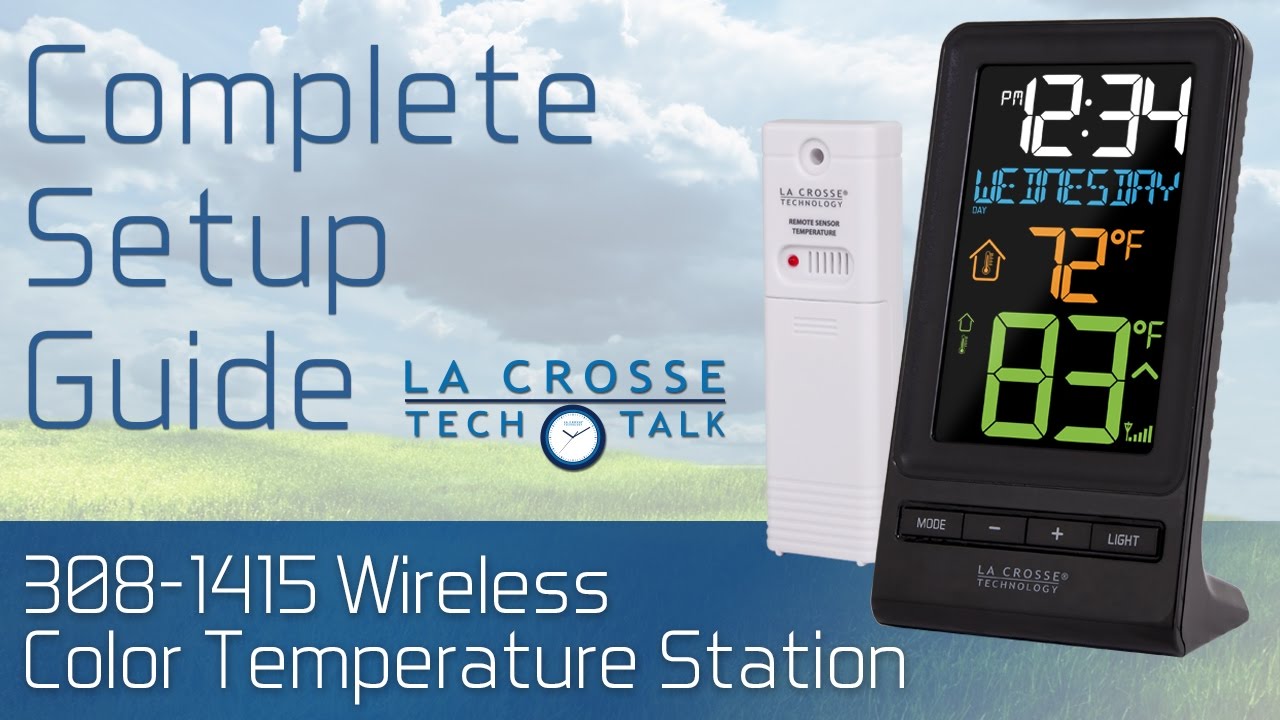
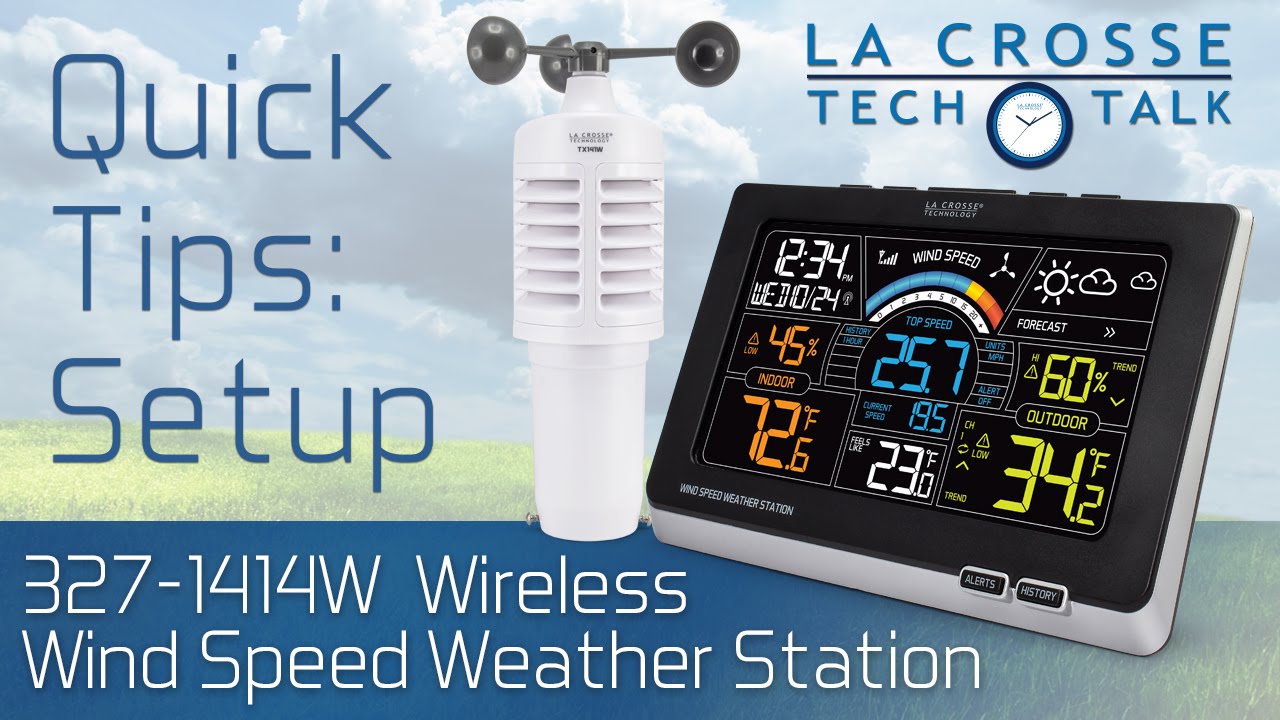
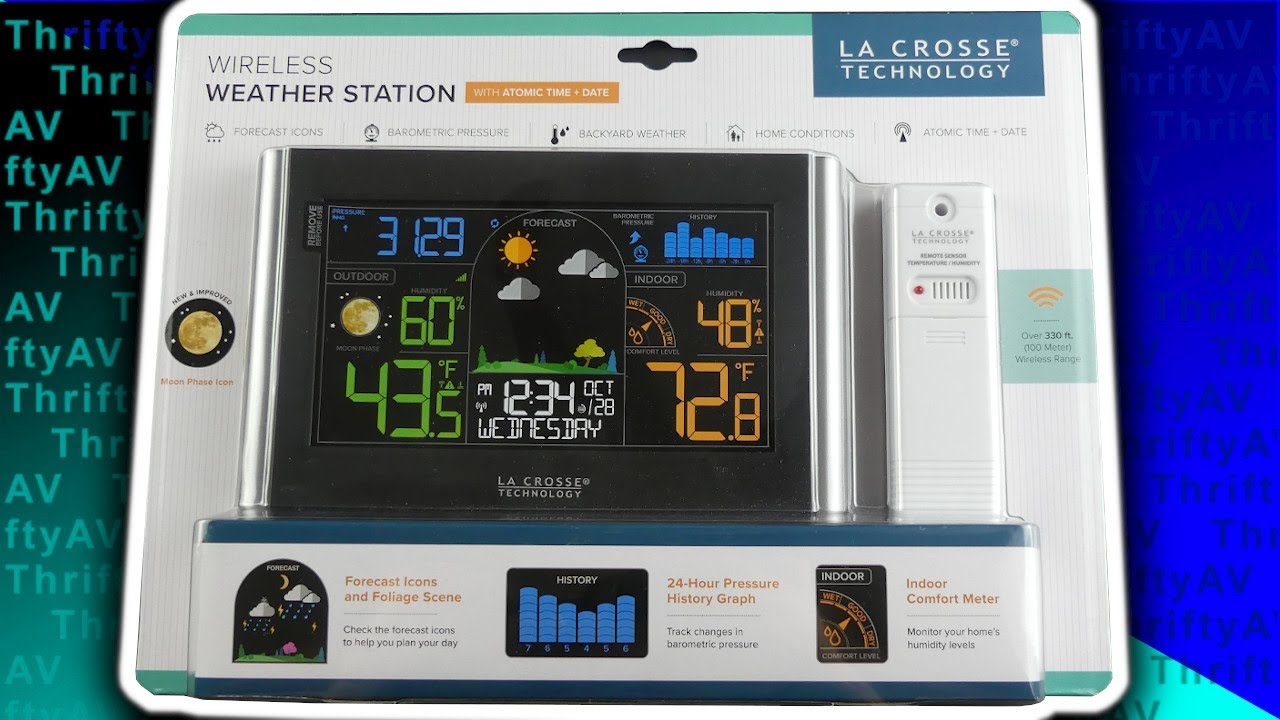
The WS-9230U-IT Forecast Station offers a completely wireless setup that provides indoor and outdoor temperature, indoor humidity, 12 or 24 hour time, future forecast icons, daily minimum and maximum outdoor temps, and more. Join us in our Tech Talk support video here to learn the basic functions and product setup. The time stamps below may help if you're looking for something specific. Feel free to leave comments with your questions or suggestions on how we can better serve you.
0:00 - Opening
0:26 - Introduction
0:57 - Step 1) Insert 2 "AA" batteries into the outdoor sensor
1:09 - Step 2) Insert 2 "AAA" batteries into the forecast station
1:18 - Step 3) Check the sensor's connection & wait at least 15 minutes for it to sync with the station
1:37 - Step 4) Configure your basic settings (Time, Date...ect)
2:45 - Step 5) Mount the outdoor sensor
3:34 - Minimum & maximum temperature readings
4:35 - Help Us, Help You
Product Page with More Info:
https://www.lacrossetechnology.com/pr...
Product Manual:
https://bit.ly/ws-9230u-it_manual
Let's Be Social!
YouTube:
http://bit.ly/LaxTech_YouTube
Facebook:
http://bit.ly/LaxTech_Facebook
Instagram:
http://bit.ly/LaxTech_Instagram
Twitter:
http://bit.ly/LaxTech__Twitter
Website:
http://www.lacrossetechnology.com
Доступные форматы для скачивания:
Скачать видео mp4
-
Информация по загрузке: