How to Use Prompted Batch Mode to Simplify Inspections and Maximize Performance
Автор: DeFelsko
Загружено: 2022-05-16
Просмотров: 5157
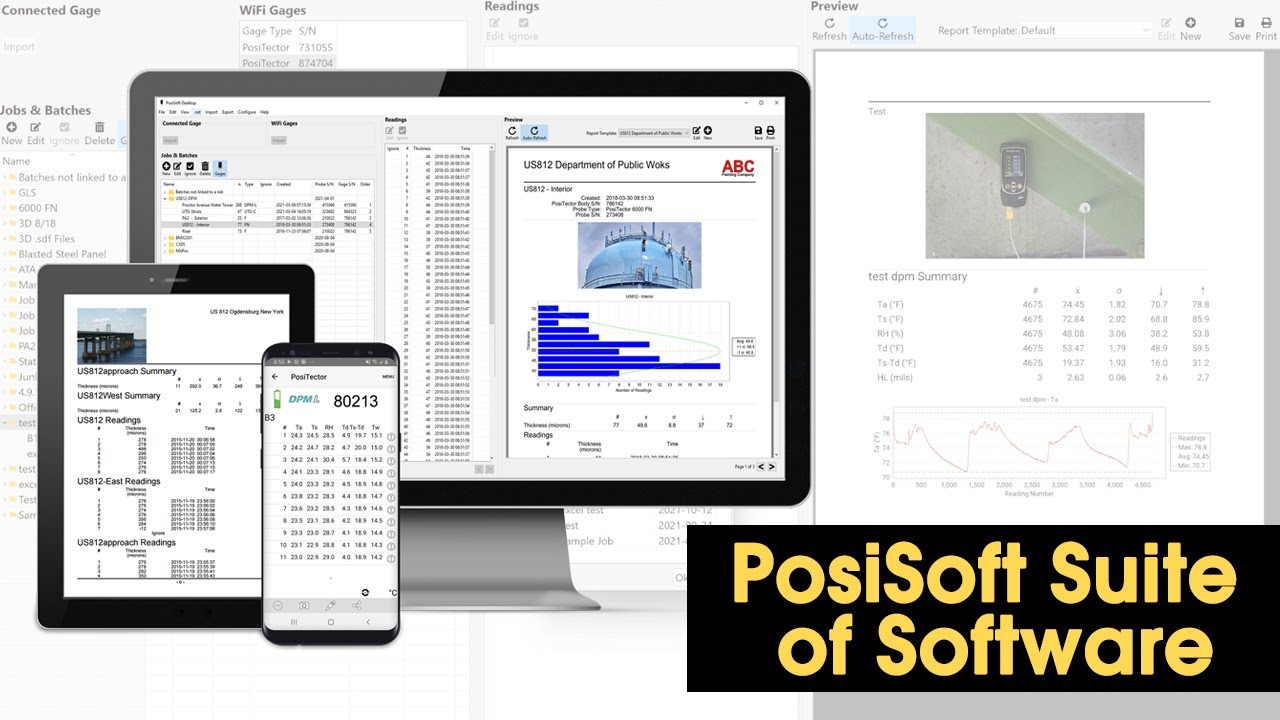
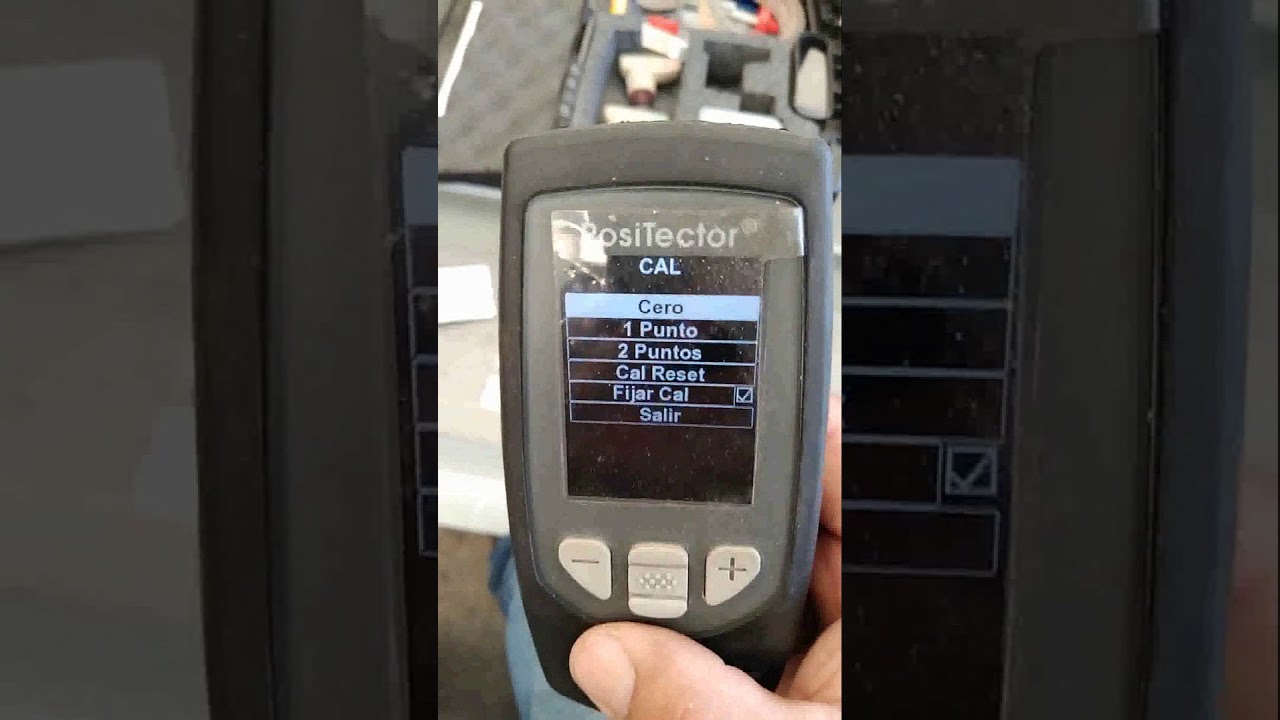
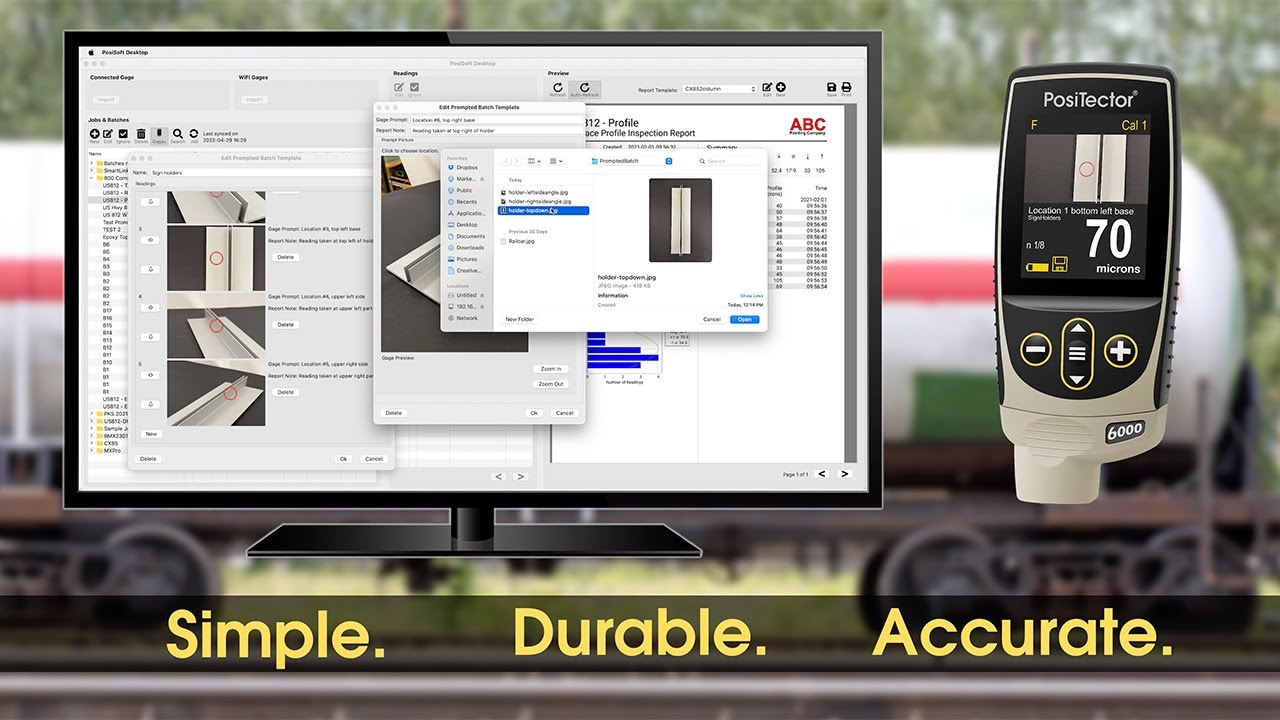
This video overviews the basic functions of DeFelsko’s Prompted Batch Mode for PosiTector 6000, PosiTector 200, and PosiTector UTG gages. Create pre-defined batches in PosiSoft Desktop with onscreen text and image prompts for each reading to simplify inspections.
Prompted Batch Mode is ideal for ensuring a consistent measurement pattern for repetitive jobs or when specific measurement locations are required.
Learn more about Prompted Batch Mode: https://www.defelsko.com/posisoft/pos...
Reference the PosiSoft Desktop help file for step-by-step written instructions: https://dl.defelsko.com/html-p/posiso...
Chapters:
0:00 — Intro
0:48 — Create a New Prompted Batch Template
2:14 — Export a Prompted Batch Template to Gage
2:25 — Edit a Prompted Batch Template
2:36 — Delete a Prompted Batch Template
2:55 — Open Template on PosiTector
—Like us on Facebook:
/ defelsko
—Connect with us on LinkedIn:
/ defelsko
—Follow us on Twitter:
/ defelsko
—Visit our website:
https://www.defelsko.com/
#PosiSoft #PosiTector6000 #PosiTector200 #PosiTectorUTG #CoatingThickness #WallThickness #Inspection #QAQC #DeFelsko
Доступные форматы для скачивания:
Скачать видео mp4
-
Информация по загрузке: