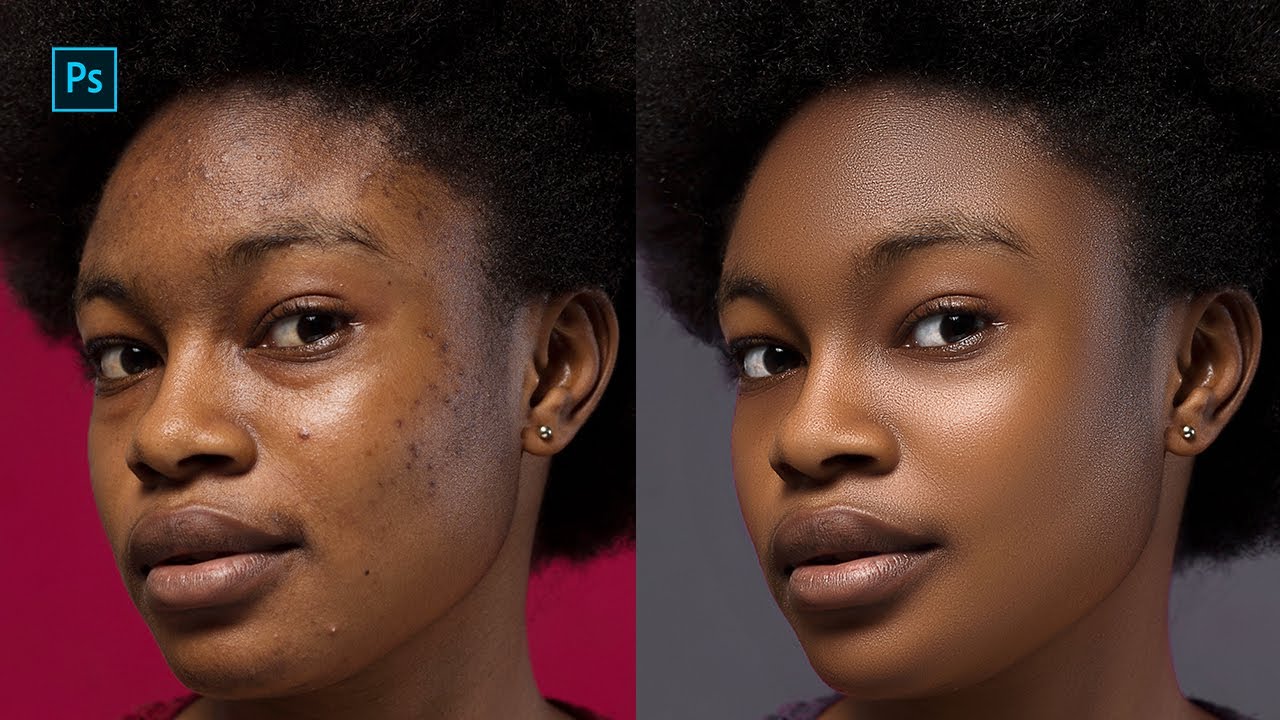
Photoshop Chapter 12: Mastering the Frame Tool | From Basics to Advanced
Автор: Edu Saqib
Загружено: 2025-05-18
Просмотров: 5
📘 Welcome to Chapter 12 of the Photoshop Basics to Advanced Course – Edition!
In this tutorial, we explore the Frame Tool in Photoshop — a powerful feature that allows you to easily create placeholders and insert images non-destructively.
💡 What You’ll Learn in This Video:
What is the Frame Tool and how it works
How to create rectangular and elliptical frames
Inserting and replacing images inside frames
Tips for scaling and aligning images within frames
Best practices for using frames in templates and layouts
🧩 The Frame Tool is ideal for designers working on mockups, templates, social media graphics, and more. It brings speed and flexibility to your layout workflow.
🎓 This is Chapter 12 in our Full Photoshop Course – From Basic to Advanced.
📺 Watch the full playlist here: [ • Complete Photoshop Tutorial Series for Beg... ]
👍 Like | 💬 Comment | 🔔 Subscribe for more professional Photoshop tutorials weekly!
#FrameTool #PhotoshopChapter12 #photoshopbasics #photoshop #photoshoptutorial #learnphotoshop
#photoshopselections #graphicdesign #adobephotoshop #photoshopforbeginners

Доступные форматы для скачивания:
Скачать видео mp4
-
Информация по загрузке: