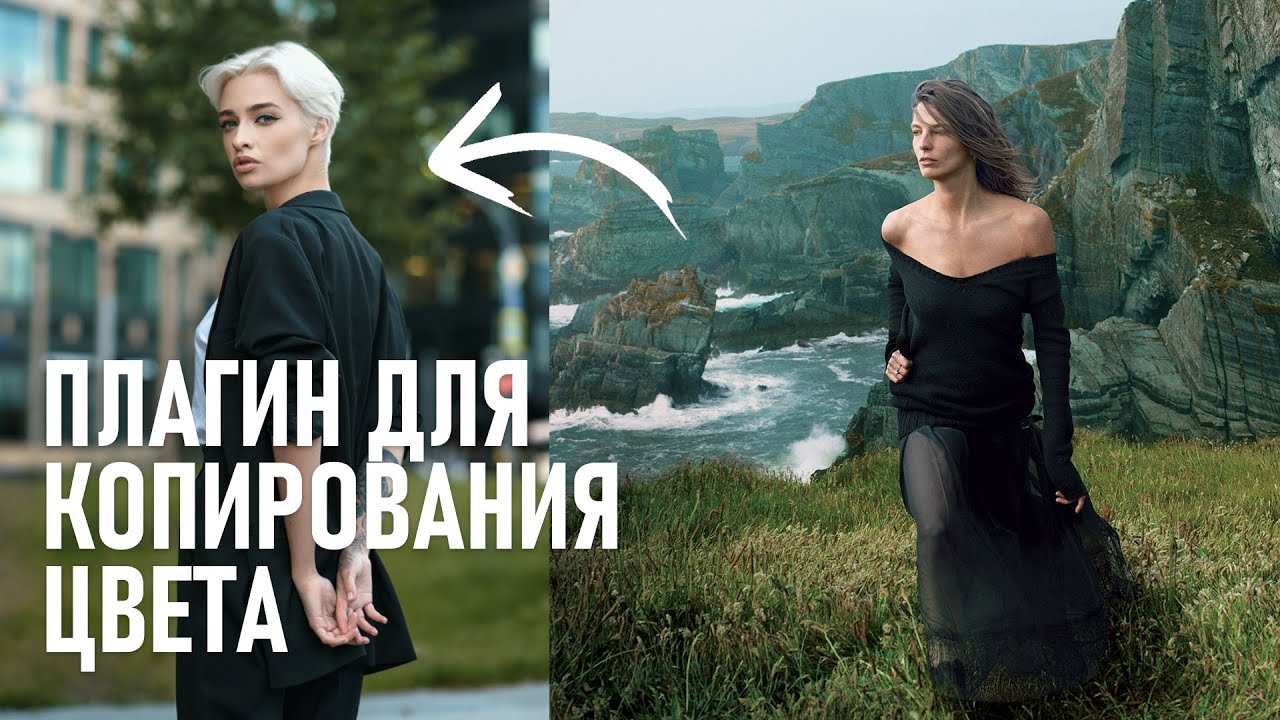
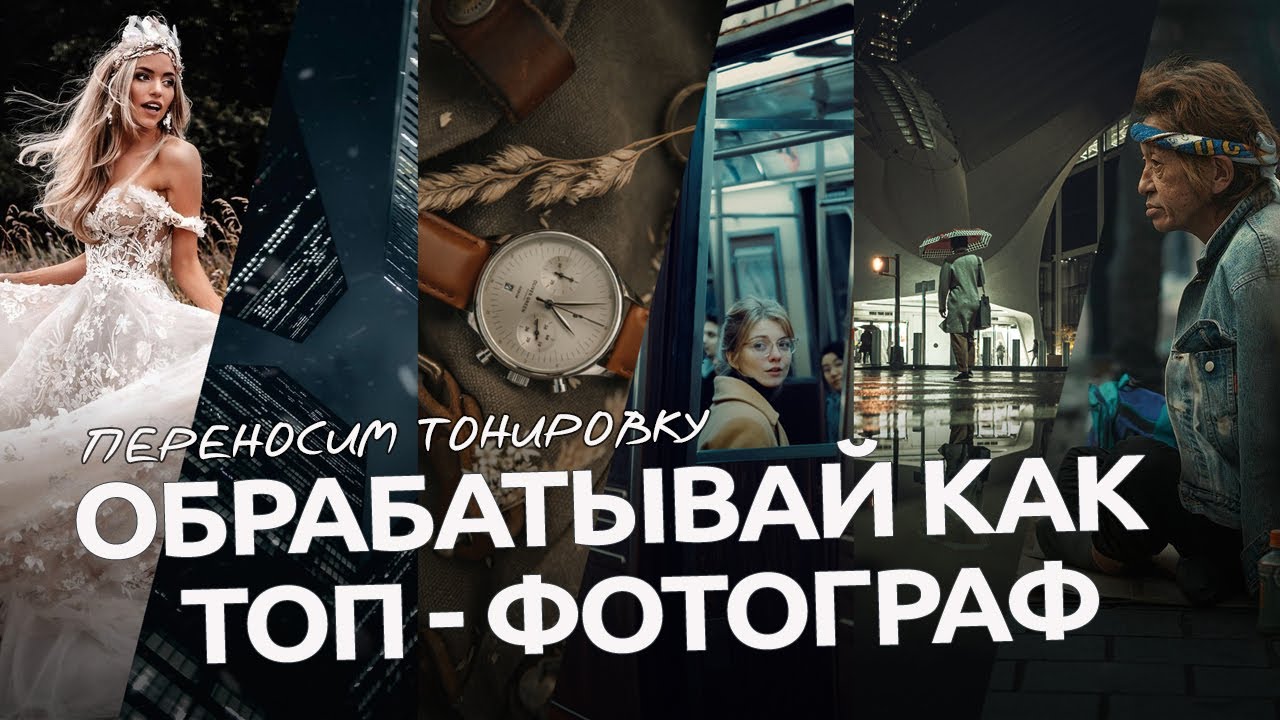
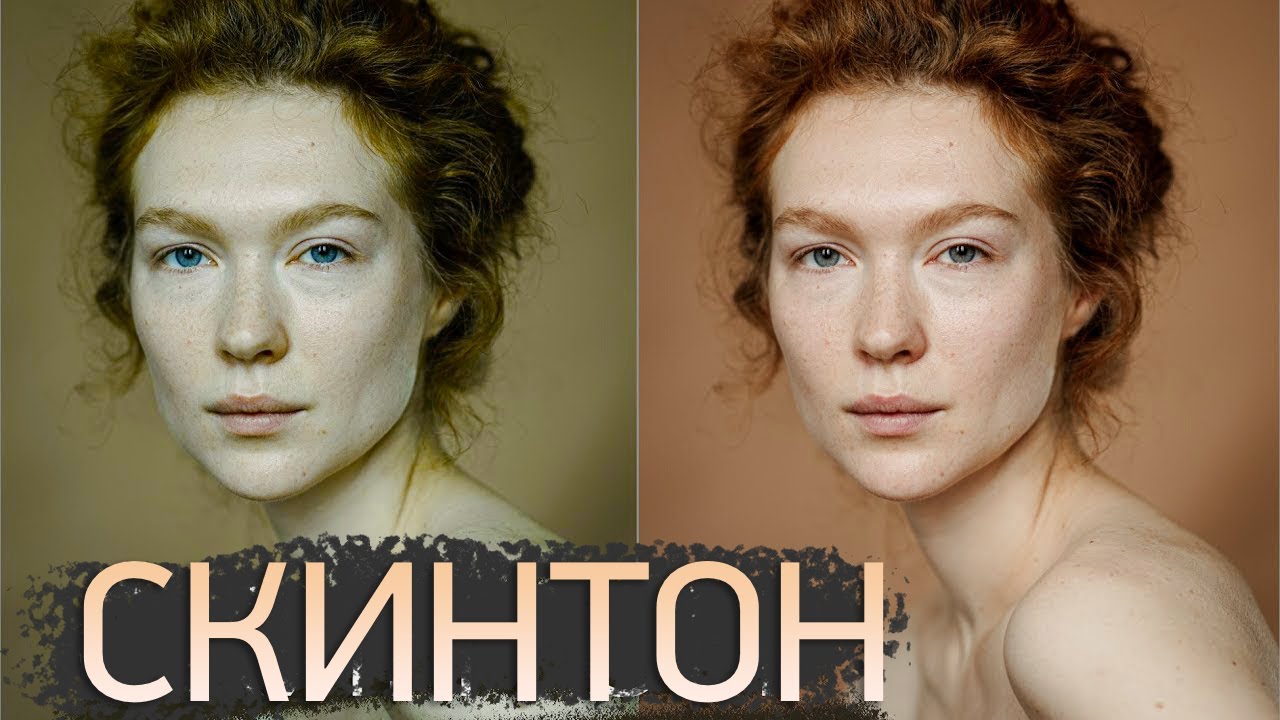
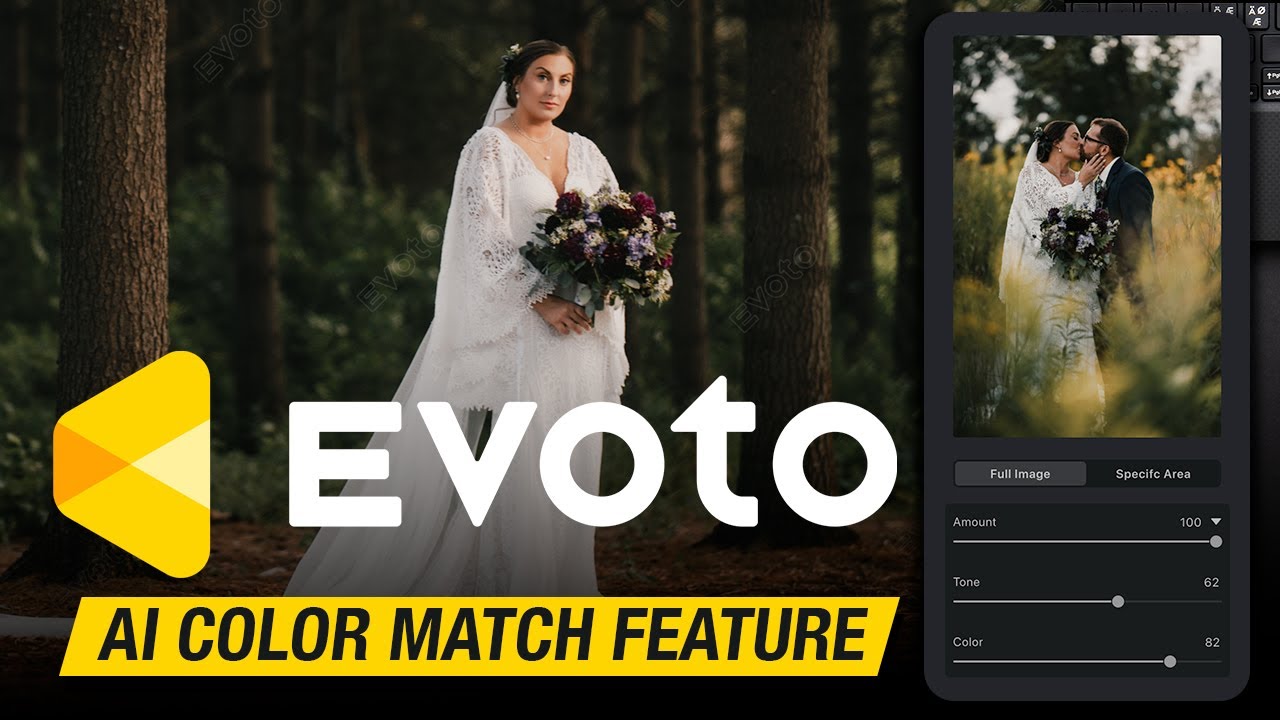
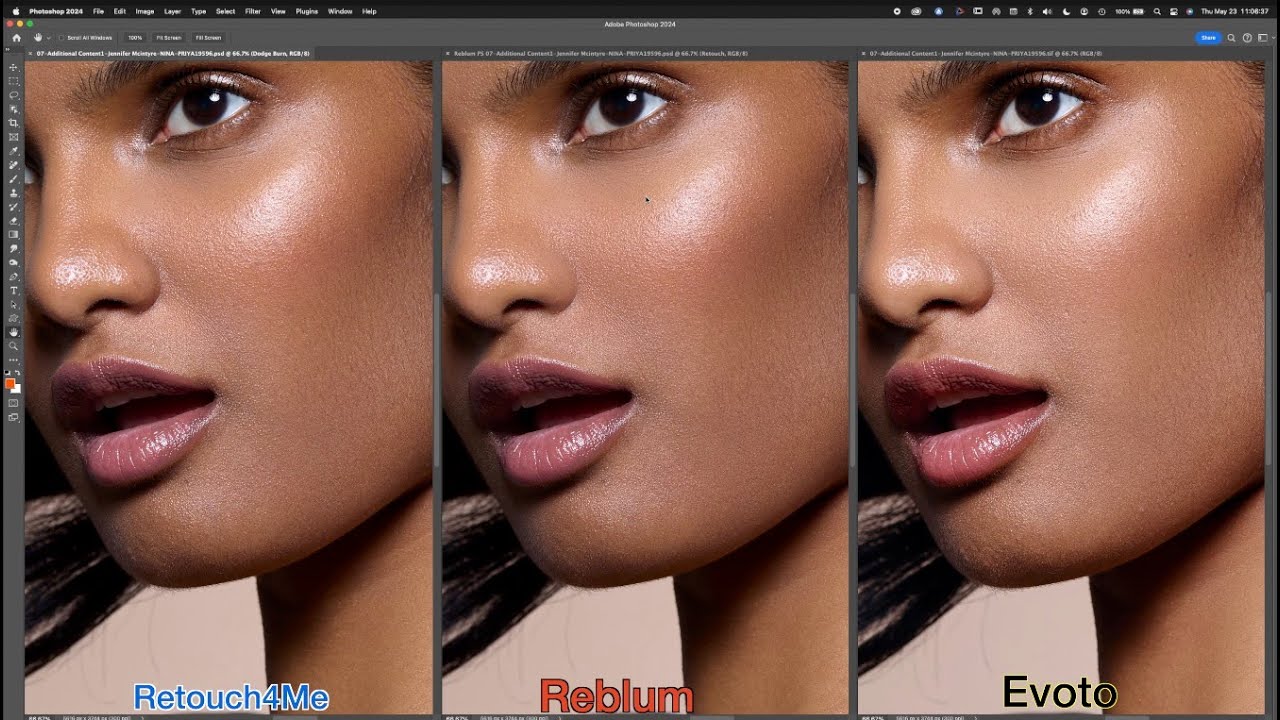
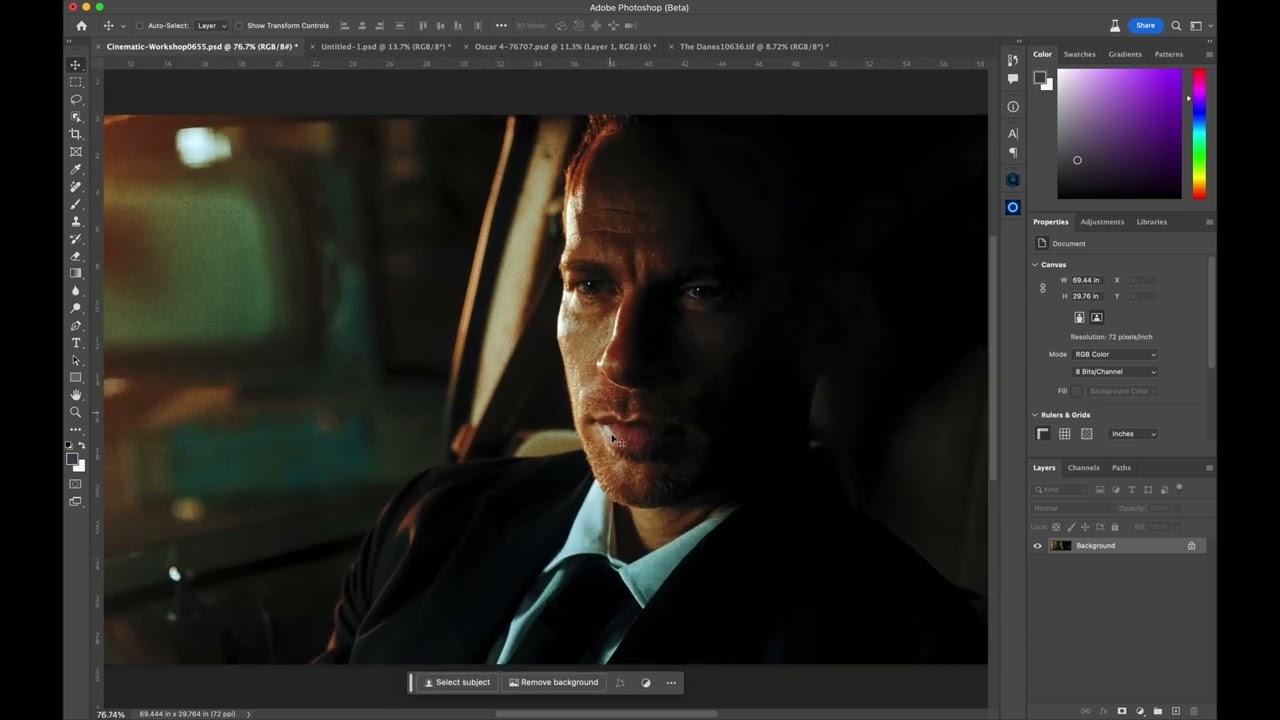
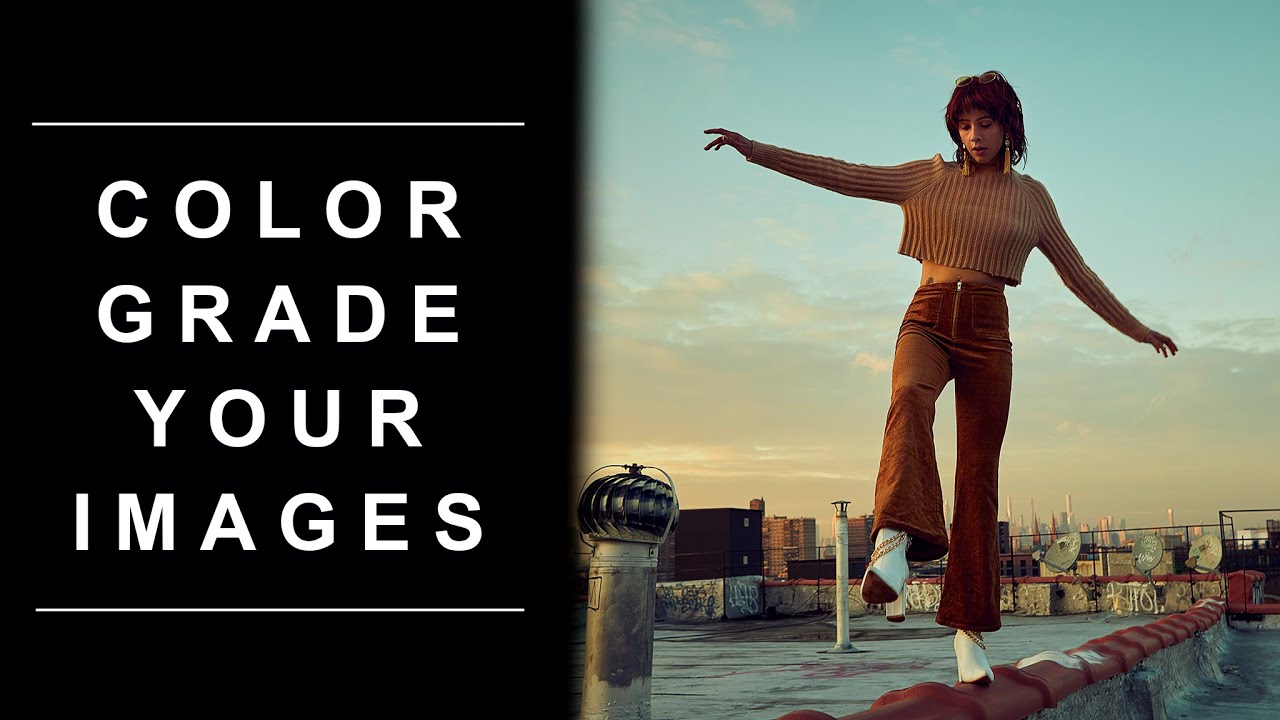
RETOUCH4ME COLOR MATCH! THE BEST COLOR MATCHING TOOL FOR YOUR PHOTOS AND FOOTAGE
Автор: MAURO'S FILMS
Загружено: 2023-08-14
Просмотров: 9118
►RETOUCH4ME COLOR MATCH: https://geni.us/CP00hYB
►MauroL20 promo code at https://retouch4.me/promo
As an Amazon Influencer, I earn from qualifying purchases. Commissions Earned Link
This video contains paid promotion like a product placement, sponsorship or endorsement.
PREVIOUS RETOUCH FOR ME TUTORIALS:
►RETOUCH4ME SKIN MANIPULATION: https://geni.us/ucw7BL
►RETOUCH4ME HEALING TOOLS: https://geni.us/4Aob8Y
►ONE CLICK PORTRAIT RETOUCH: https://geni.us/HFkT
MY LATEST COMMERCIALS:
►HOHEM iSTEADY M6: https://geni.us/fiXjPru
►GODOX VIRSO S MICROPHONES: https://geni.us/0MHBy
►COMICA AD CASTER C1-K1 Audio Kit: https://geni.us/ugRJ
►ZHIYUN FIVERAY: F100 & M40: https://geni.us/uFRA
►VILTORX SPRITE 15B/C: https://geni.us/sz8D
►Hohem iSteady XE: https://geni.us/jQr4S
►GODOX ES68X AND ES30: https://geni.us/xwM9
►VILTROX 13MM F1.4: https://geni.us/WfWP
►ZHIYUN CRANE-M2S: https://geni.us/QY6i
►ZHIYUN CRANE M3: https://geni.us/8NvPX
►HOHEM iSteady V2: https://geni.us/ZqUykSg
►GODOX MoveLink: https://geni.us/QNeH2fV
►XVIVE U5: https://geni.us/KeXc
►GODOX Geniusmic: https://geni.us/4RJB
►MOZA MOIN CAMERA: https://geni.us/HFBZ
►GODOX VD-Mic: https://geni.us/qnIv
►MOZA AIRCROSS 2 COMMERCIAL: https://geni.us/KDG92Un
►HOLLYLAND LARK 150: https://geni.us/EfJBB
►THE MOZA MINI-P COMMERCIAL: https://geni.us/VTD35k
►THE MOZA MIN-MX COMMERICAL: https://geni.us/eR2USyY
►COMICA BOOMX-U COMMERCIAL: https://geni.us/MoTBhm
MY GEAR:
►Sony A7 SIII: https://geni.us/5wh0xg7
►Sony A7 III: https://geni.us/odXyA
►Zhiyun CRANE 4: https://geni.us/xCdH
►Sony FE 35mm F1.8: https://geni.us/hbEPw5
►Sony ZEISS 55MM F1.8: https://geni.us/9DzDaHt
►Sony ZEISS 16-35mm F4: https://geni.us/NCFe
►VILTROX 85MM F1.8 AF: https://geni.us/zU13tM
►VILTROX FE 24MM AF 1.8: https://geni.us/EC1MjA
►EDITING MONITOR: https://geni.us/H9FeQ
►DJI MAVIC 3 PRO: https://geni.us/I7uKI3
►PGYTECH ONEMO 2 35l backpack: https://geni.us/mOna
Let’s Get in touch:
►WEBSITE: https://geni.us/OLzB2
►FACEBOOK: https://geni.us/ML3PtTw
►TWITTER: https://geni.us/K17lY
►TIKTOK: https://geni.us/0aXO8c
►MY whole LUT STORE AND MORE: https://geni.us/3bBX1vvv
Editing a portrait in Photoshop involves a range of techniques to enhance the subject's appearance while maintaining a natural and pleasing look. Here's a general guide to get you started:
Import the Portrait:
Open the portrait photo in Photoshop by going to File - Open.
Duplicate the Layer:
Right-click on the background layer in the Layers panel and select "Duplicate Layer." This ensures you're working on a non-destructive copy.
Basic Adjustments:
Use the "Levels" or "Curves" adjustment to adjust the overall brightness, contrast, and tonal range of the image.
Use the "Hue/Saturation" adjustment to control the color balance if needed.
Skin Retouching:
Use the "Spot Healing Brush" or "Healing Brush" tool to remove blemishes, scars, and other imperfections.
The "Clone Stamp" tool can help you copy texture and details from one area to another.
To smooth skin, use the "Blur" tool or "Gaussian Blur" filter (apply on a separate layer with a layer mask for control).
5Frequency Separation (Advanced):
This technique separates the texture and color of the skin, allowing for precise retouching without affecting the natural look.
Create two layers: one for the high-frequency details and one for the low-frequency colors.
Use the Healing Brush on the high-frequency layer to fix imperfections, and adjust the opacity for a subtle effect.
Dodge and Burn:
Create a new layer set to "Overlay" or "Soft Light" blending mode.
Use a soft brush with low opacity to lighten (dodge) or darken (burn) areas for added depth and dimension.
Eyes and Teeth:
Use the "Dodge" tool to brighten the whites of the eyes and teeth.
Enhance the iris by using the "Sponge" tool to intensify color.
Enhance Details:
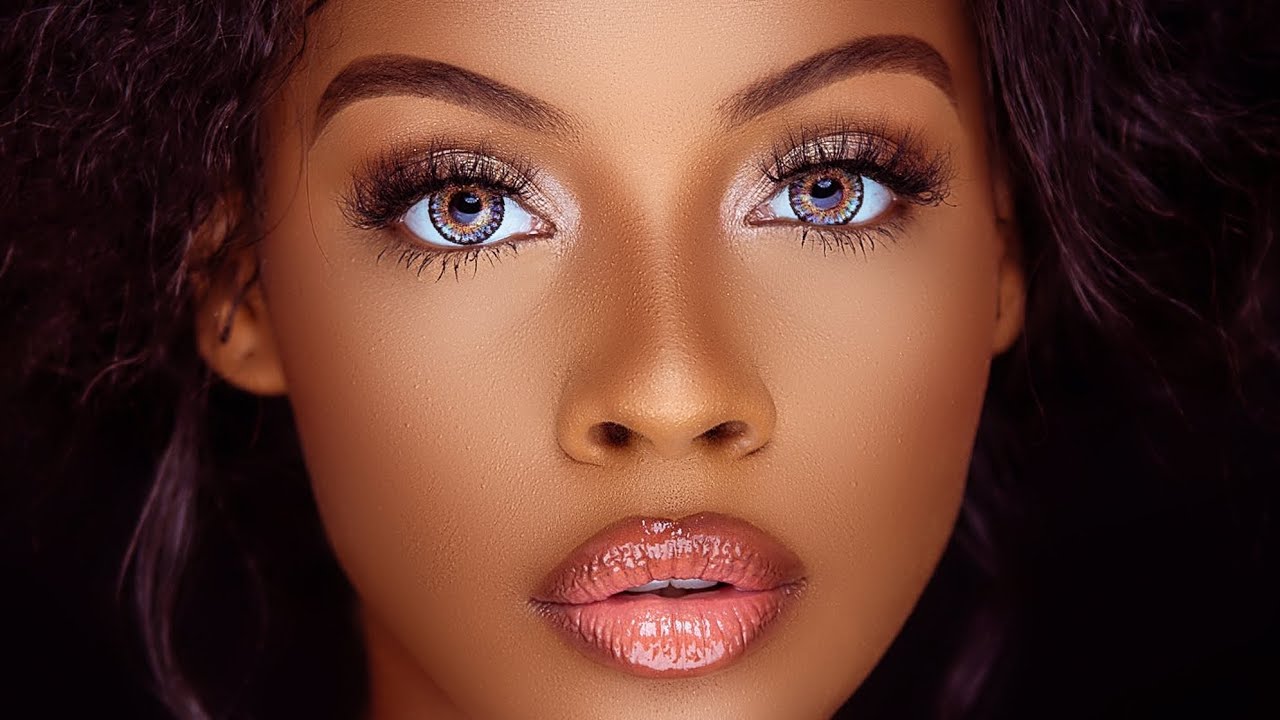
Use the "Sharpen" tool or "Unsharp Mask" filter to enhance details like hair, eyes, and lips.
Color Grading:
Use a "Color Lookup" adjustment layer to apply creative color presets or create a unique color tone.
Adjust the opacity of the adjustment layer to control the intensity.
Final Touches:
Add a vignette to draw attention to the subject.
Consider adding a subtle "Gradient Map" adjustment for a final color adjustment.
Review your work and make necessary adjustments.
Save Your Work:
Save your edited portrait as a new file to preserve the original.
Export in a suitable format, like JPEG, for sharing or printing.
Remember that subtlety is key when editing portraits. Overdoing retouching can lead to an unnatural and artificial appearance. Take breaks while editing to keep a fresh perspective on your work.

Доступные форматы для скачивания:
Скачать видео mp4
-
Информация по загрузке: