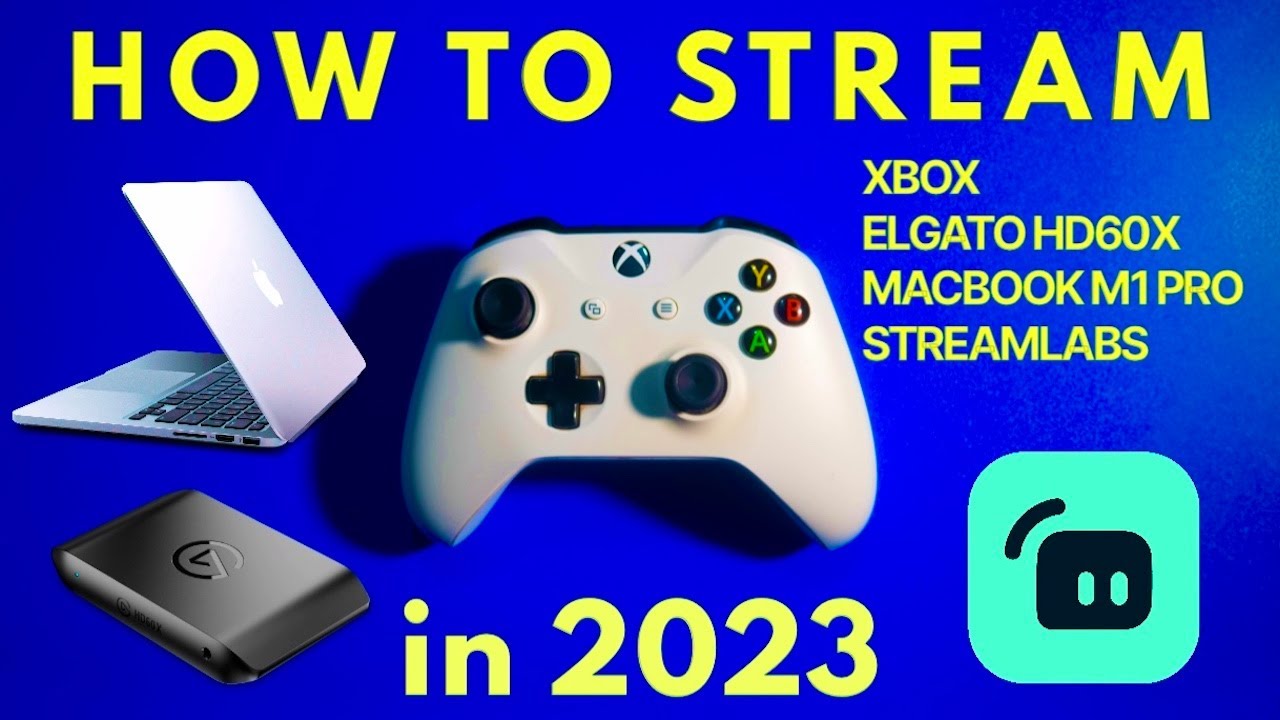
HOW TO STREAM ON XBOX + MACBOOK M1 PRO + ELGATO HD60X (2023)
Автор: KILLKAM
Загружено: 2023-01-24
Просмотров: 23982
In this video: I show you how I setup my stream using an Xbox, a MacBook M1 Pro & an Elgato HD60X Capture Card!
💰 DONATE: https://streamlabs.com/killkam1
◆ LIVE Schedule: Monday’s (3PM-6PM CT) & Friday’s (6PM-9PM CT)
MY OTHER CHANNELS:
🎥 Kade McAlli: / @kademcalli
🎥 McAlliMedia: / @mcallimedia
▶️GET CONNECTED:
📷Instagram | https://www.instagram.com/killkam.tv/...
📱TikTok | / killkam.tv
◆ About me: My name is Kade aka KILLKAM, I’m a Florida based content creator who enjoys streaming to make video games a lil more fun. You can expect: CoD/Warzone, Horror Games, VR Games & Open World RPG’s. Other than streaming, I also make music under the name “Kade McAlli” on all platforms. I’m a 2x Platinum music video director/editor as well under “McAlliMedia”. I began streaming late 2021/early 2022 on a different channel, but with how OCD I am, I thought it would be better to start fresh in 2023, bringing you this channel, KILLKAM TV. By all means, I’m no pro-gamer, just thought I would give gaming a bigger purpose & learn some things while doing it, excited to see where this takes us. Enjoy!
GEAR:
MAC/PC: Macbook M1 Pro
CONSOLE: Xbox 1
CAPTURE CARD: El Gato HD60x
MICROPHONE: RODE NT-USB
SOFTWARE: Streamlabs OBS
ALL STREAM EDITING/TRANSITIONS BY ME aka @McAlliMedia
#howto #elgato #xbox #mac #stream #tutorial #streamlabs
Доступные форматы для скачивания:
Скачать видео mp4
-
Информация по загрузке:


