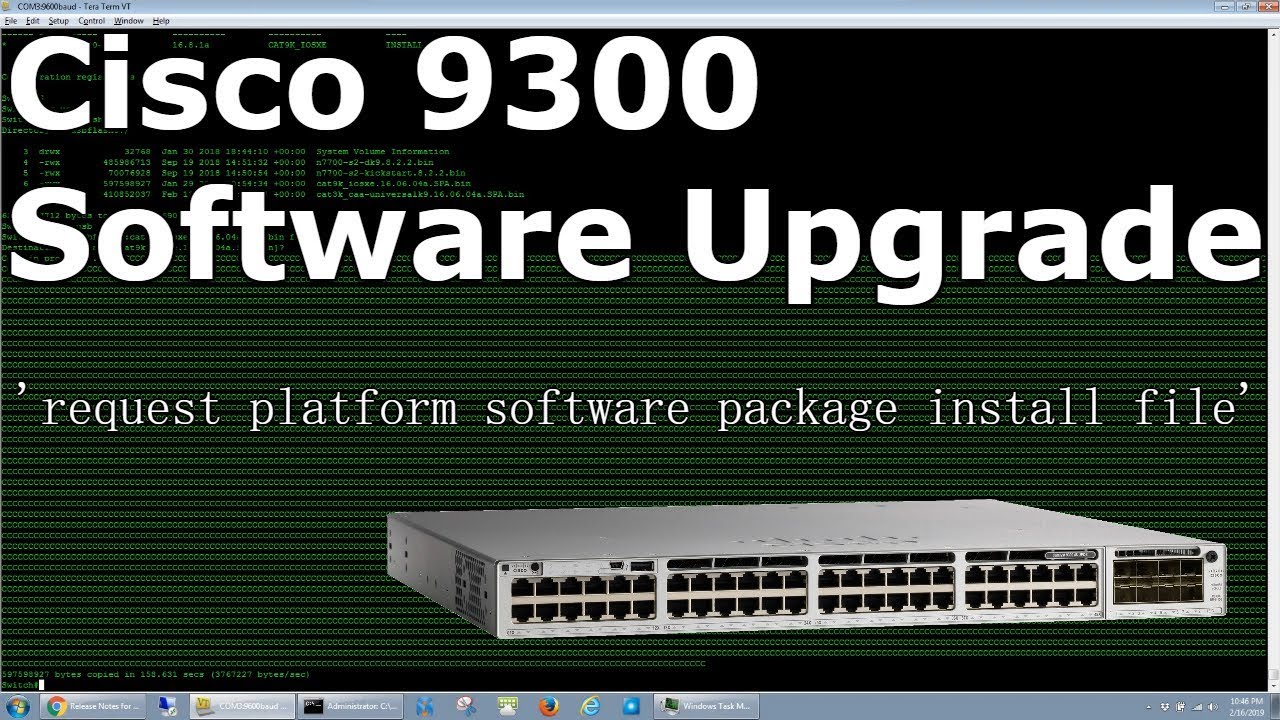
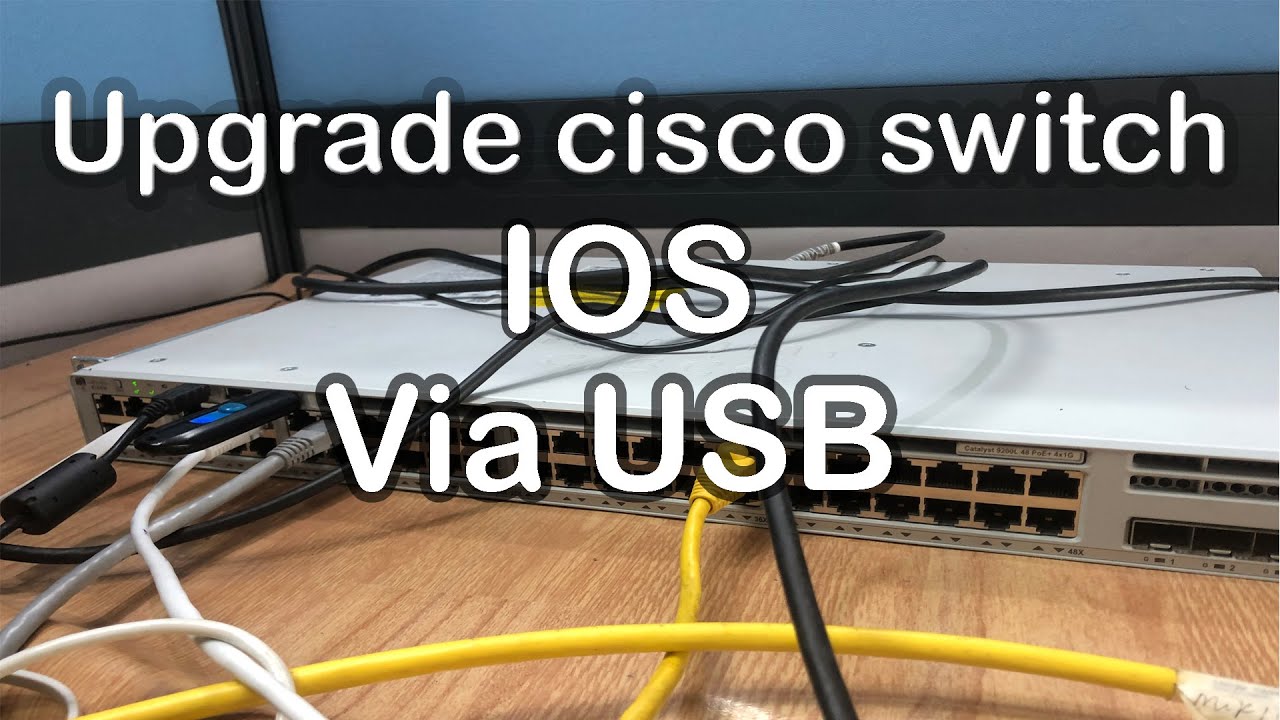
Cisco Catalyst 9300/9500 IOS upgrade - cat9k bundle to install mode
Автор: Certs Dont Matter
Загружено: 2019-10-18
Просмотров: 25961
IOS upgrade in bundle mode to install mode. Will also work if a switch is in install mode already.
NOTES:
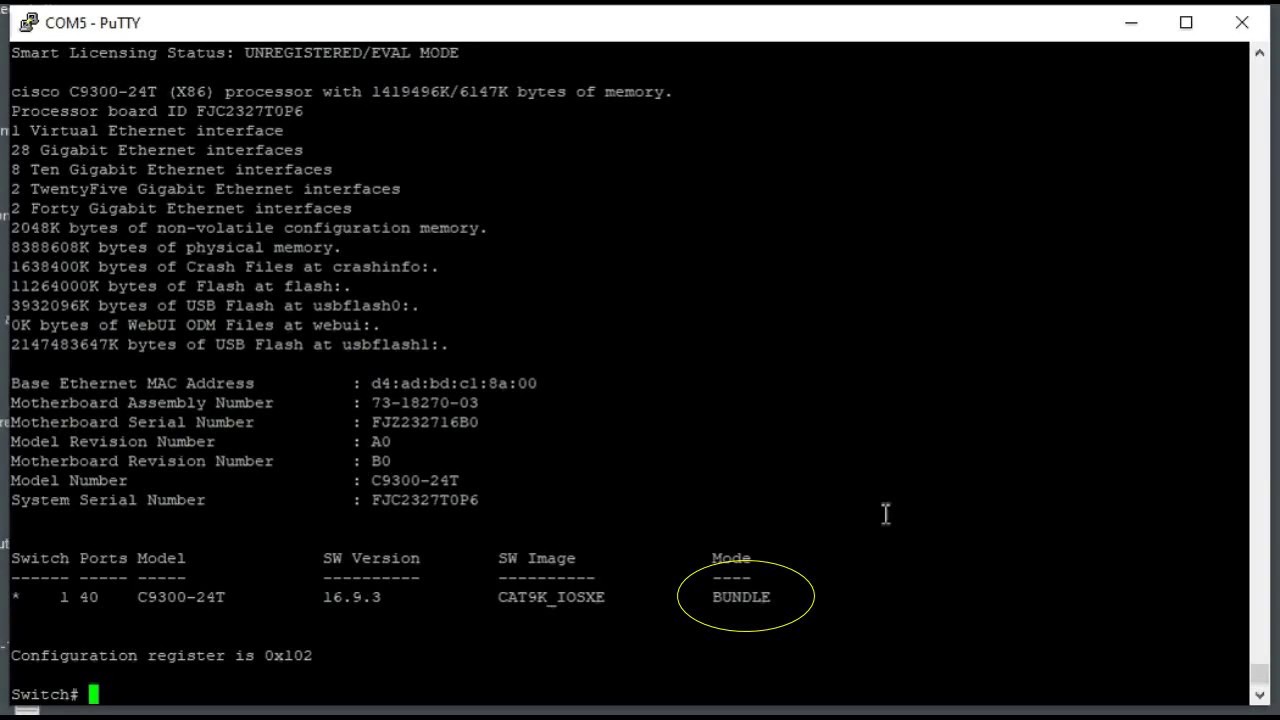
There are two modes for IOS upgrade : bundle and install mode
Benefits using install mode:
Booting the switch in Bundle mode consumes more memory than the Install mode because the packages are extracted from the bundle and copied to the RAM.
Auto-upgrade feature is disabled by default and is not available in the Bundle mode.
One thing to note, all switches in a stack has to be in the same mode...if adding a switch in a stack with a different mode, it will prompt an error
Installation instructions
Type "show ver" on the command prompt to see what mode the switch is on
For bundle mode, there might be a boot statement in the configuration. Type the following to verify on the command prompt "show run | inc boot" ...make sure no boot statements in running config..if so, remove it
Make sure u have the IOS installed on the flash of the switch. You can install the flash via tftp or usb.
Whenever the switch boots up, it looks for a boot command in the running config...to prevent switch going to rommon, type the following in configuration mode
"boot system flash:packages.conf"
To install the new IOS, type the following in privileged mode:
"install add file flash:cat9k_iosxe.16.09.04.SPA.bin activate commit"
after done rebooting, type the following in privileged mode:
"install remove inactive"
Доступные форматы для скачивания:
Скачать видео mp4
-
Информация по загрузке: