Custom Blade Settings in Silhouette
Автор: Expressions Vinyl
Загружено: 2017-07-03
Просмотров: 47830
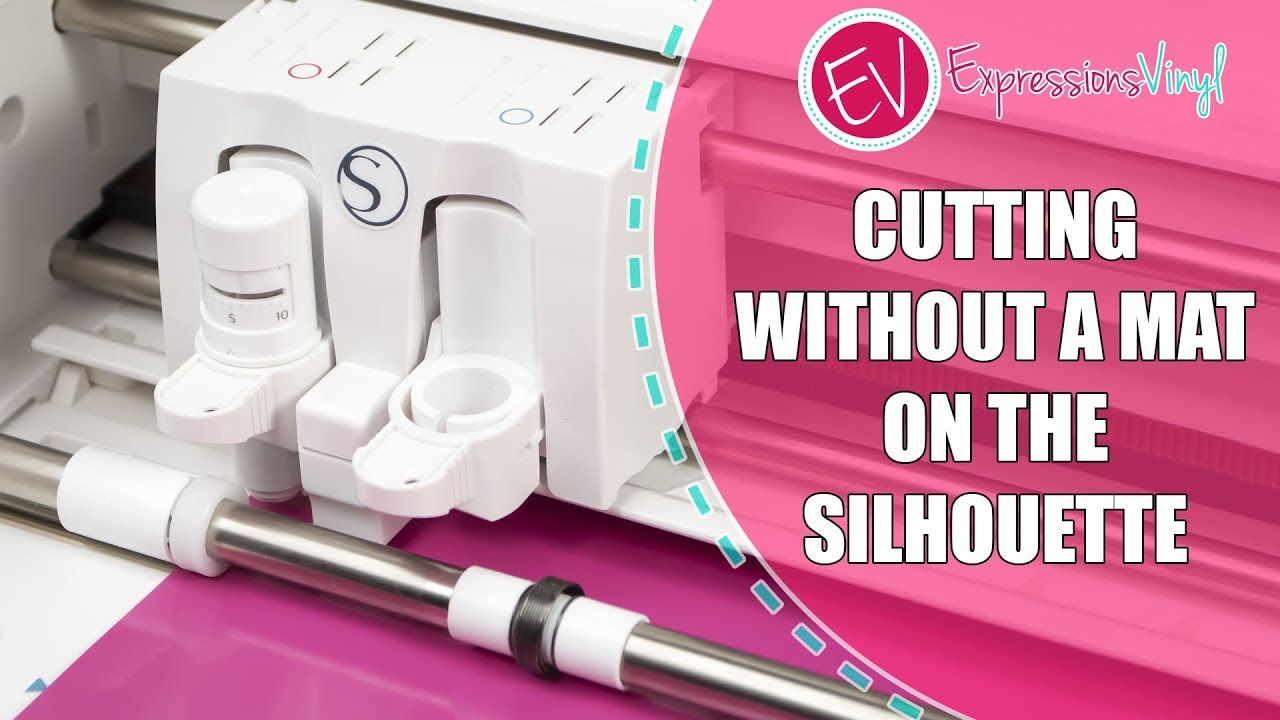
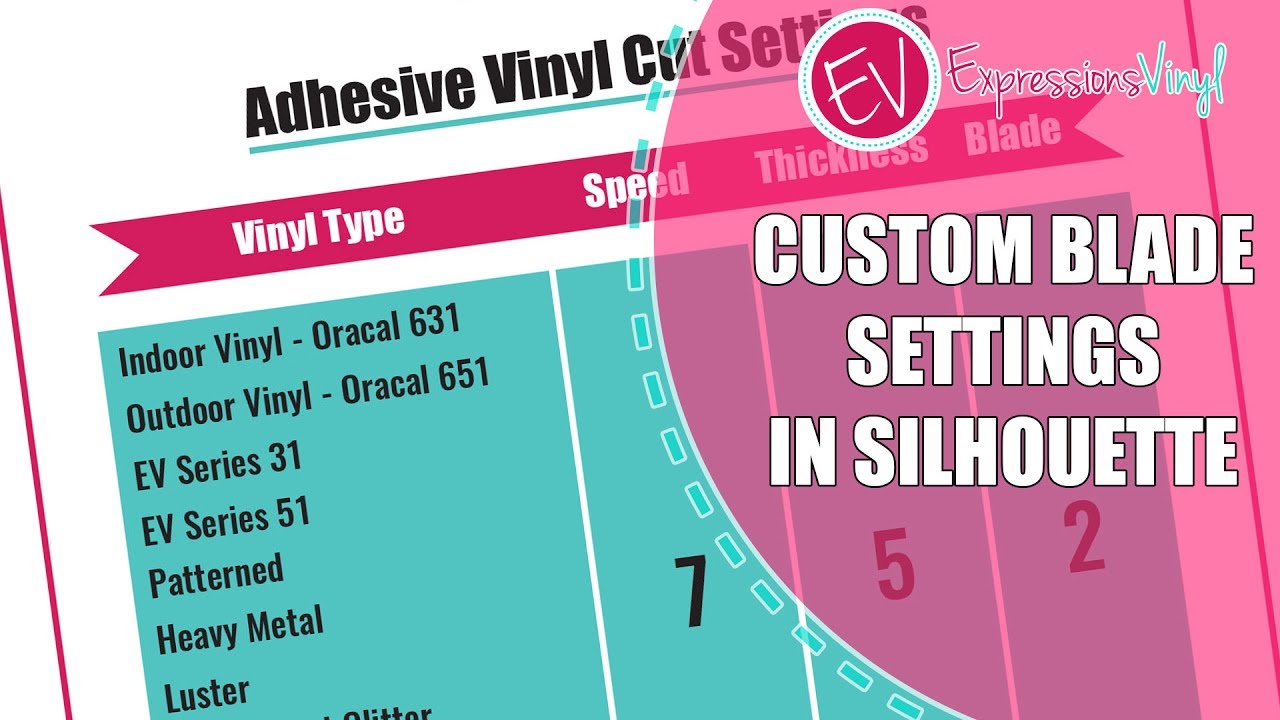
In this video Starla goes over how to program your cut settings in Silhouette Studio. Your silhouette will automatically default to a speed of 3 and a thickness of 7.
She tests out these cut settings on the oracal 651 and the reflective vinyl. It does work, but she recommends using custom blade settings.
If you hit the small plus button you can easily make save your cut settings for whatever kind of vinyl you’re using. Expressions Vinyl has done a lot of testing with machine settings.
The settings do vary machine to machine but in general the list Expressions Vinyl has compiled will work.
You can find the cut settings on our website: https://expressionsvinyl.com/machine-...
Expressions Vinyl gives inspired crafters the tools and resources to bring their visions to life. Founded in 2008, and one of the original pioneers in the craft vinyl niche, Expressions Vinyl has created the benchmark and established its reputation for providing the best vinyl and customer service in the industry.
Always striving to provide value to our fans, this YouTube channel is one way of giving as much value as possible.
Find Expressions Vinyl here:
Website: http://expressionsvinyl.com/specials
Facebook: / expressionsvinyl
Instagram: / expressionsvinyl
Pinterest: / expressionsv
Доступные форматы для скачивания:
Скачать видео mp4
-
Информация по загрузке: