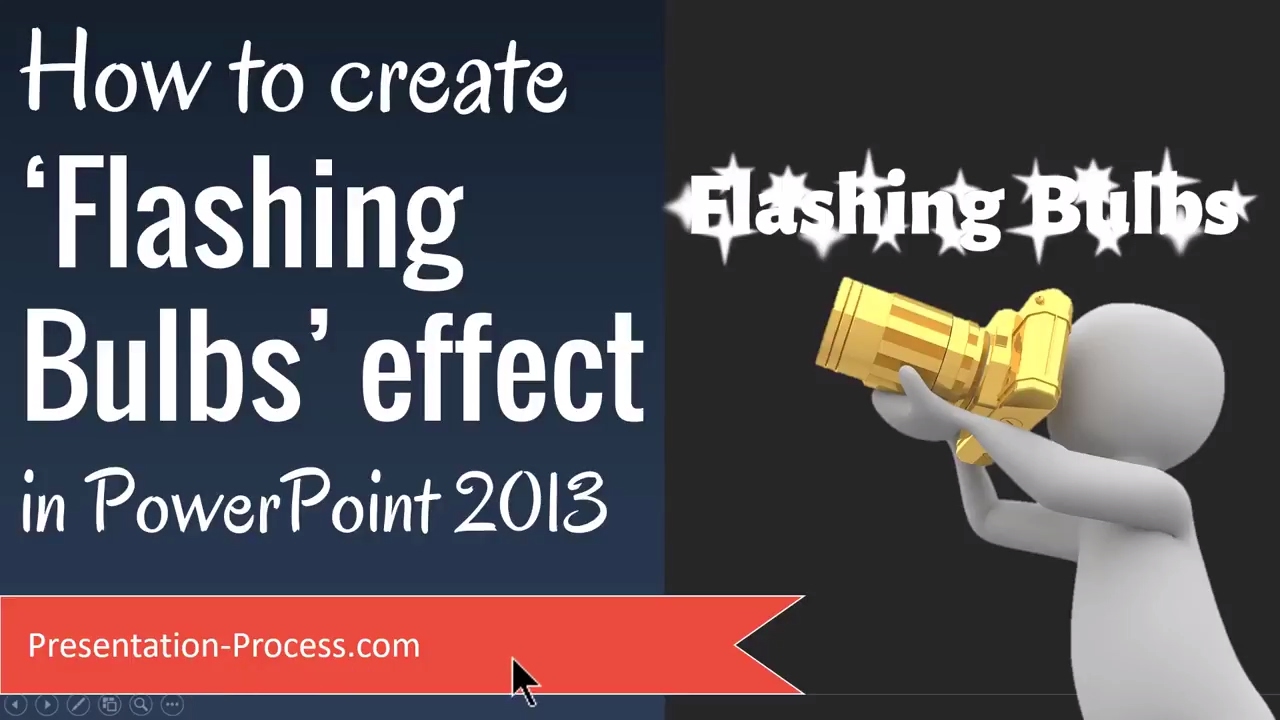
How to Create Flashing Bulbs Effect in PowerPoint
Автор: Presentation Process
Загружено: 2017-03-16
Просмотров: 21599
Learn how to Create animated Flashing Bulbs Effect in PowerPoint
In this video learn to create a flashing bulbs effect in PowerPoint 2013 to highlight your text. You can follow this video in other versions of PowerPoint as well.
Link to 25 Creative Presentation Ideas Mini Training:
===========================
https://www.presentation-process.com/...
Link to PowerPoint Mastery Training
===========================
https://shop.presentation-process.com... text effect is a great way to highlight a specific text. For example this could be used to announce a winner, rollout a new product, or display a change in brand name etc.
Create the Base text for animation
Insert text in an autoshape
Change the Font to Thicker font
Increase the font size
Change Font Color
Create the stars for the flash animation
Add different sized stars ( 4 point / 5 point / 8 point)
Change shape color to white
Remove Outline color
Adjust star style by playing with the diamond handle
Add Soft Edges to the star
Duplicate stars by using keyboard shortcuts
Copy Shape settings from one shape to another easily
Resize the shapes by dragging corners
Add the animation effect to the stars
Add Grow and Turn Entrance Effect
Add Exit Animation of Shrink and Turn
Reduce the duration of animations to .1 seconds
Apply this animation effect to other stars easily
by using Animation Painter
Доступные форматы для скачивания:
Скачать видео mp4
-
Информация по загрузке: