Arturia Astrolab 37 vs 61/88 // and a cheat to give it more hands-on control // Review, tutorial
Автор: loopop
Загружено: 2025-11-25
Просмотров: 33691
Get access to my exclusive In-Complete Book of Electronic Music Ideas, Tips and Tricks, on my Patreon:
► / loopop
Check prices here (affiliate links don't cost you more but help the channel):
► Perfect Circuit: https://link.perfectcircuit.com/t/v1/...
► Thomann: https://www.thomann.de/intl/search_di...
► Sweetwater: https://sweetwater.sjv.io/KjN6vA
► Amazon: https://amzn.to/48h0lX4
The little MIDI controller with the faders is monolit by Light Reft
► https://www.lightreft.jp/
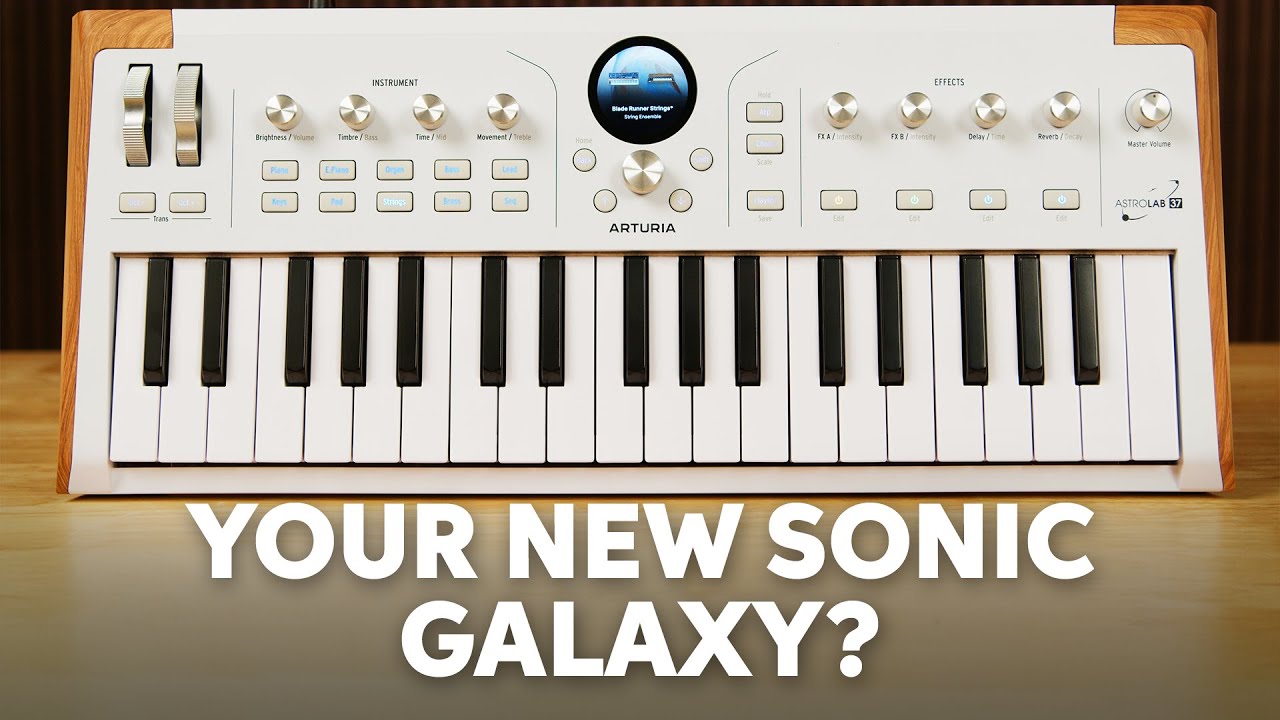
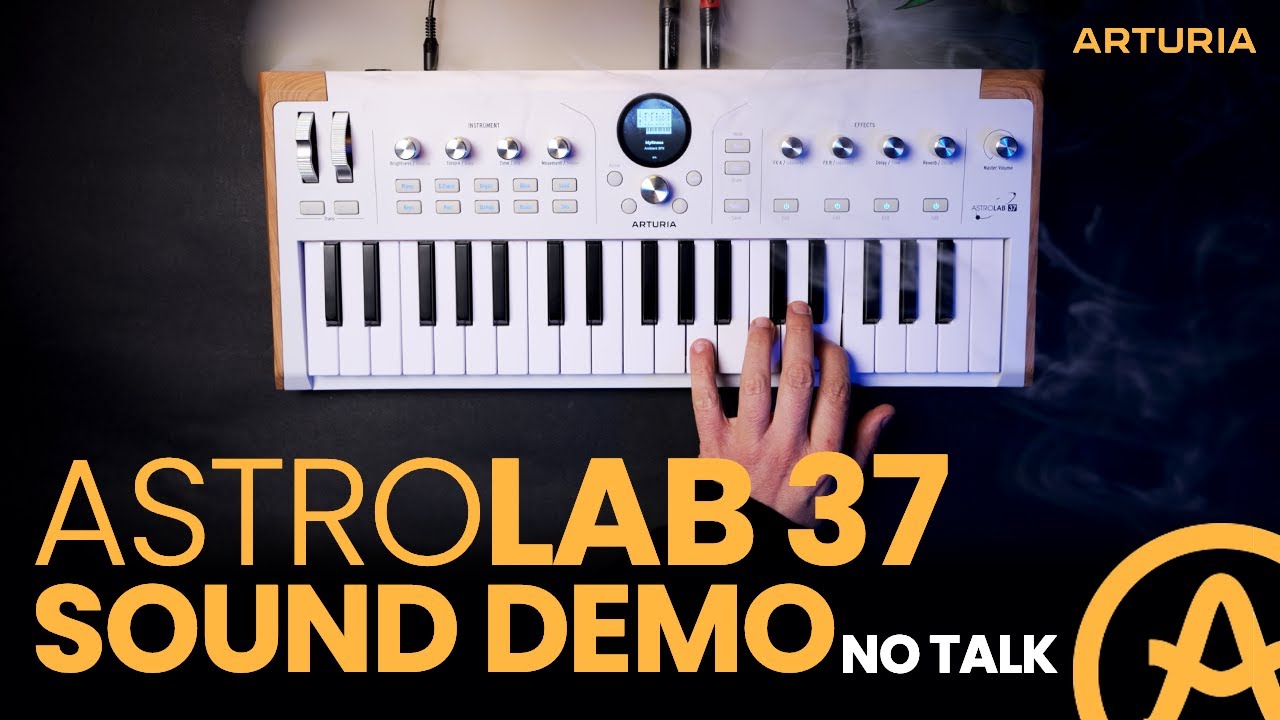
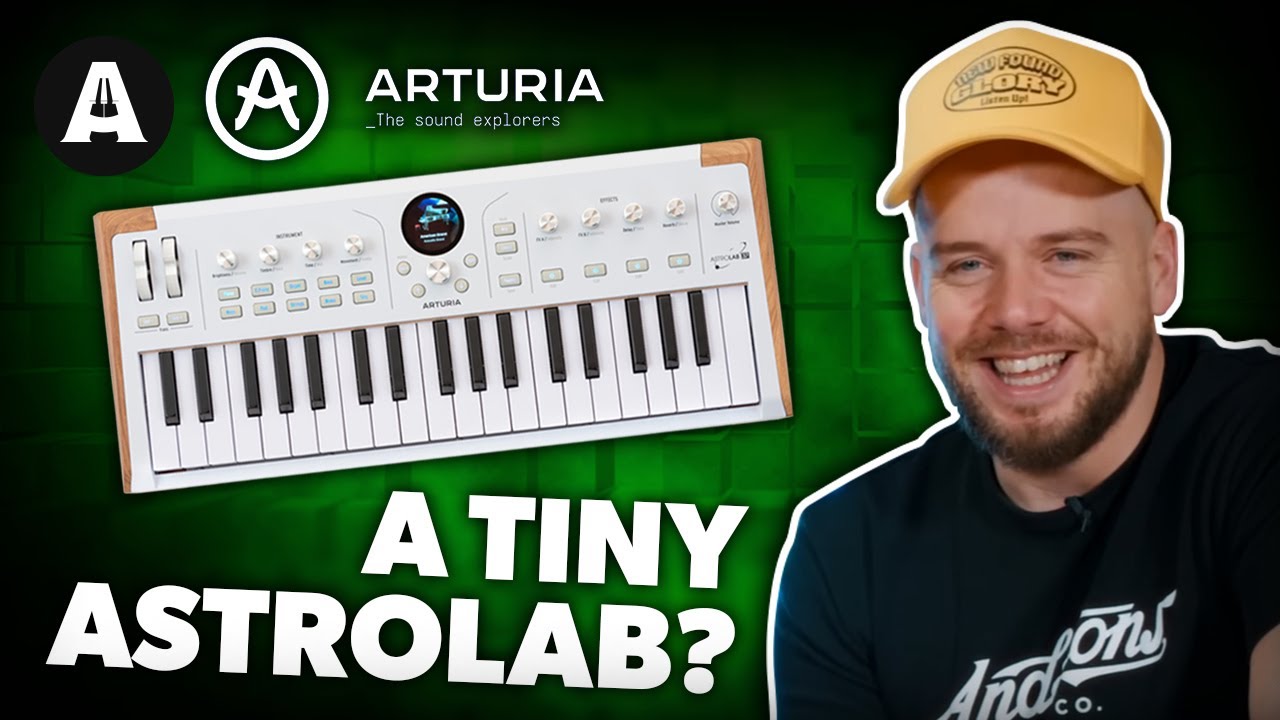
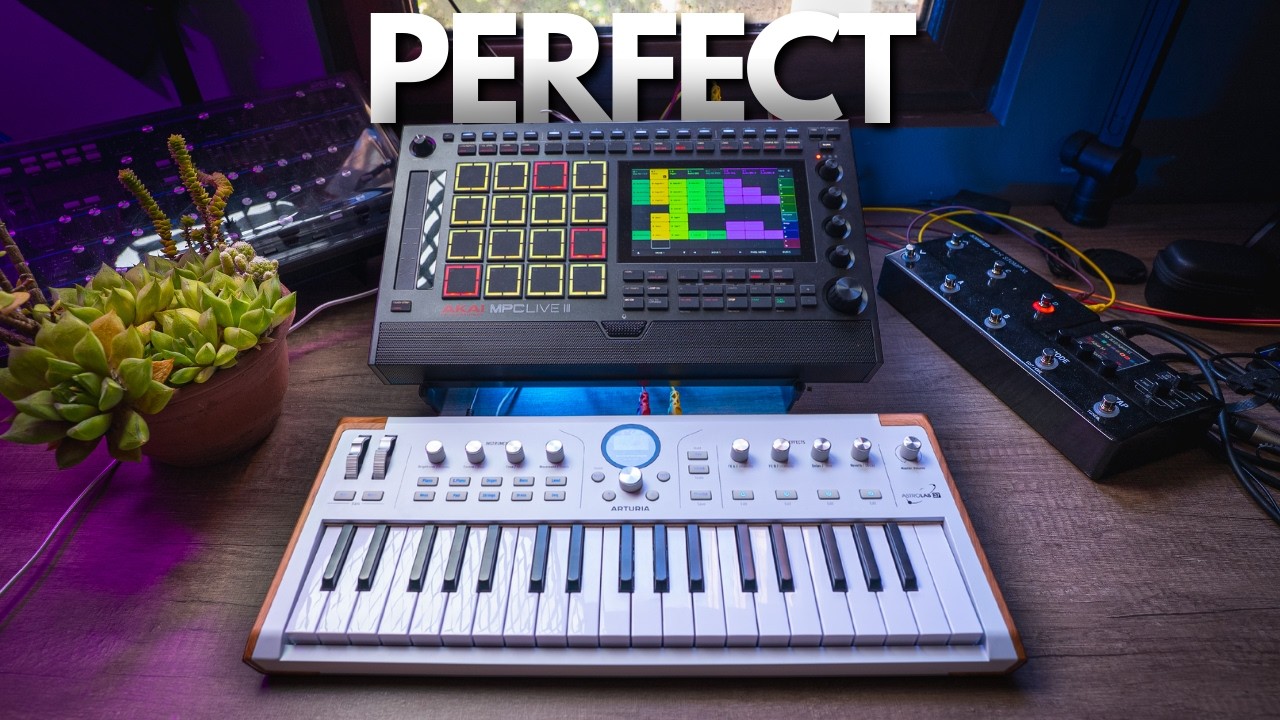
Astrolab 37 is the much more compact version of the full size Astrolab stage performance instrument - it’s got the same brains and sounds, slightly fewer hands on controls, is lighter and has minikeys.
Like its bigger siblings, Astrolab 37 literally plays plugins in a box, over 40 of Arturia’s instrument plugins in a fully standalone instrument - which means you don’t need a computer or audio interface to make music.
It includes almost 2,000 presets from all of Arturia’s software synths, and, if you own a license the software plugins, you can design your own sounds on a computer and transfer them over to Astrolab.
You’ll find a broad variety of forms of synthesis here, including granular, samples, wavetable, FM, physical modelling, pianos, organs and electric pianos.
In this video I take a look at what Astrolab 37 can do, how it compares to the others in the series, how to create your own sounds using Analog lab and Arturia’s software synths, and pros and cons compared to the competition
Other places I hang out:
► Instagram: / loopopmusic
► Tiktok: / loopopmusic
► Facebook: / loopopmusic
► Twitter: / loopopmusic
► Web: https://loopopmusic.com
My music:
► Bandcamp: https://loopop.bandcamp.com
► Spotify: http://bit.ly/LoopopOnSpotify
► Apple Music: http://bit.ly/LoopopOnAppleMusic
Cool Holographic scopes?
► The scopes I use aren't real - I use MOscilloscope and MAnalyzer by a company called Melda - they’re free with some limitations in the MFreeFXBundle.
TIMELINE:
0:00 Intro
2:00 Overview
3:40 Synth params
5:40 Transitions
8:15 Differences
9:15 Screen encoder
10:15 LED rings
11:25 Part buttons?
12:00 Fewer LEDs
12:30 MIDI looper?
12:50 I/O
13:35 Sound macros
15:35 FX controls
18:10 Multi parts
19:25 Analog lab
20:15 Splits/layers
21:10 Hidden faders
22:35 MIDI control
24:30 Using multis
25:00 Playlists
26:00 Custom macros
26:55 Own the plugins?
27:25 Save to ASL
27:45 Caveats!
30:00 Arp
30:30 Scale & chord
31:05 Astrolab app
32:00 Sound store
32:20 Pros & cons
36:40 Some sounds
Submit review and video ideas here (sorry I don’t offer 1x1 sessions/setup/purchasing advice):
► Ziv (at) loopopmusic.com
NOTE: Occasionally I’ll try out affiliate marketing and include affiliate links. This means that I may earn a commission when you click on or make purchases via affiliate links to stores like Amazon, Sweetwater, Thomann and others. The content of this clip is entirely my opinion, and was not paid for or dictated in any way by the company creating the gear. Without addressing the particulars of products shown here as they might be under NDA, gear shown on this channel may be either sent by the manufacturer, on loan for review or bought at a discount.

Доступные форматы для скачивания:
Скачать видео mp4
-
Информация по загрузке: