Fusion CAM Containments Plus Tips and Tricks
Автор: Toolpath
Загружено: 2024-12-06
Просмотров: 5754
🔗 Try Toolpath today and boost your shop’s productivity: https://bit.ly/4dyddZD
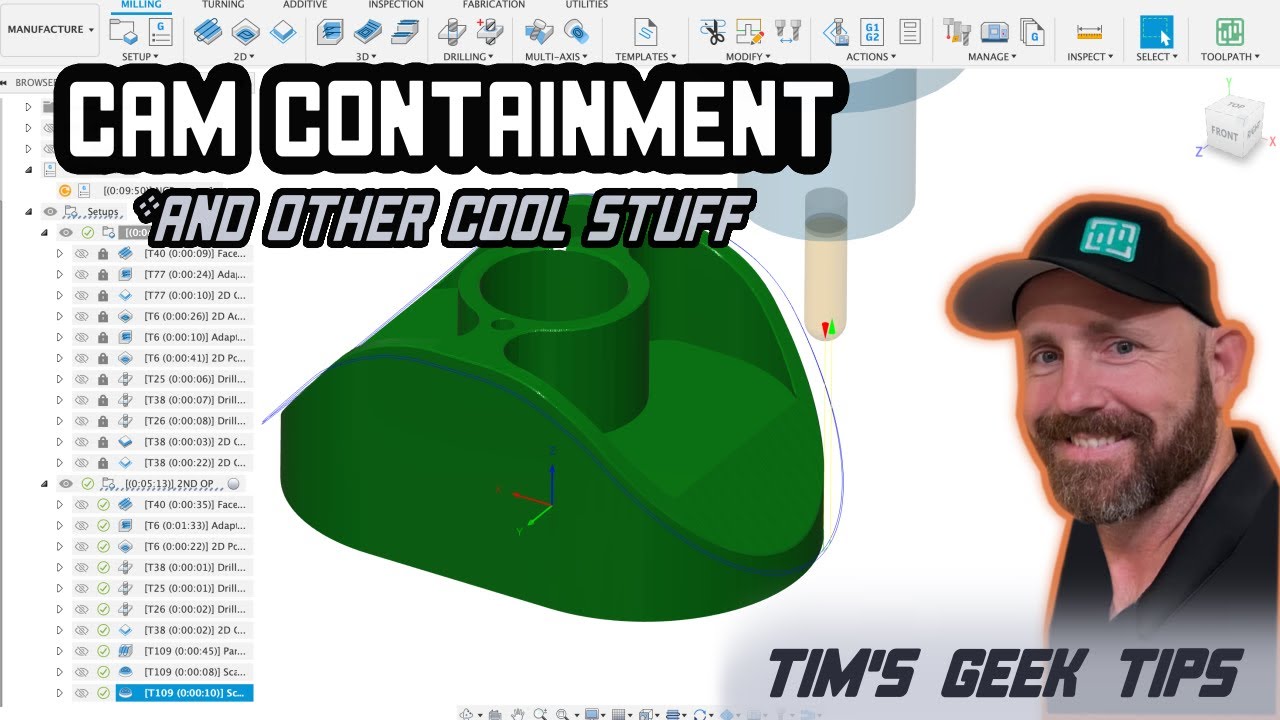
🚀 CAM geeks, assemble! Tim Paul—our CCO and *master of CAM magic*—is here with expert tips to take your Fusion 360 programming to the next level. Whether you're a seasoned pro or just starting out, these tricks will save you time and improve your machining game. 🛠️
💡 What’s in this video?
✅ Face operations in *5 easy clicks*—quick and efficient!
✅ Tackling ghost cuts (don’t let them haunt you! 👻)
✅ Chamfer magic to level up your edges
✅ Mastering 3D tool path containment like a pro
✅ Fixing those pesky tool path waterfalls
🎥 Chapters:
0:00 Intro
0:22 Sample Part Location
1:22 Face Op in 5 Clicks
4:07 3D Adaptive Control
4:59 2D Contour Tips
5:50 2D Adaptive
7:20 Drills and Taps
11:40 Magic Chamfers
14:10 3D Adaptive Containment
14:55 Removing Ghost Cutting
16:15 Tolerance Control
17:33 Smoothing
21:35 High Feedrate Mode
24:50 Containing 3D Toolpaths
29:26 Slope Setting
31:25 Contact Point Boundary
32:09 Fixing Waterfalls
35:04 Fun Tips and Tricks
40:07 Outro
🔍 Why watch?
This isn’t just another tutorial—it’s *Tim’s Geek Tips*, packed with practical insights, quick hacks, and a bit of cheeky humor to make learning fun. 🎯
💬 Have questions or want Tim to geek out on a specific topic? Drop a comment!
📌 Don’t forget to like, subscribe, and hit the bell icon for more CAM magic!
#Fusion360Tips #CAMProgramming #ToolpathMastery #MachiningMadeEasy #CNCProgramming"
Доступные форматы для скачивания:
Скачать видео mp4
-
Информация по загрузке:


