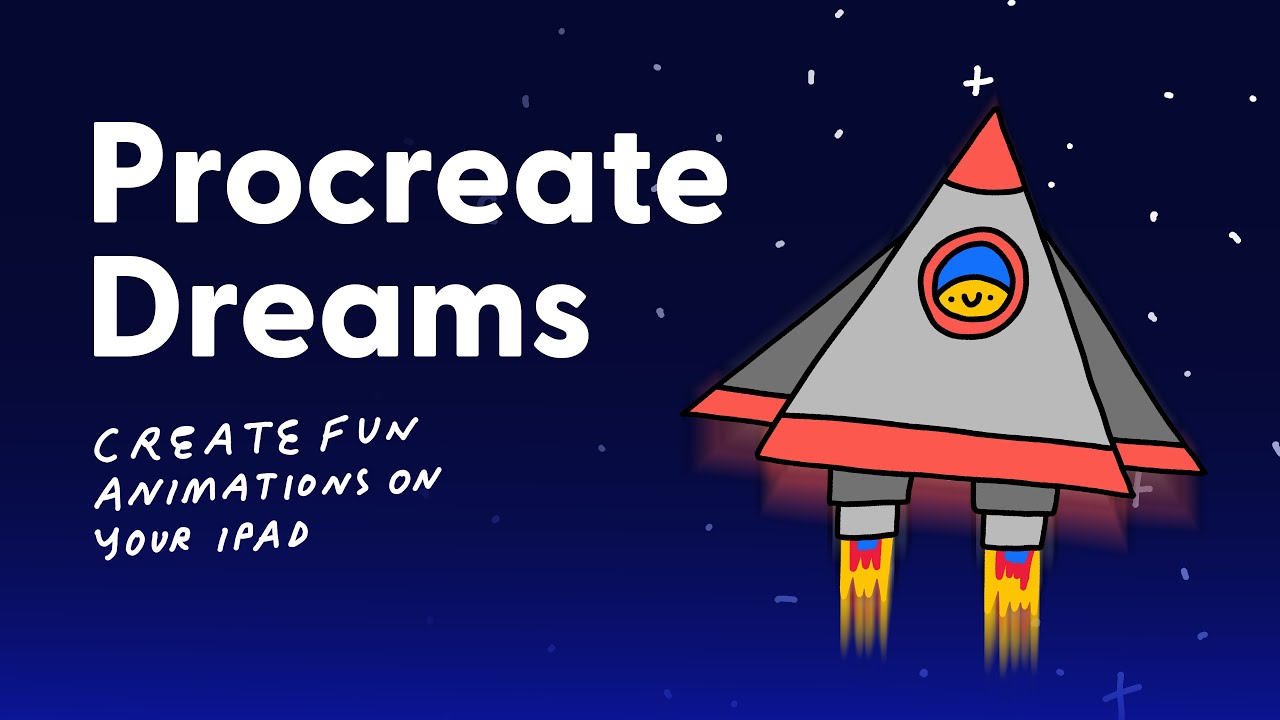
Procreate Dreams: Create Fun Animations on Your iPad (Course Intro)
Автор: Rich Armstrong
Загружено: 2026-01-15
Просмотров: 7
Take the class – https://heyrich.net/procreate-dreams
In this class you’ll learn how to use Procreate Dreams to create fun animations on your iPad. Specifically, we’ll learn how to create frame by frame animations using Flipbooks and how to streamline our animation process using Keyframe and Performing modes inside of Procreate Dreams.
During the class you’ll learn how to:
Animate using frame-by-frame, performing, and keyframe methods—and how to combine them.
Plan your animations and create storyboards.
Use onion skinning.
Adjust easing to make animations more realistic.
Navigate Procreate Dreams with ease.
Import assets from Procreate (the drawing app).
Use the hidden Procreate Dreams gestures.
Export an animation from Procreate Dreams.
You’ll learn how to use Procreate Dreams by creating a short animation that animates in from nothing, stays on screen for a few frames, and then animates out back to nothing. I’ll be showing you how using a spaceship animation.
Why Procreate Dreams?
1. Because it combines frame-by-frame animation with more powerful tools like keyframes, performing, easing, looping animations, sound effects, and drawing on videos.
2. You can import your favourite illustrations, animations, brushes, and colour palettes in from Procreate.
3. The interface has a lot of similar tools and features as Procreate. Not everything is new when you switch over to Procreate Dreams. In fact, a lot of it feels rather familiar.
4. Because animating frame-by-frame using Flipbooks is tactile. You’re so close to the action, the movement. Your intuition can come alive and you can animate incredibly quickly.
5. It’s very fun. Seriously, I feel like a kid when I’m animating in Procreate Dreams.
Why animation?
Animation allows you to communicate in ways that words and static images cannot. The tools in Procreate Dreams makes animating fun, easy, and super quick.
I’ve been animating since 2006. I’ve used all kinds of apps to animate with: from Flash to Photoshop to After Effects to Procreate. The thing that got me hooked on Procreate Dreams, is that I felt like a kid while using it. Ideas began flowing. I had a smile on my face. And I was having loads of fun. And I didn’t need to leave my iPad (or my couch).
Is this class for you?
I made this class for beginners. So that you could jump right in and start animating. I don’t proved too much instruction or theory. You’ll learn by following along.
What do you need?
You’ll need an iPad and [Procreate Dreams!](https://heyrich.net/dreams) These are 100% necessary to take this class. You can see what iPads Procreate Dreams supports [here.](https://help.procreate.com/articles/z...) You can buy Procreate Dreams on the Apple App Store for $12.99 USD (or around the same price in other countries)
Having the Procreate drawing app is optional. The class covers how to work with Procreate and Procreate Dreams.
Having an Apple Pencil is optional.
Are you ready to animate in Procreate Dreams?
Let’s make things move.
Take the class – https://heyrich.net/procreate-dreams
Доступные форматы для скачивания:
Скачать видео mp4
-
Информация по загрузке: