Windows Autopilot - Part 1 Install Autopilot Module
Автор: Mr B SOE way
Загружено: 2020-06-25
Просмотров: 247
This device is a brand new device out of the box. I did have a bit difficulty as the keyboard itself failed to pick up the @ symbol, that is why I proceeded with setting up the device for first use on the 2nd video.
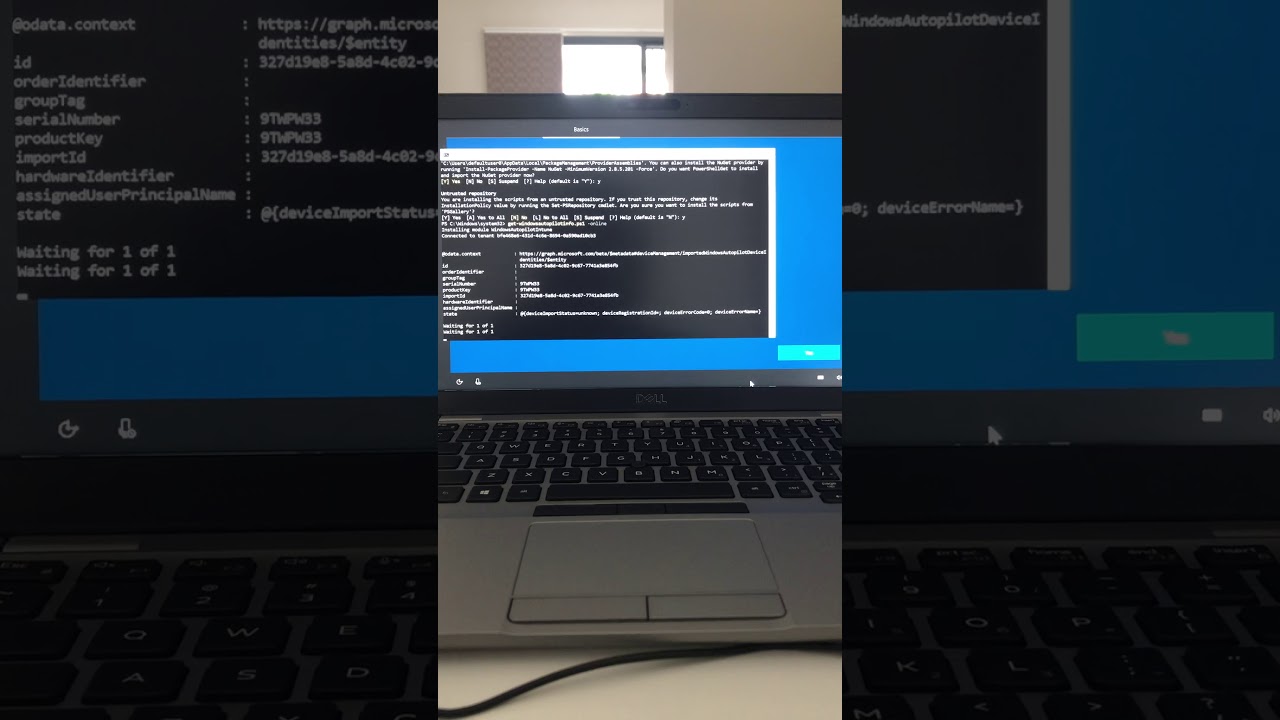
Similar commands used:
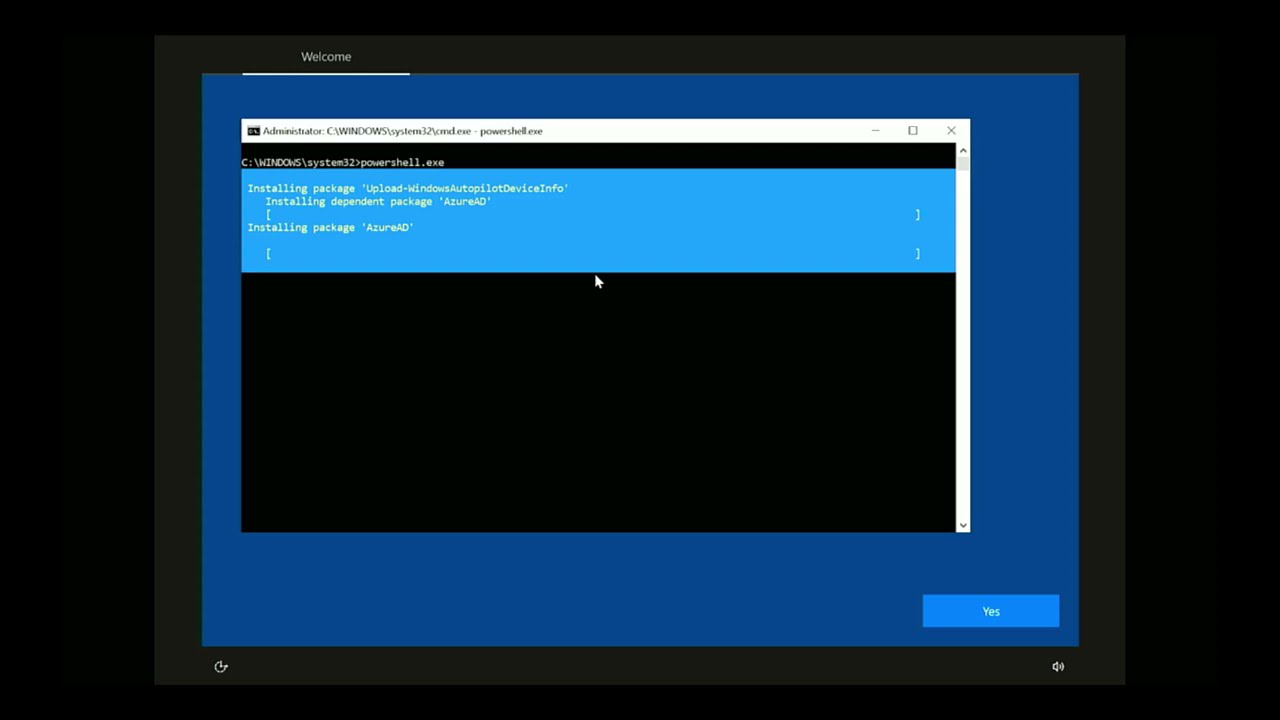
Press shift + f10 to load to Command Prompt
Type in: Powershell then press Enter
Type in: set-executionpolicy unrestricted -force then press Enter
Type in: install-script get-windowsautopilotinfo then press Enter
Select 'Y' and press Enter for all 3 prompts
Type in: get-windowsautopilotinfo.ps1 -online then press Enter
When the prompt shows up, type in:
Username: hq_first.lastname@navitas.com
Password: HQ Password
Your 'Mobile Authenticator' will request for an approval

Доступные форматы для скачивания:
Скачать видео mp4
-
Информация по загрузке: