MSFS 2024 How to Save Game Mid-Flight and Resume Later in Microsoft Flight Simulator 24
Автор: Flight Sim Swim
Загружено: 2025-04-25
Просмотров: 20103
How many times has this happened to you? You're cruising along in Microsoft Flight Simulator 2024, about a half-hour into that flight plan that you have been waiting all day to fly. You're having a great time, enjoying the sights - and then...
Hey what's for dinner? I'm hungry!
You'll have to wait and see, but whatever it is, you're going to eat it, and like it! And honey, I meant to tell you, the cat's litter box needs scooping.
Your flight is ruined and you feel like you're just never going to get to the destination on your flight plan before SOMETHING interrupts you.
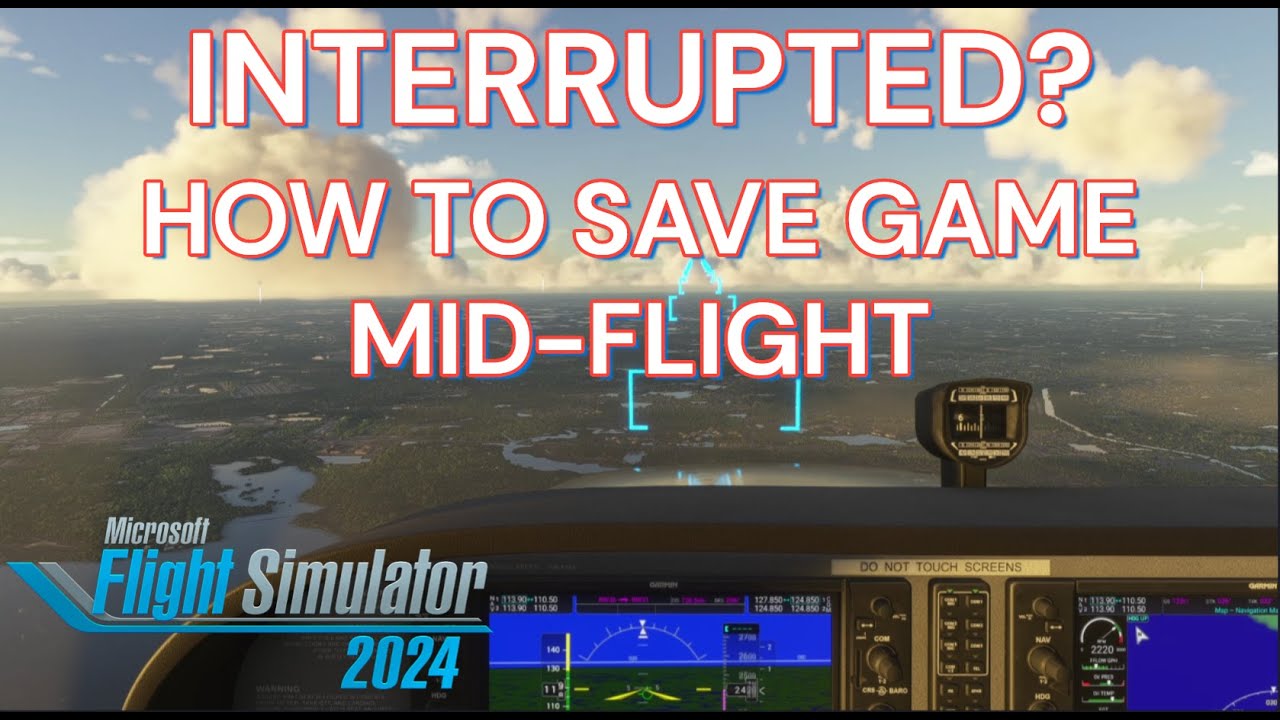
But wait - what if you could save the game, mid-flight, and resume it later - anytime you want, and even resume your flight plan? Well you can! I'm about to show you how.
Okay, to do this we're going to start in Free Flight mode. There are a number of ways to create and load a flight plan if want to use one, but saving your flight will work with or without a flight plan. For this video I'm going to load a simple flight plan that I have saved on my PC. You can download the same flight plan below, in the description of this video, and save it to any folder on your PC if you want to try it out. I recommend creating a folder for flight plans, maybe in your Documents folder, ahead of time, so that you know where to save them to, and where to load them from.
On the Free Flight planning screen, click EFB to bring up the Electronic Flight Bag. Then click the route button at the top-left. In this case, I don't want the Load Flight Plan button at the top. That will bring me to flight plans that I have saved on the MSFS 2024 flight planner website, in the cloud. Instead, I want to scroll all the way down and use this Load / Save PLN File button and then select Load from this PC. Then browse to your flight plan, and either double-click it or select it and click Open. Next click File Plan With ATC, and also Send Route to Avionics. Close the EFB.
At this point you can adjust your flight conditions if you'd like to. I'm going to get us out of the middle of the night, and into a sunset situation. Next click on Start Flight.
By the way, I'm going to feature some cool flight-seeing videos here on the channel, and they will include Flight Plans that you can download if you want to try the same flights yourself, in any aircraft. If that sounds good make sure that you subscribe to the channel so that you don't miss any flight plans!
Flight Plan: KPIE St Pete/Clearwater - KSGJ NE FL Regional (St Augustine)
https://drive.google.com/file/d/19Ita...
So here we are flying towards our destination. When the time comes to save the game, hover your mouse at the top of the screen to pop out the toolbar. Click the FCR button to open Flight Control Replay. This is actually a third-party app that was originally designed for MSFS 2020, but Asobo has embedded it into MSFS 2024.
Click the record button, that's the one with a circle on it. Recording will begin, let it go about 10 seconds, you can see the time up there on the right. Click the circle button again to stop the recording. Finally, click save to save the recording. Take note of the name and timestamp, you'll need it later. You can close the FCR Embedded window now, your flight is saved and it's safe to shut down the game.
Okay, whenever you're done dealing with silly things like dinner, homework, scooping the litter box or watching The Masked Singer, this is how to resume your saved flight.
We'll start out by going to Free Flight, then open the EFB just like before and click the Route button. Scroll to the bottom and click Load / Save PLN File, then click Load from this PC. Browse to your flight plan and double-click it, or select it and click Open. Next, click File Plan With ATC and Send Route to Avionics. Close the EFB.
Now you can adjust the time and weather if you'd like to, I'm going back to the sunset scenario that I was flying before.
Next click on Start Flight, but first take a quick look at the screen to be sure that your flight plan is loaded. You should see the airports in the departure and arrival fields, and they should be marked on the global map.
You'll load in at your flight plan departure location. Now click Ready to Fly.
Next go up to the toolbar and click the FCR button to open Flight Control Replay. Sometimes for whatever reason it doesn't completely load. No big deal, just close it and try again.
Now click Load Replay. The list is chronological, with the oldest replays at the top. Here's the one that we saved in the beginning of this video. Click on it, then click the Play button.
Finally, click on Take Control and boom - you're flying the plane right where you left off! Depending on the aircraft that you fly, you might have to turn some stuff back on.
Another great thing about this, is that you can always go back to that replay and take control whenever you want, as long as you don't delete it. That's handy for practicing approaches.
Доступные форматы для скачивания:
Скачать видео mp4
-
Информация по загрузке:


![[MSFS 2024] 1 миллион каждые 15 минут — как оптимизировать миссии по перевозке средних грузов](https://image.4k-video.ru/id-video/3MwaDc2vRf8)


![[MSFS 2024] Easy Autoland and ILS tutorial - A320 Fly By Wire](https://image.4k-video.ru/id-video/_EpM8DGxn9c)


![[MSFS 2024] Master every landing using these tips](https://image.4k-video.ru/id-video/sT36ykp6HI4)


![[MSFS 2024] Этот 737 MAX может приземлиться самостоятельно, и вот как это сделать](https://image.4k-video.ru/id-video/R_5CL4Ci65Y)


