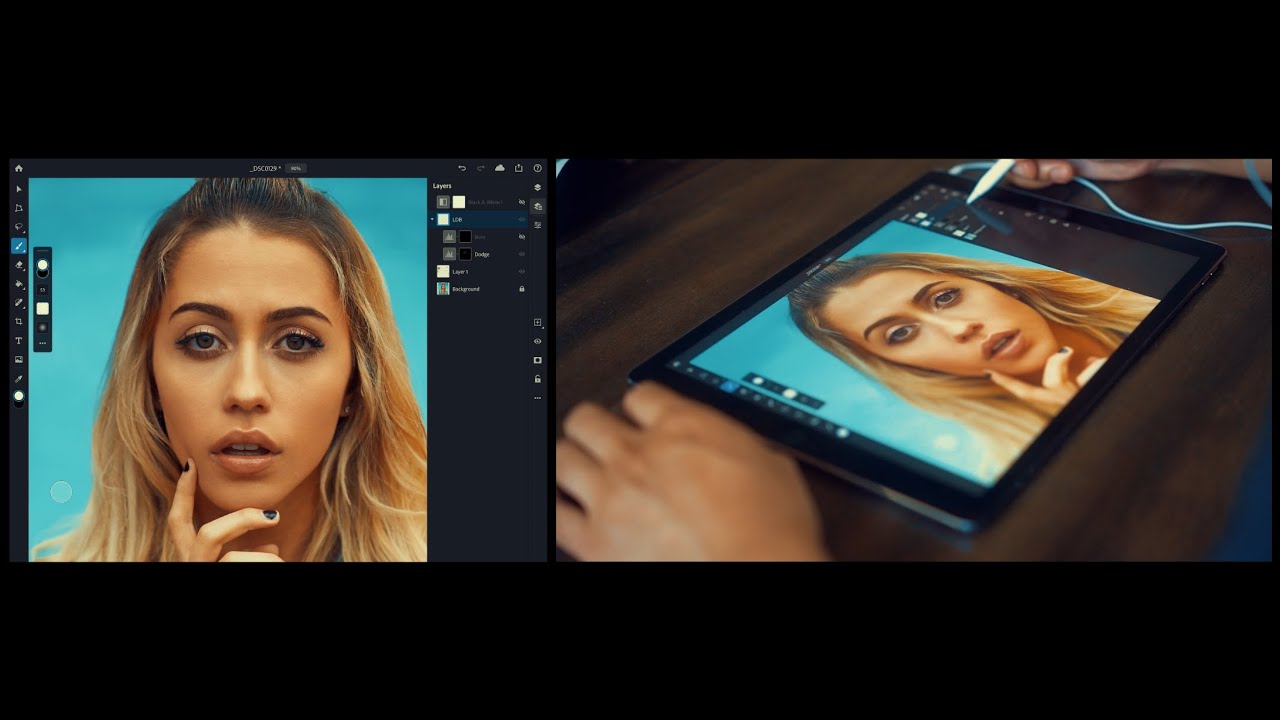
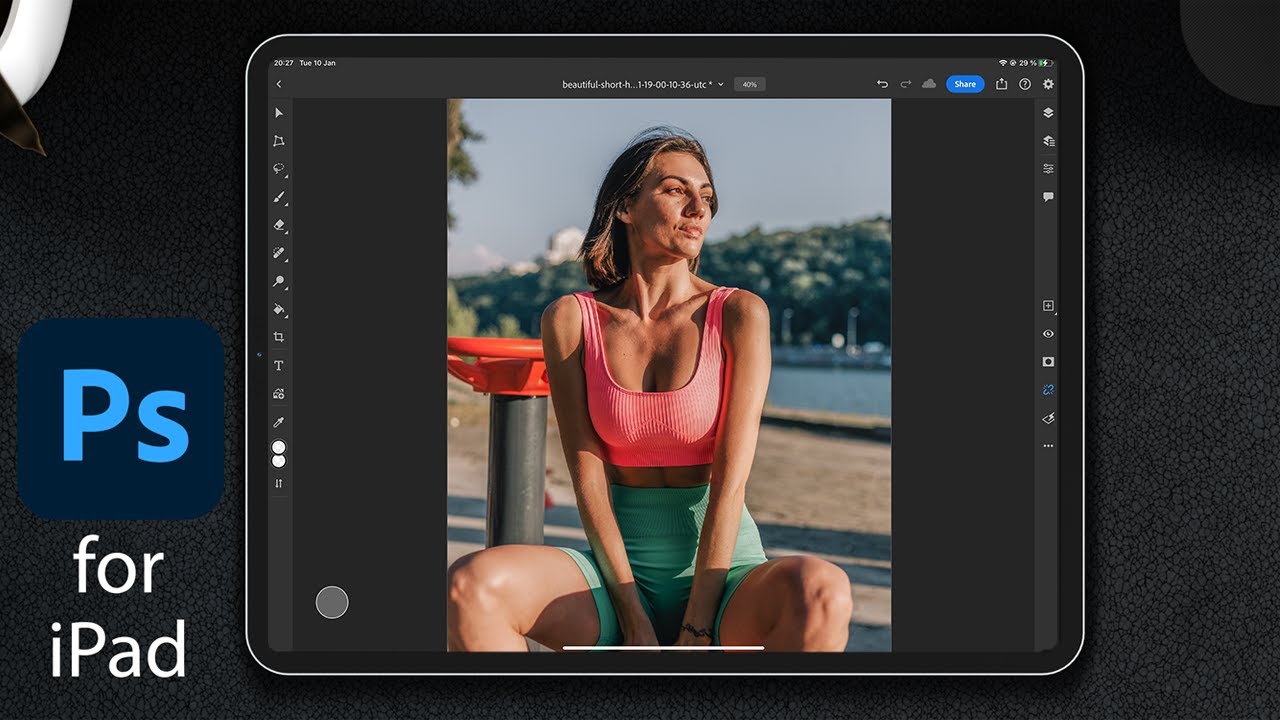
Dodge & Burn in Adobe Photoshop on the iPad
Автор: Affinity Inspiration
Загружено: 2025-01-27
Просмотров: 1646
Steps for Dodging and Burning on Photoshop for iPad:
Open Your Image
Import the photo you want to edit into Photoshop for iPad.
Create a New Layer (Non-Destructive Editing)
Tap the + (plus) icon in the Layers Panel.
Select New Layer and set it to Overlay or Soft Light blending mode.
Check the option to fill the layer with 50% gray for better visibility while dodging and burning.
Choose the Brush Tool
Select the Brush Tool from the toolbar.
Adjust the brush size, hardness, and opacity as needed.
Set the Colors
Set your foreground color to white to lighten (dodge).
Set it to black to darken (burn).
Start Dodging and Burning
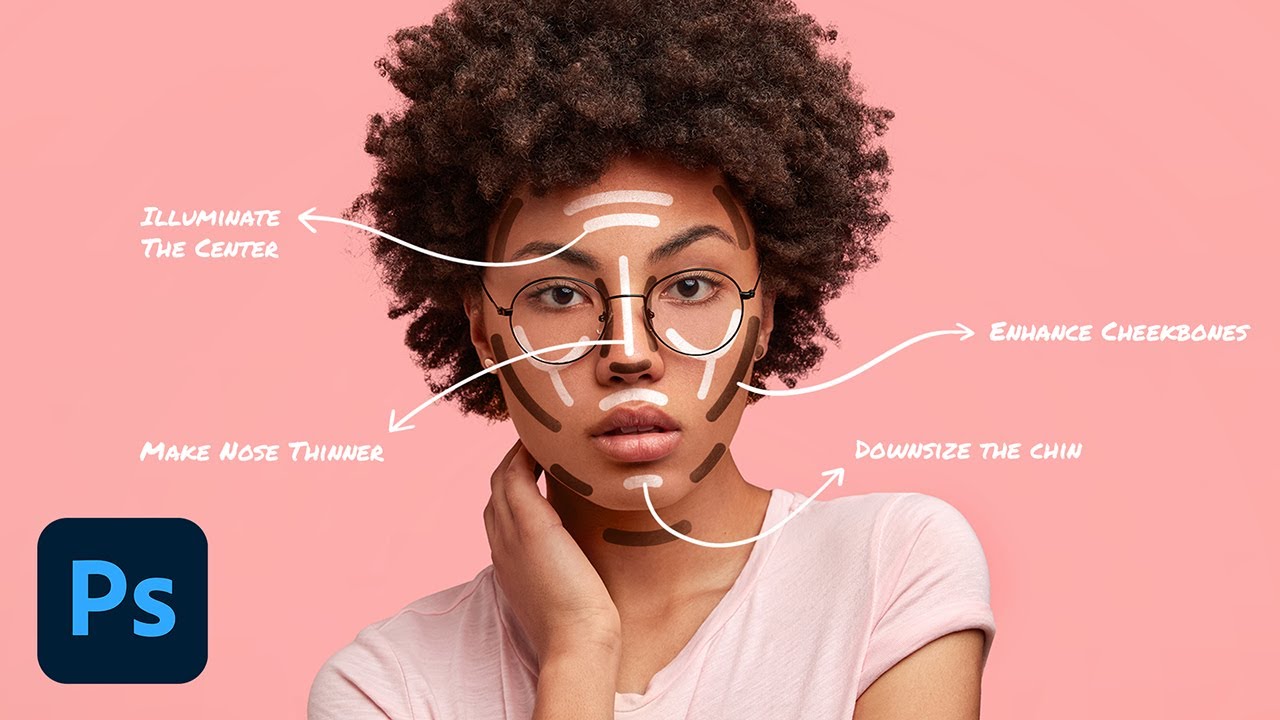
Gently paint over areas you want to brighten (with white) or darken (with black).
Adjust the Opacity of your brush for subtle changes.
If needed, reduce the layer opacity for a more natural effect.
Use Layers for Precision
You can create separate layers for dodging and burning for more control over the effect.
Refine the Effect
Use the Eraser Tool if you need to remove parts of your dodge or burn.
Use the Blur Tool to smooth transitions, if necessary.
Optional: Using Adjustment Layers
If you'd like even more control, you can use the Curves or Levels Adjustment Layer and mask areas to lighten or darken selectively.
Design Dexterity - Mastering Visual Craftsmanship!
Welcome to Affinity Inspiration, the creative hub where we explore the exhilarating world of Affinity Photo, Affinity Designer, and Affinity Publisher! Get ready to embark on a captivating journey of graphics design, YouTube videos, and endless fun.
Resources:
Fonts:
1.envato.market/x9NgB5
1.envato.market/jWO9P5
1.envato.market/e4ALDj
Affinity Designer takes us deeper into the realm of design, where vector graphics become our playground. From logo design to illustrations, typography to UI/UX creations, we'll dive into the vast toolset of Affinity Designer, crafting stunning visuals that captivate hearts and minds.
When it's time to bring our designs to life, Affinity Publisher becomes our trusted ally. Together, we'll explore the art of layout and desktop publishing, creating impressive magazines, brochures, and eBooks. Master your book covers with Affinity Publisher. All in one easy-to-use app.

Доступные форматы для скачивания:
Скачать видео mp4
-
Информация по загрузке:










![How to Dodge and Burn in Photoshop [2023 Updated Skin Retouching Tutorial]](https://imager.clipsaver.ru/prv_lrrZRr4/max.jpg)